
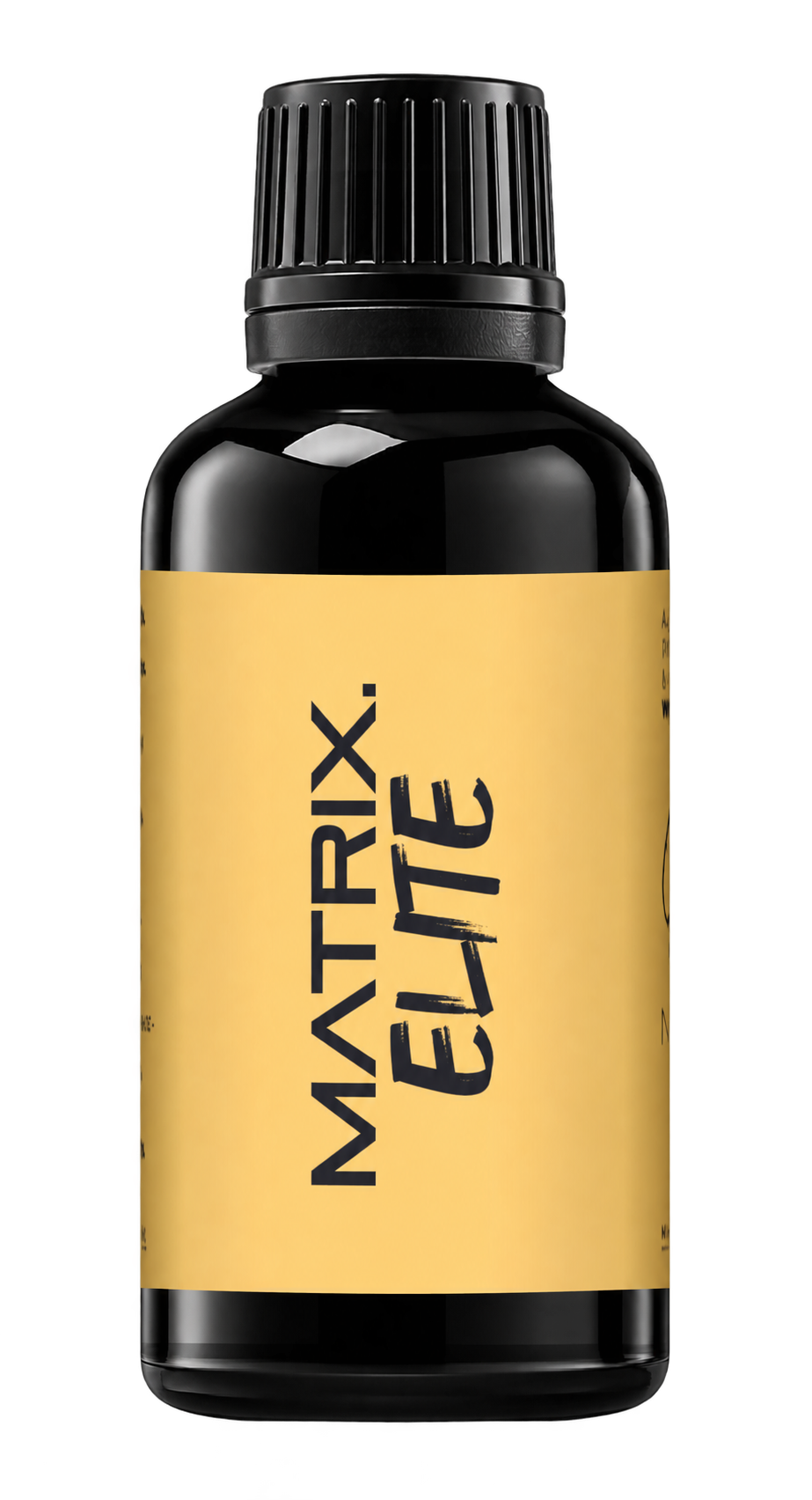
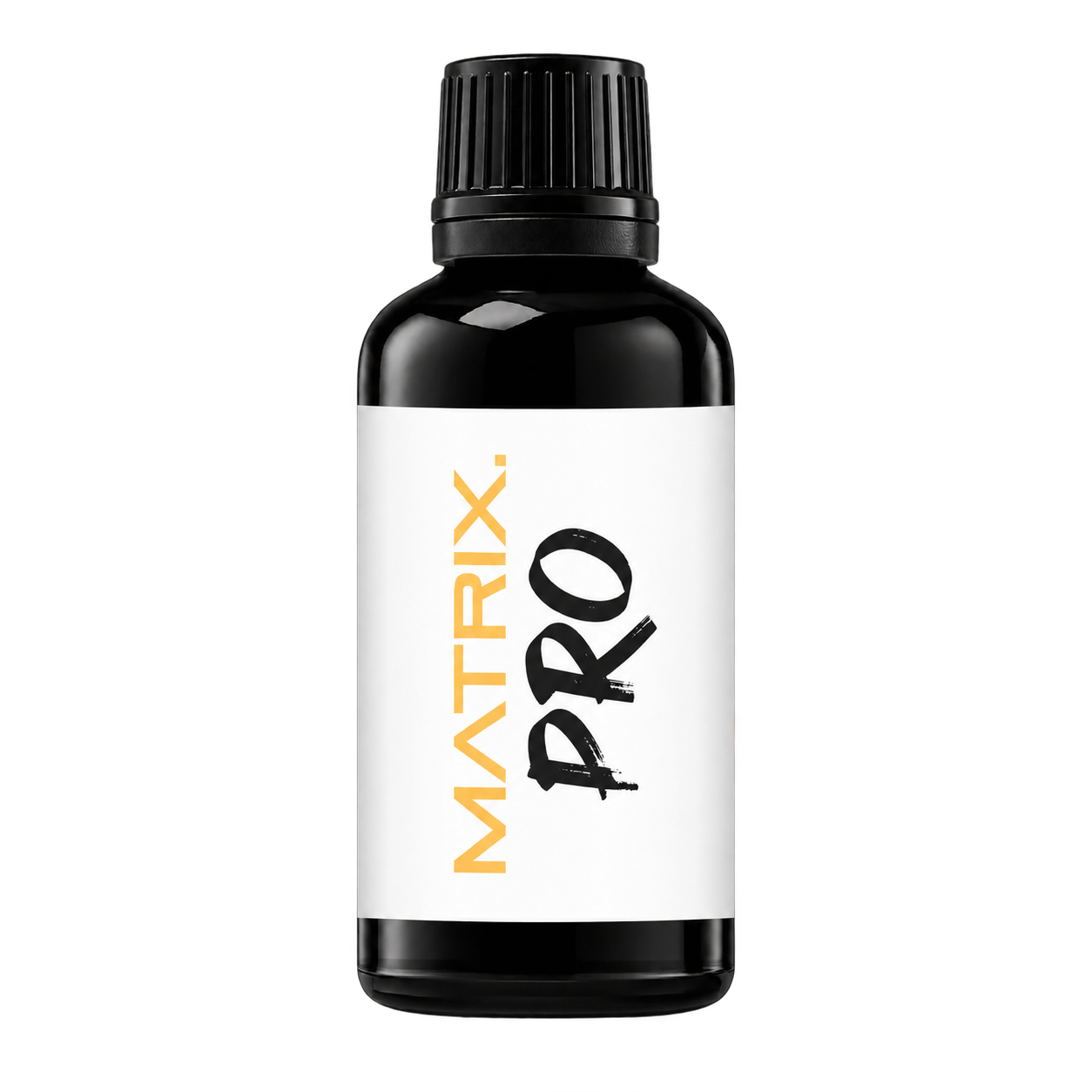
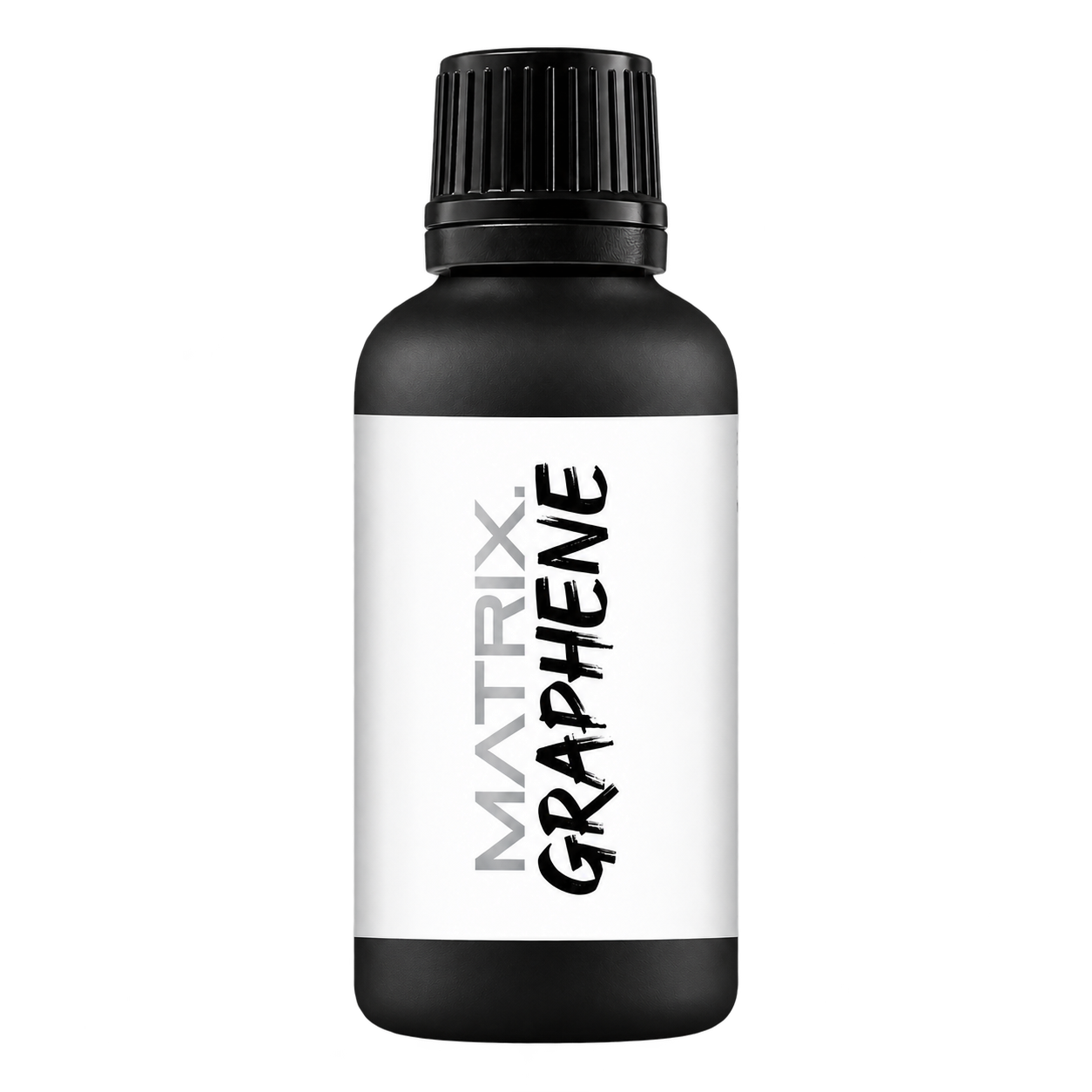
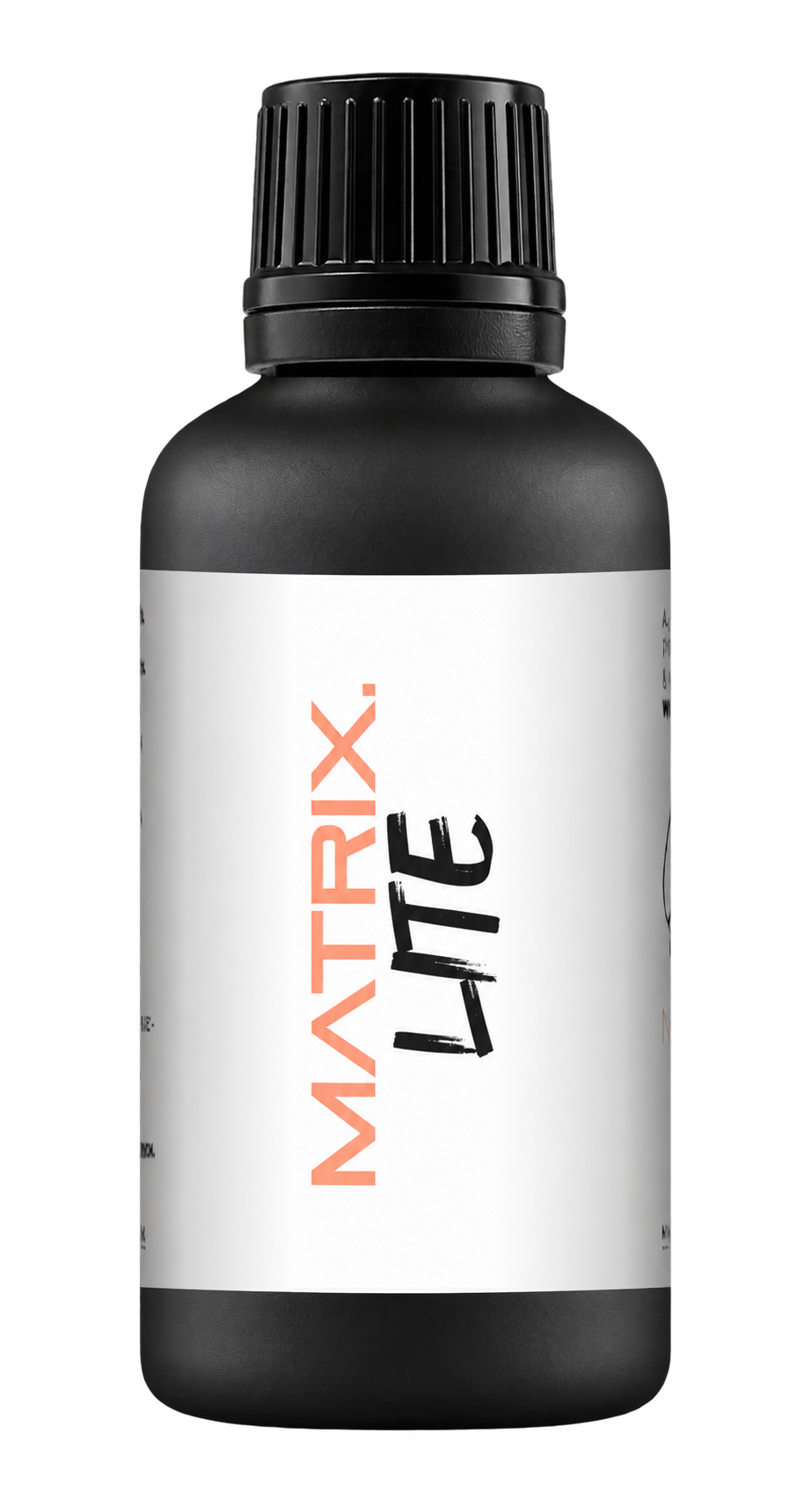
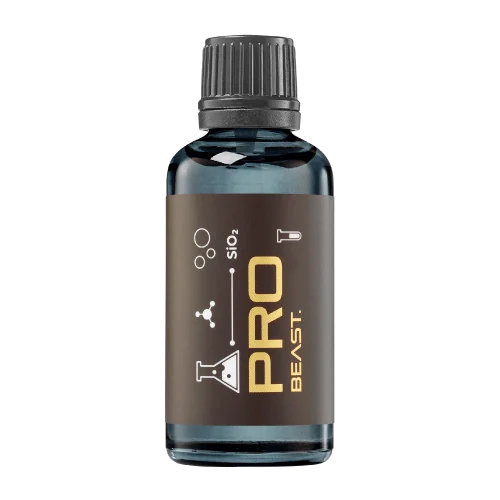
A full polishing range.
From cutting and one-step correction to final finishing.
Specialist chemistry. Expert application.
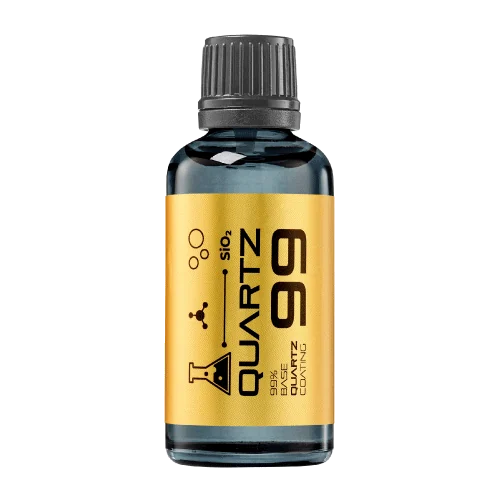 QUARTZ99 / CERAMIC BASE COAT
The foundation of your coating system.
A layerable quartz base coat designed for mechanical protection. Pair it with a suitable top coat to create the final finish.
For application by NANOLAB certified installers only.
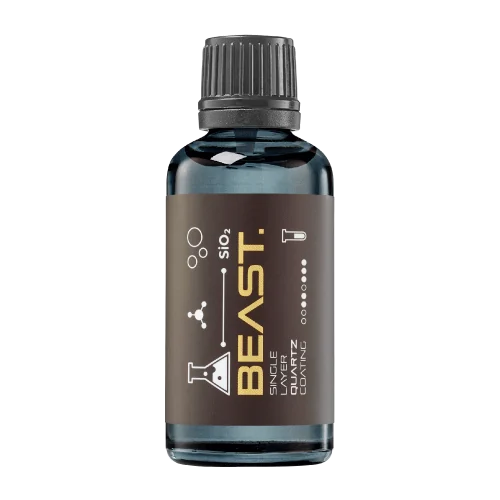
Four formulas. Extended working time. Find the coating for your finish.
Explore the BEAST family of ceramic coatings.
Find the coating for each exterior surface.
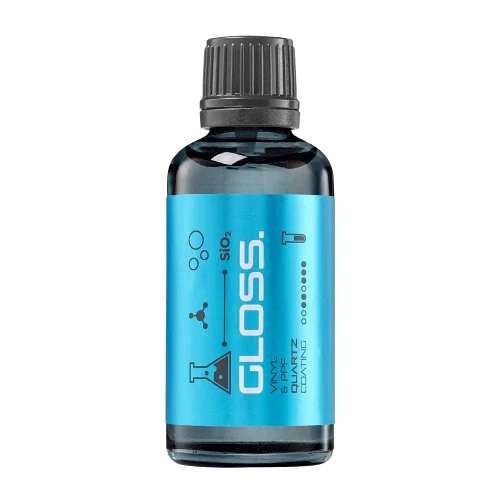 PPF & VINYLGLOSSProtection for glossy films and wraps.Discover
 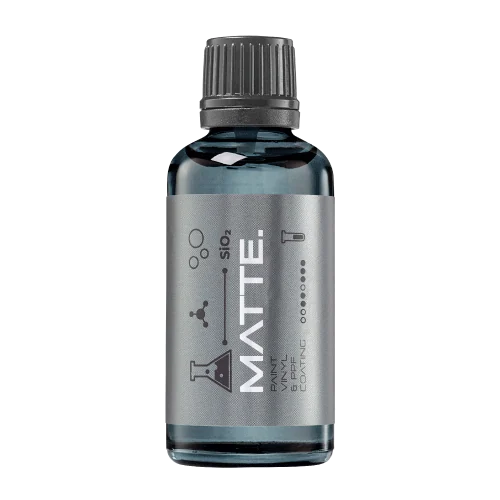 MATTE & SATINMATTEProtection that respects the finish.Discover
 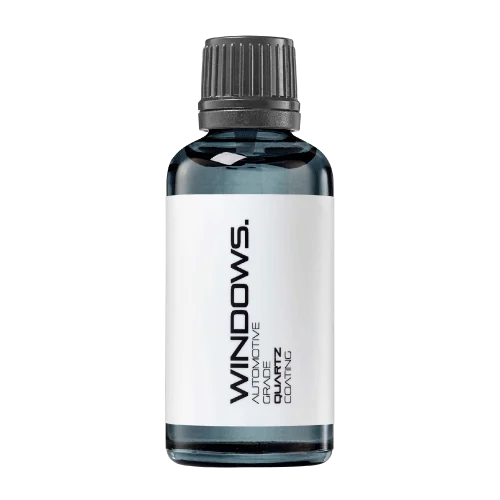 GLASSWINDOWSExplore dedicated glass protection.Discover
 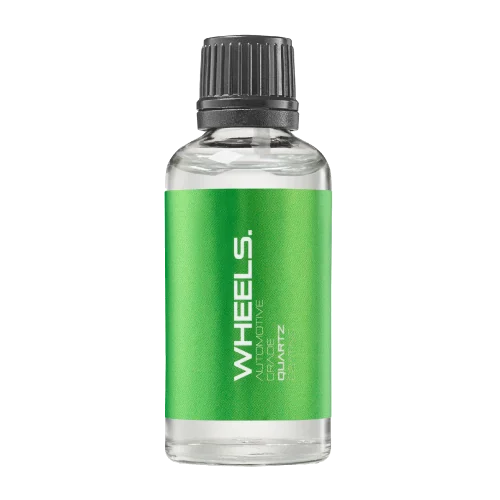 WHEEL PROTECTIONWHEELSA dedicated coating for your wheels.Discover
 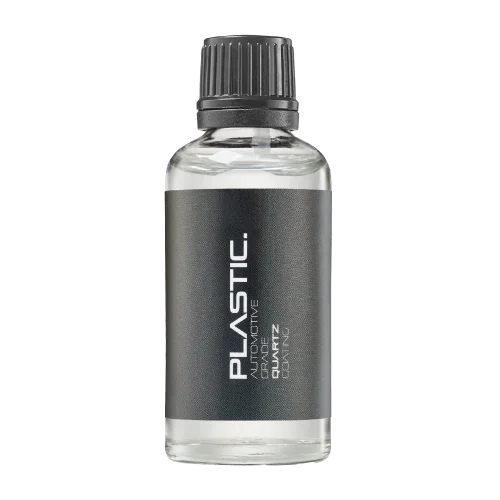 TRIM PROTECTIONPLASTICProtection for plastic surfaces.Discover
 Dedicated care for the surfaces inside.
 LEATHER SURFACESLEATHERDiscover NANOLAB leather protection.Discover PLASTIC SURFACESPLASTICProtection for interior plastic surfaces.Discover TEXTILE SURFACESFABRICExplore the latest fabric formulation.Discover
 Spray protection, maintenance and upcoming wash products.
 MAINTENANCEBEAST 365Explore the BEAST maintenance range.Discover
 Next in washing, cleaning & care.
Ceramic protection for boats and yachts.
An easy-to-apply ceramic coating with an established track record on boats and yachts around the world.
Results vary with surface preparation, exposure and maintenance.
Read 50 MARINE guides →Explore MARINEProtection for the surfaces you live with.
A look at what we’re developing.
From cutting and one-step correction to final finishing.
A wider range for professional vehicle care.
Taking shape alongside BEAST & MATRIX.
Practical guidance for your next coating project.
Explore all guides →
Automatic camera adjustments can make two surfaces appear different even when their appearance is similar. A comparison needs consistent capture conditions.
Updated · NANOLAB Knowledge
Keep lighting, camera position, exposure and relevant processing settings controlled. Include a reference view and preserve the original files.
A darker exposure can make reflections appear richer, while a brighter exposure may hide subtle haze.
Do not use selectively edited images as measurement evidence. Photographs can document appearance but should be interpreted within their capture conditions.
Method reference: BYK-Gardner: appearance and orange peel. References describe their stated methods or products; they do not certify NANOLAB products or establish compatibility with an unlisted surface.
Ask NANOLAB about the exact product and intended use. Use the current product documentation for formulation-specific instructions.
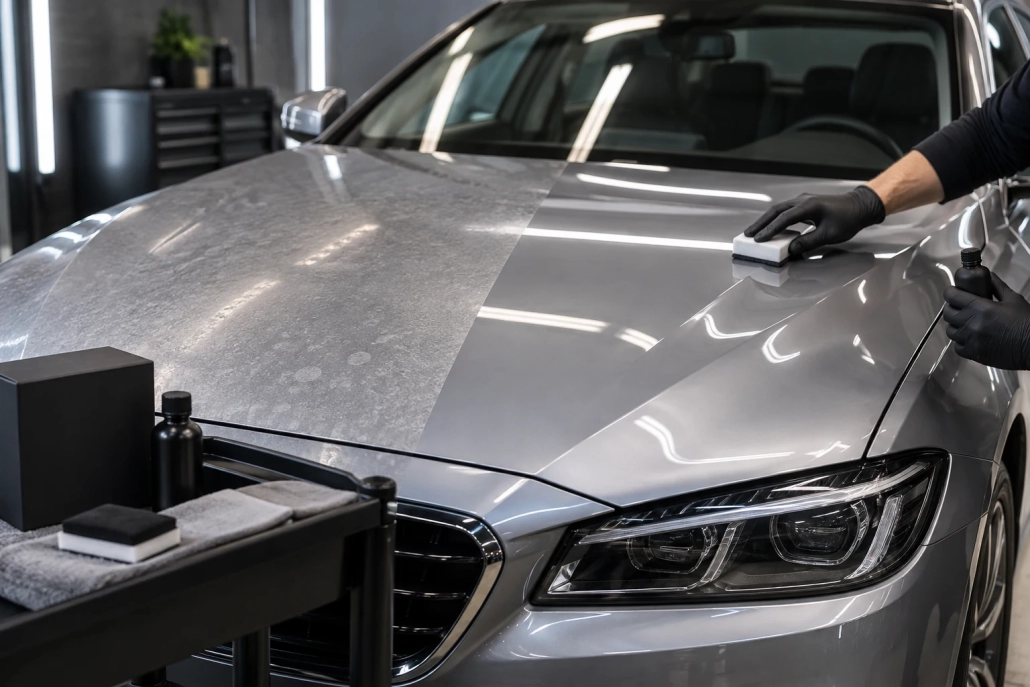
Create honest, useful photographs that document preparation results and finish condition without confusing lighting changes with correction.
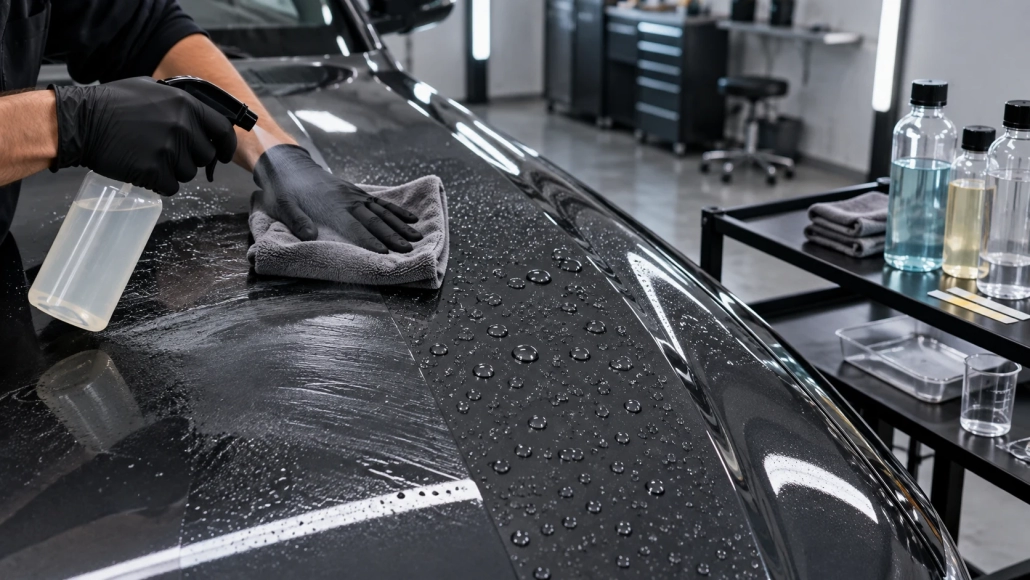
Distinguish spot, wipe and immersion tests when reading ceramic coating chemical-resistance claims, with attention to concentration, time and failure criteria.

The support behind a sample can affect how a test is performed or observed. Unrecorded backing changes introduce another variable into comparisons.