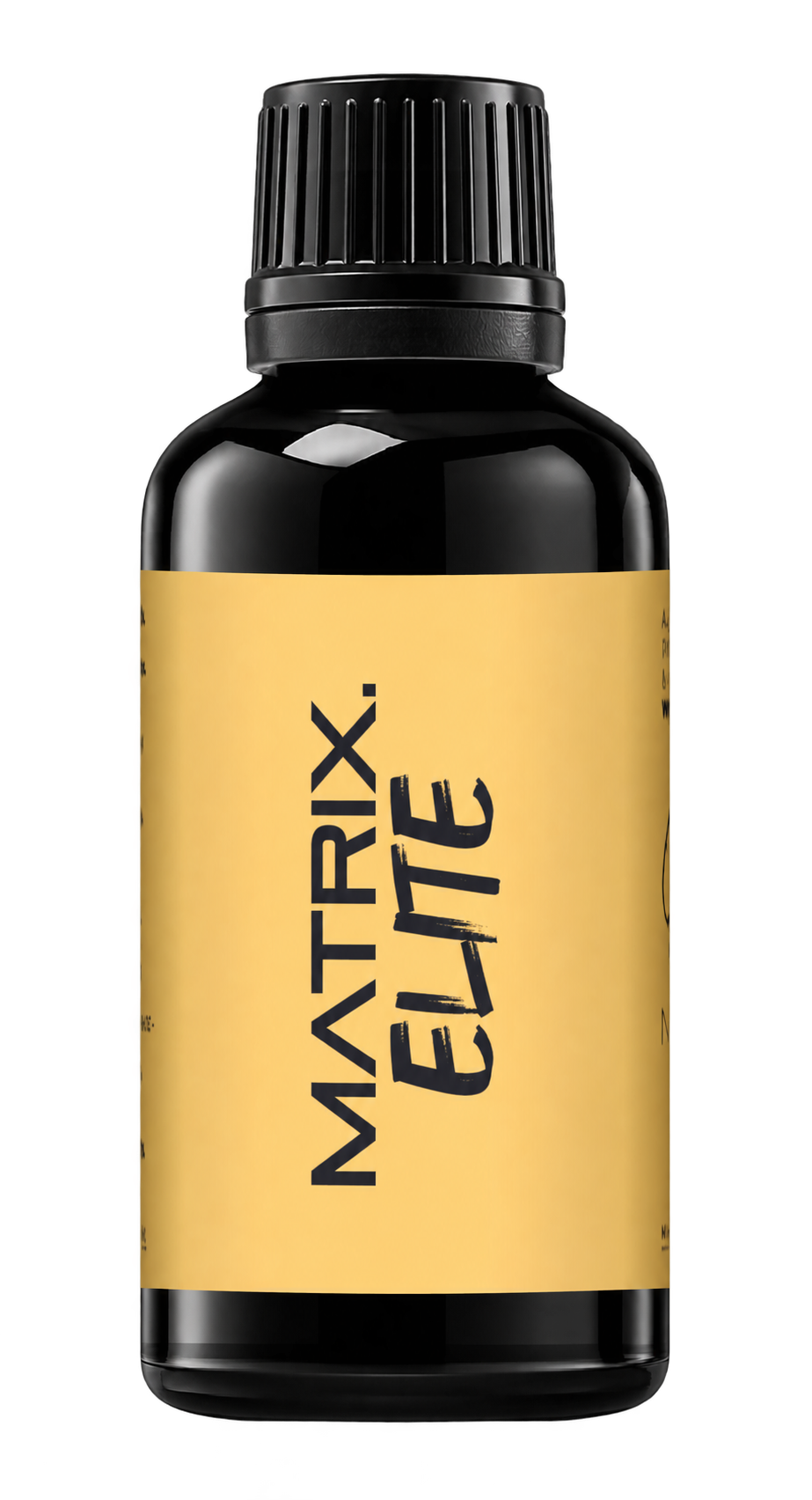
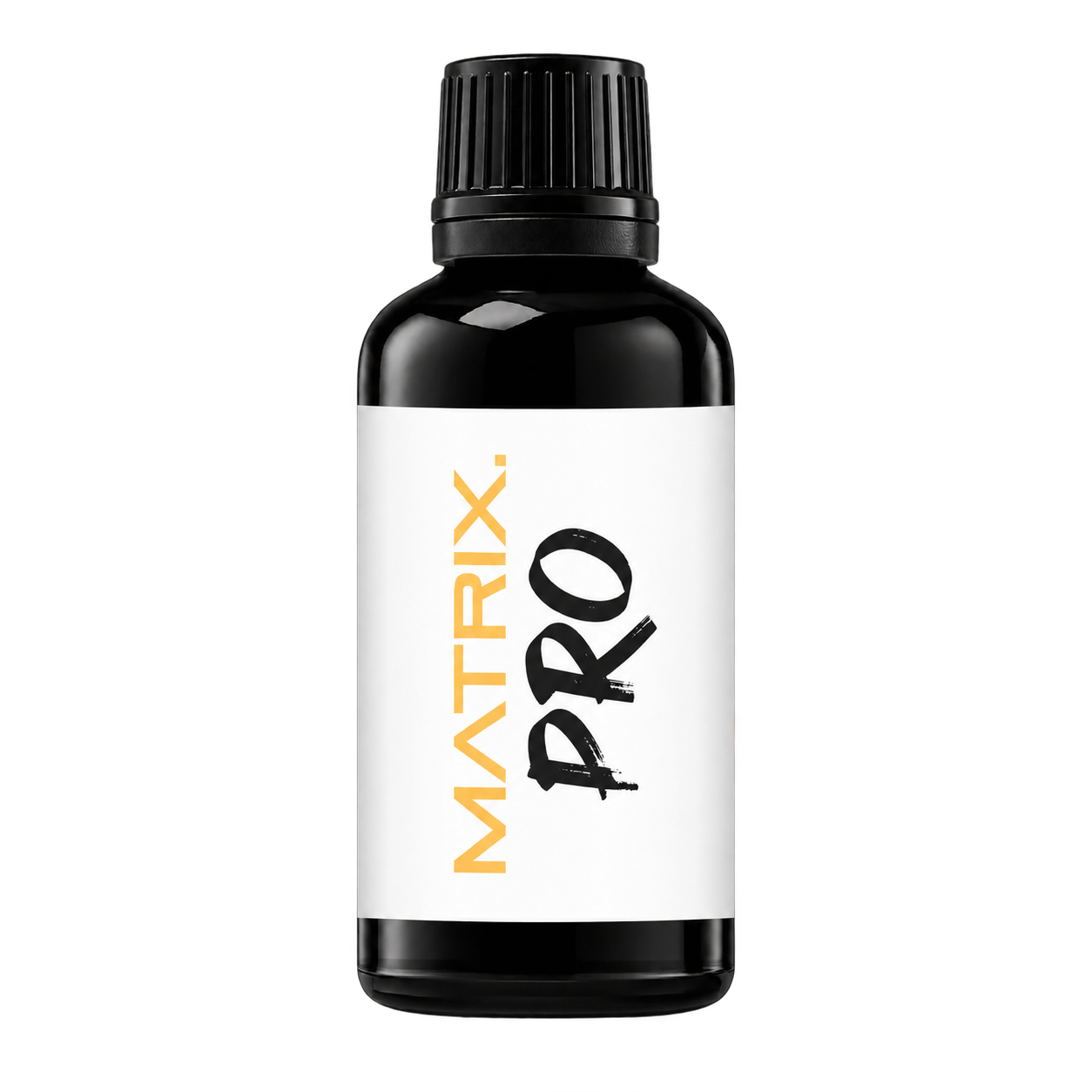
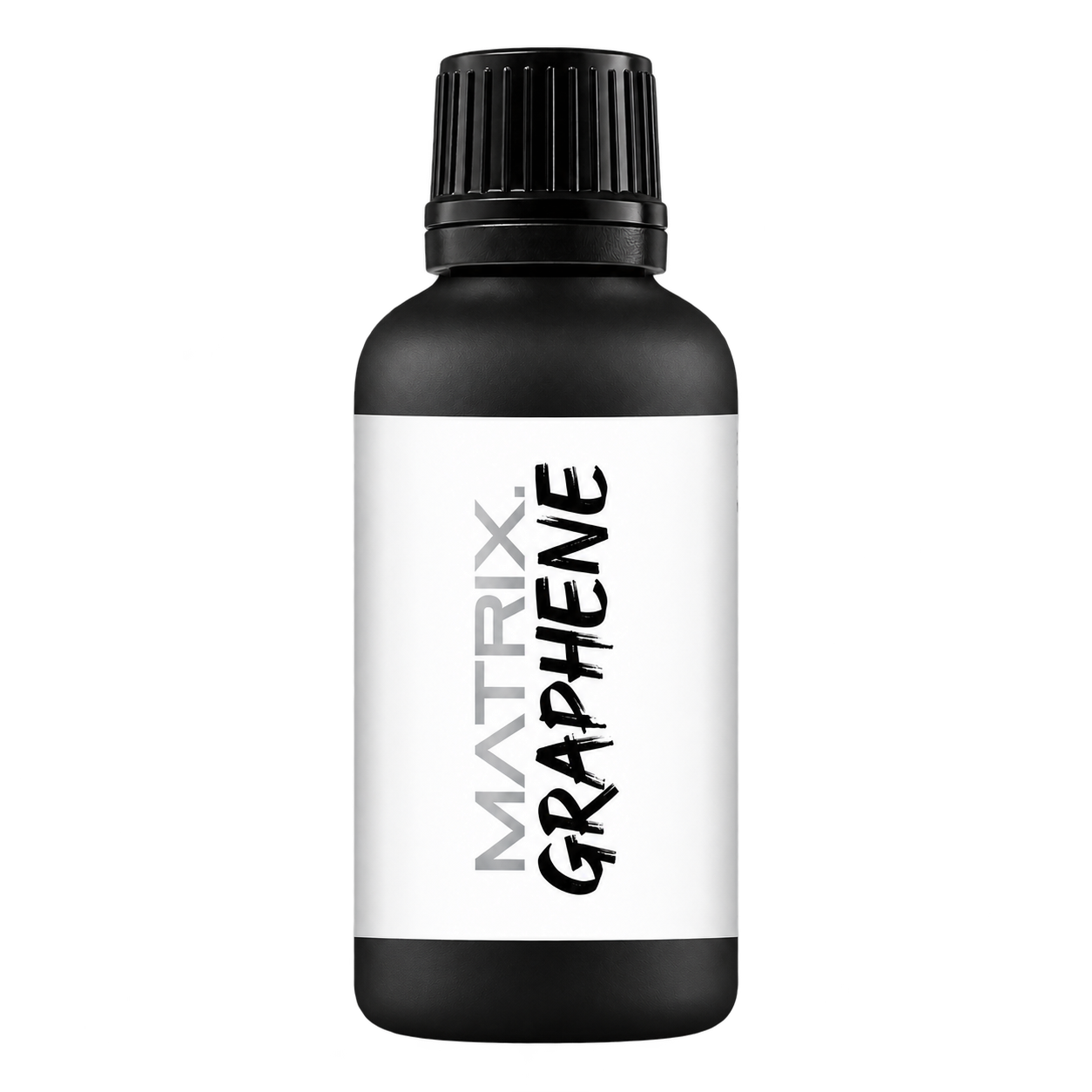
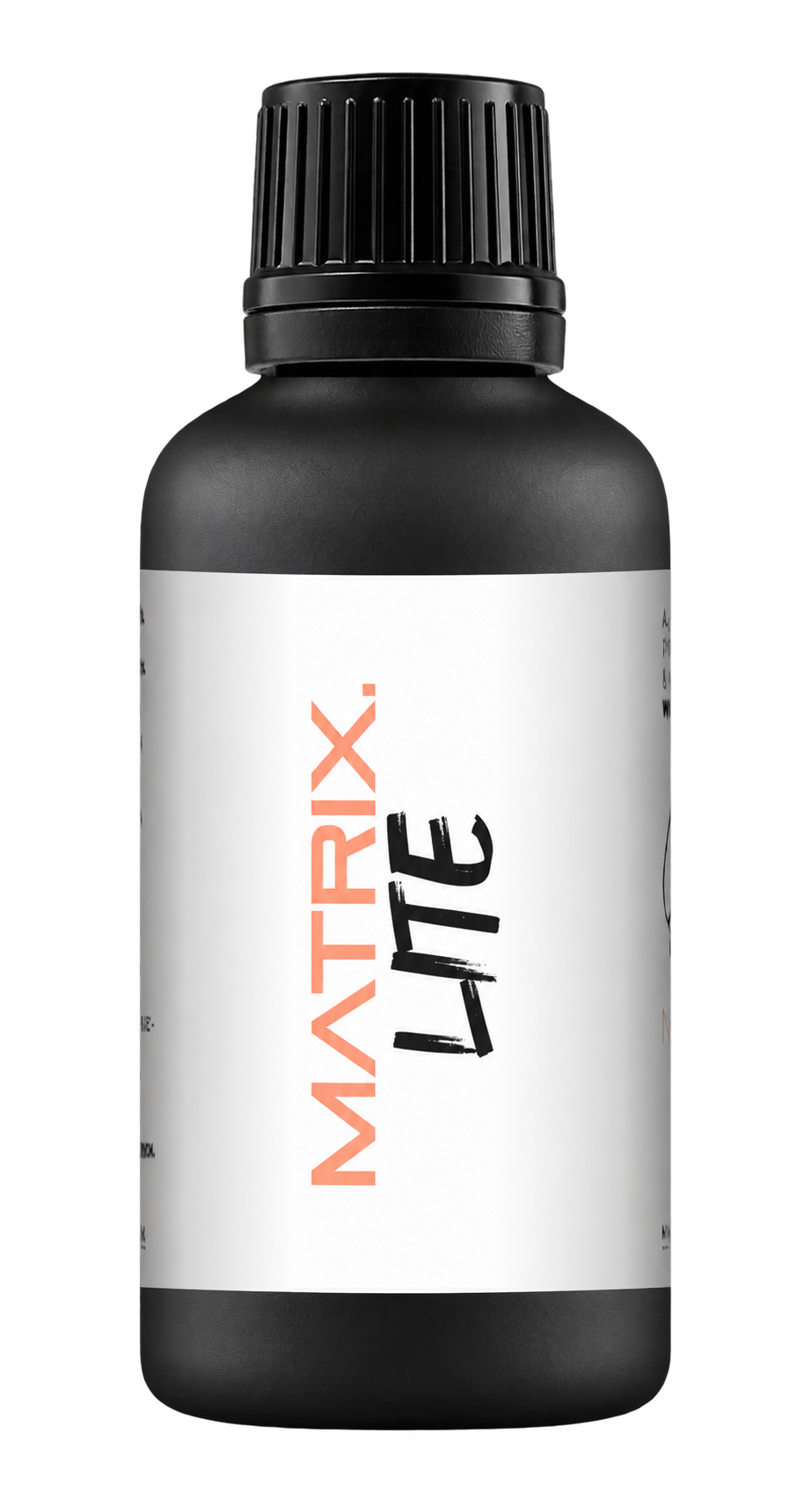
A full polishing range.
From cutting and one-step correction to final finishing.
Specialist chemistry. Expert application.
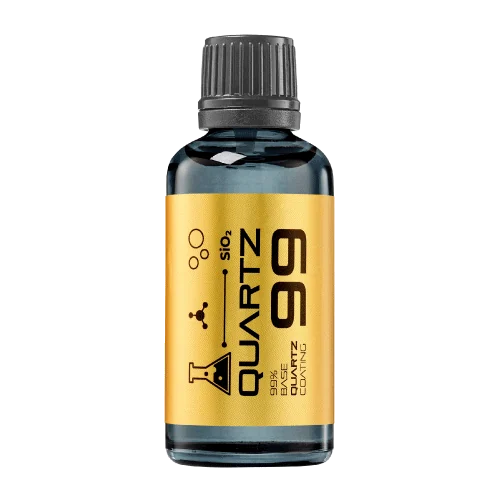 QUARTZ99 / CERAMIC BASE COAT
The foundation of your coating system.
A layerable quartz base coat designed for mechanical protection. Pair it with a suitable top coat to create the final finish.
For application by NANOLAB certified installers only.
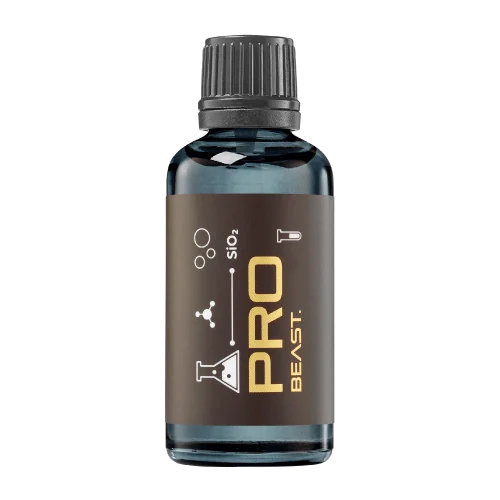
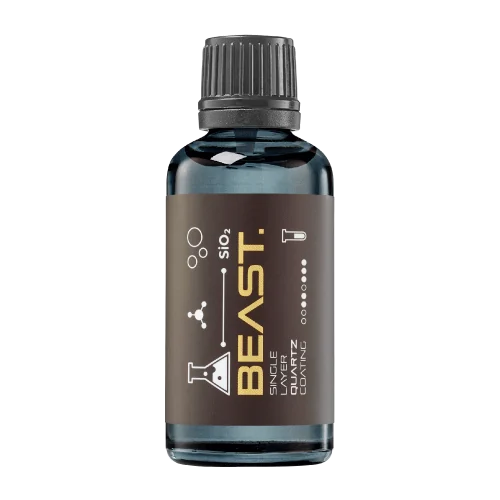
Four formulas. Extended working time. Find the coating for your finish.
Explore the BEAST family of ceramic coatings.
Find the coating for each exterior surface.
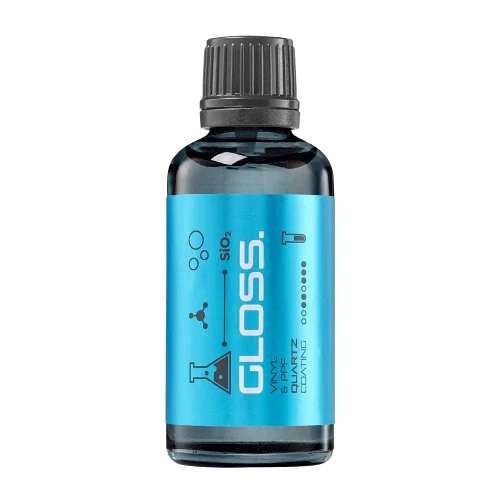 PPF & VINYLGLOSSProtection for glossy films and wraps.Discover
 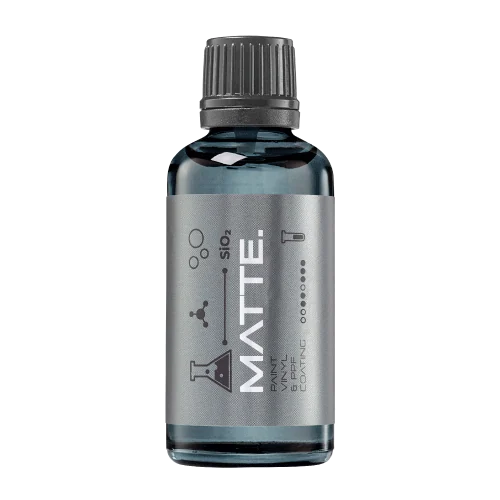 MATTE & SATINMATTEProtection that respects the finish.Discover
 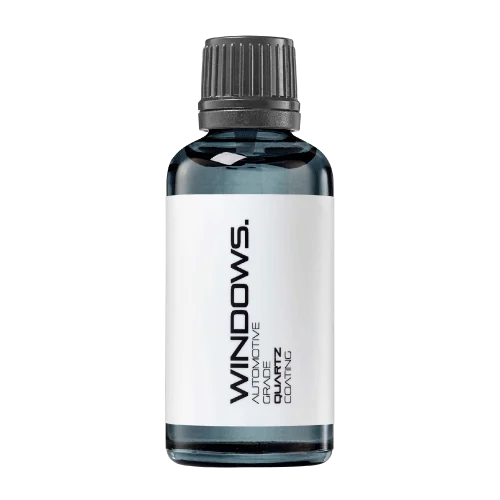 GLASSWINDOWSExplore dedicated glass protection.Discover
 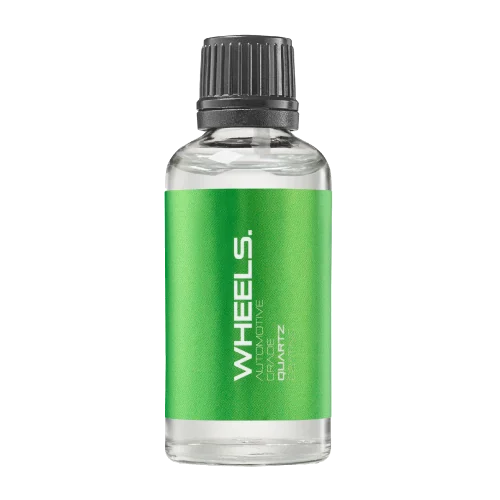 WHEEL PROTECTIONWHEELSA dedicated coating for your wheels.Discover
 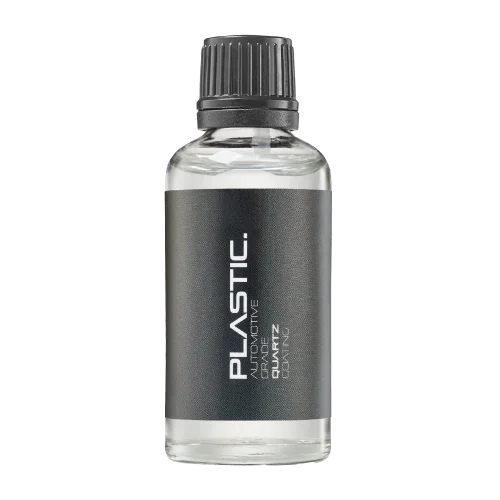 TRIM PROTECTIONPLASTICProtection for plastic surfaces.Discover
 Dedicated care for the surfaces inside.
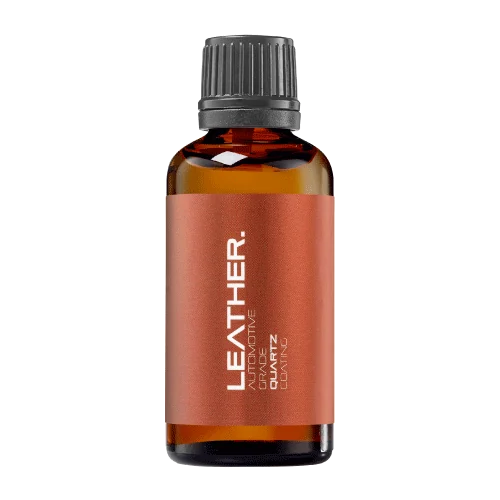 LEATHER SURFACESLEATHERDiscover NANOLAB leather protection.Discover PLASTIC SURFACESPLASTICProtection for interior plastic surfaces.Discover TEXTILE SURFACESFABRICExplore the latest fabric formulation.Discover
 Spray protection, maintenance and upcoming wash products.
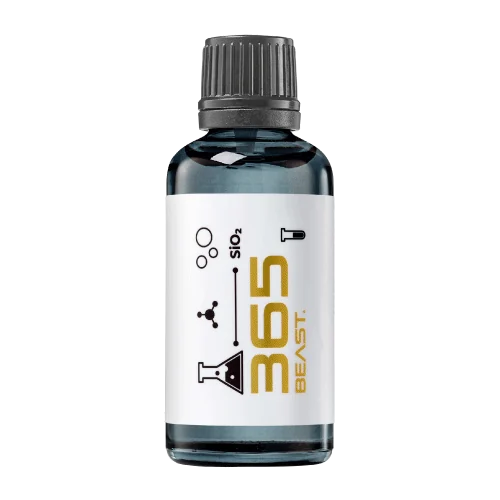 MAINTENANCEBEAST 365Explore the BEAST maintenance range.Discover
 Next in washing, cleaning & care.
Ceramic protection for boats and yachts.
An easy-to-apply ceramic coating with an established track record on boats and yachts around the world.
Results vary with surface preparation, exposure and maintenance.
Read 50 MARINE guides →Explore MARINEProtection for the surfaces you live with.
A look at what we’re developing.
From cutting and one-step correction to final finishing.
A wider range for professional vehicle care.
Taking shape alongside BEAST & MATRIX.
Practical guidance for your next coating project.
Explore all guides →
A working code in an artwork file can become difficult to scan after printing, folding or placing a label on a bottle. Test the physical pack before approving a production run.
Updated · NANOLAB Knowledge
Open the code and verify the exact destination, product identity and language. Confirm that the page is usable on a phone and contains the current instructions. A functioning link to the wrong product remains an incorrect pack.
Use a representative printed proof on the intended packaging shape. Check contrast, sharpness, surrounding clear space and the effect of curvature or seams. A flat desktop print does not reproduce every bottle-label condition.
Try several phones at a comfortable distance in typical indoor light. Include the position in which a user will hold the bottle. Record failures and adjust the design before treating one successful scan as approval.
Assign responsibility for checking the linked page after product or instruction changes. Retain the approved artwork version and destination together. If a redirect changes, verify the physical pack again so that older stock still leads to the correct information.
It checks the encoded destination, but it does not establish that the finished pack scans reliably. Test both the destination and the physical proof.