
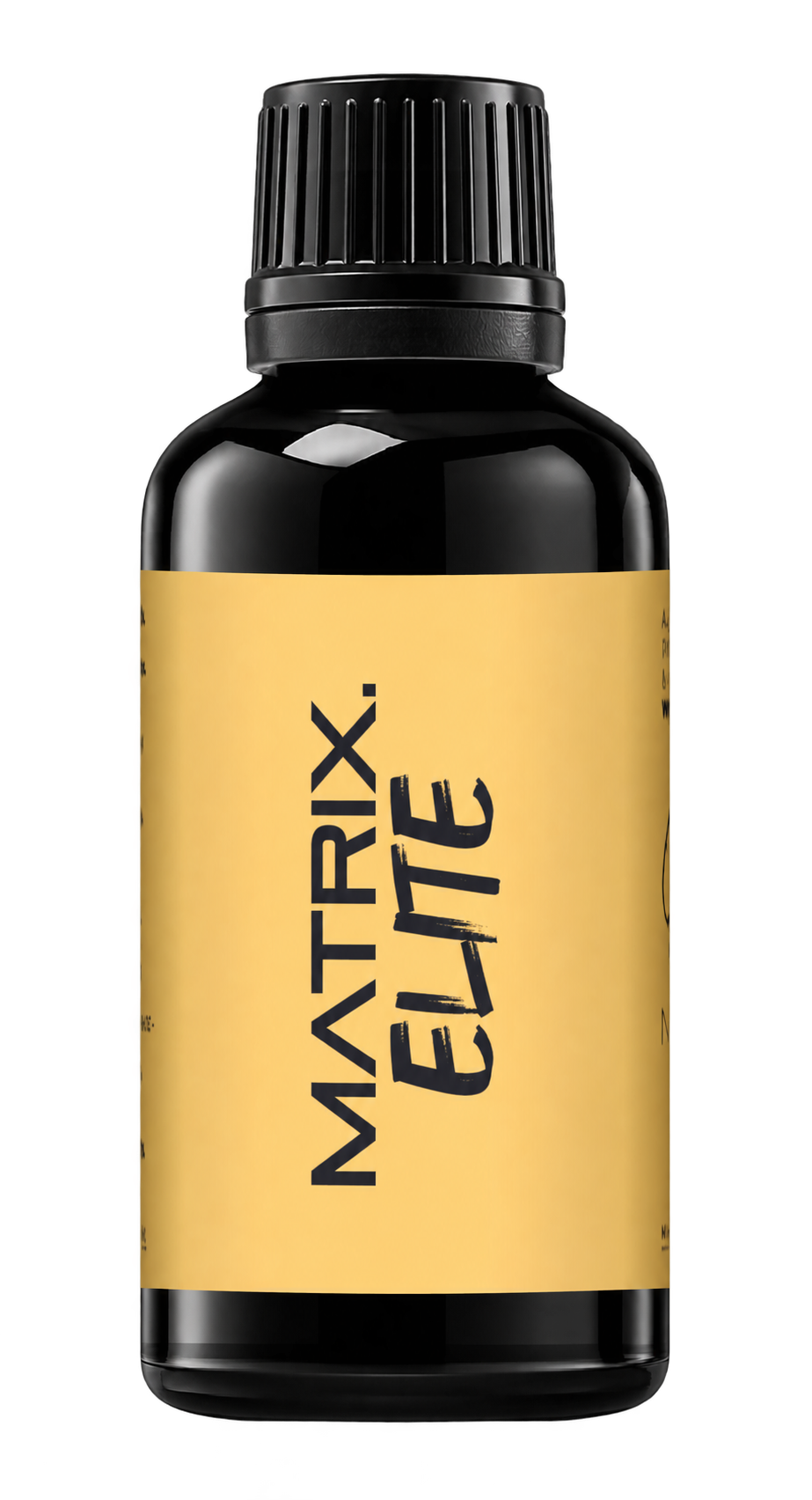
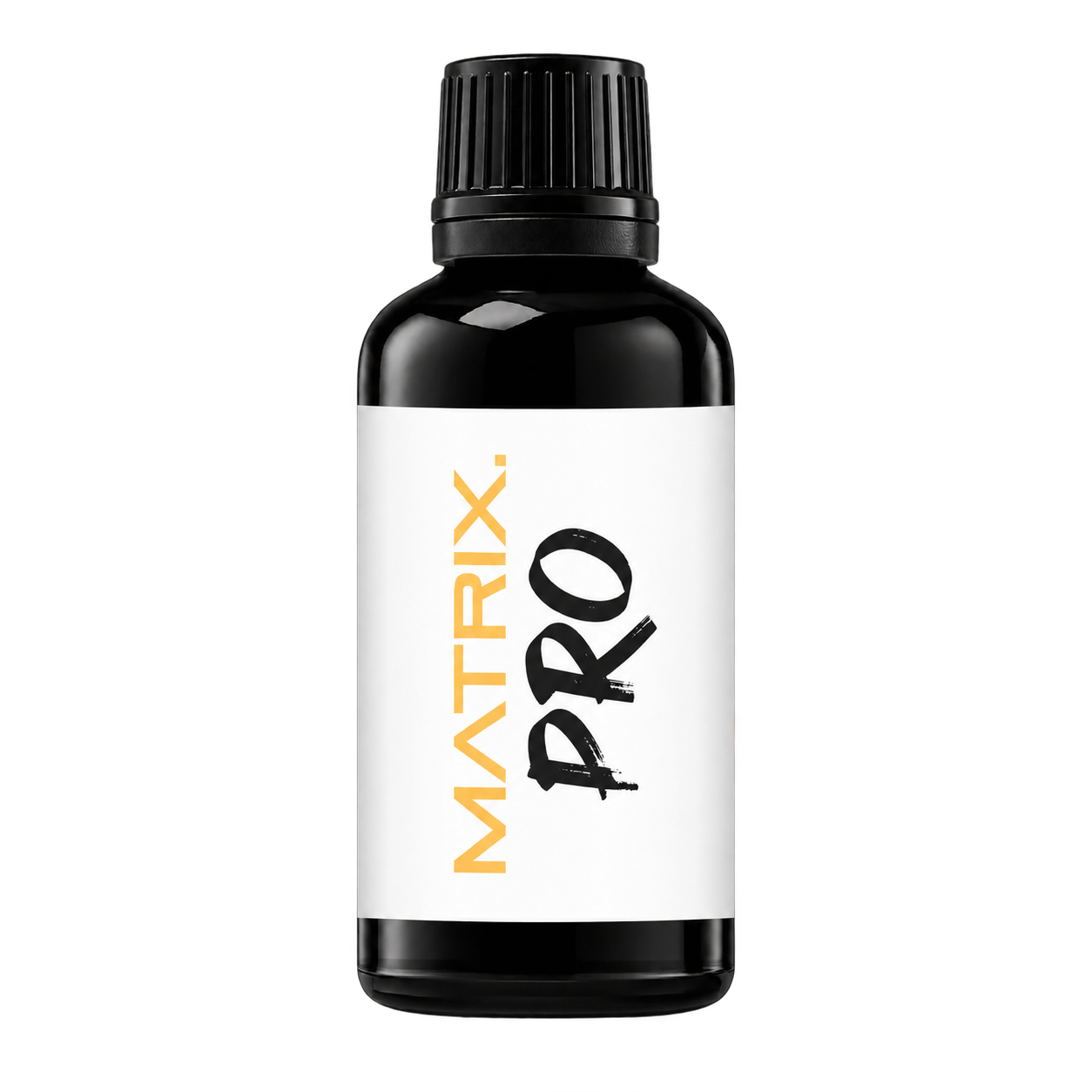
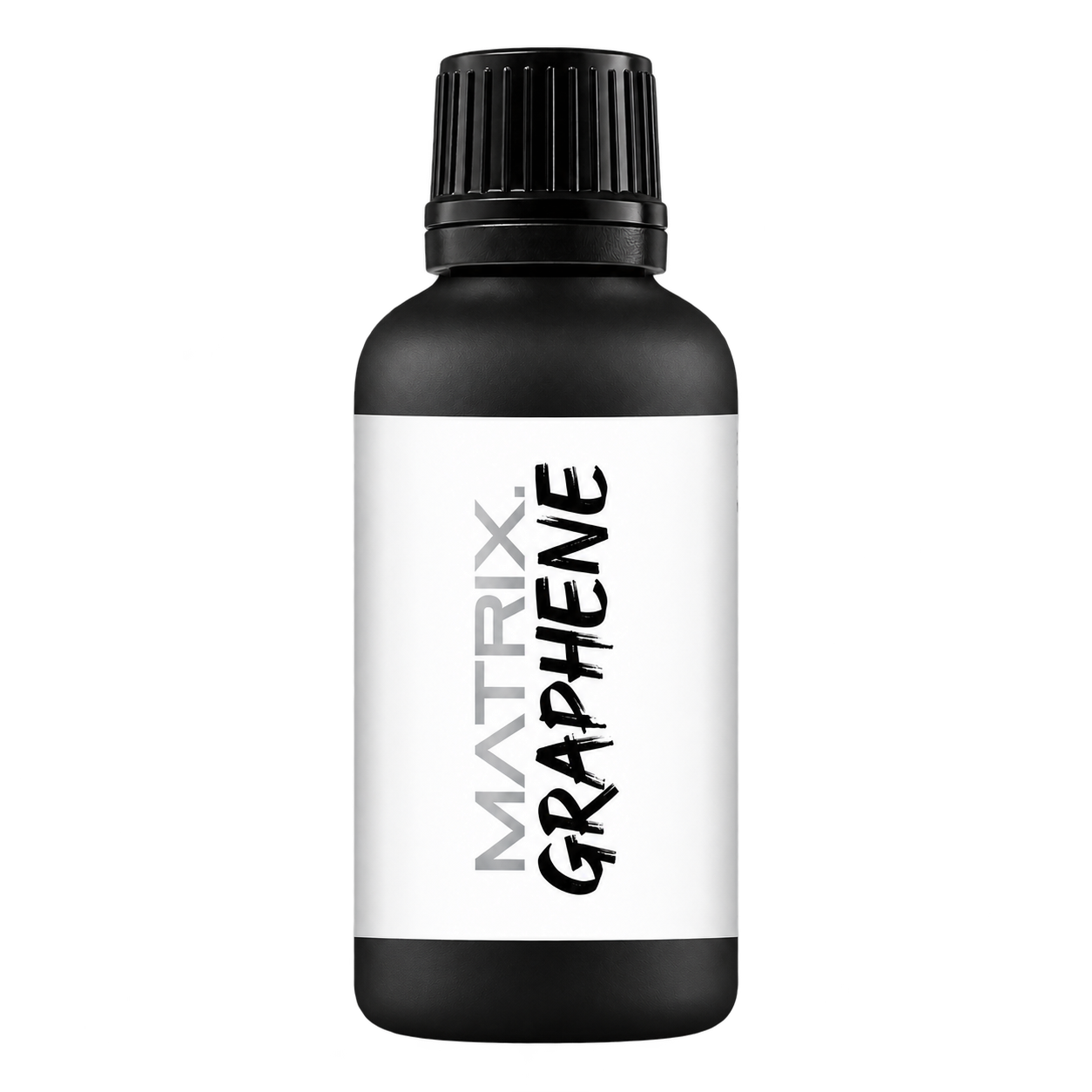
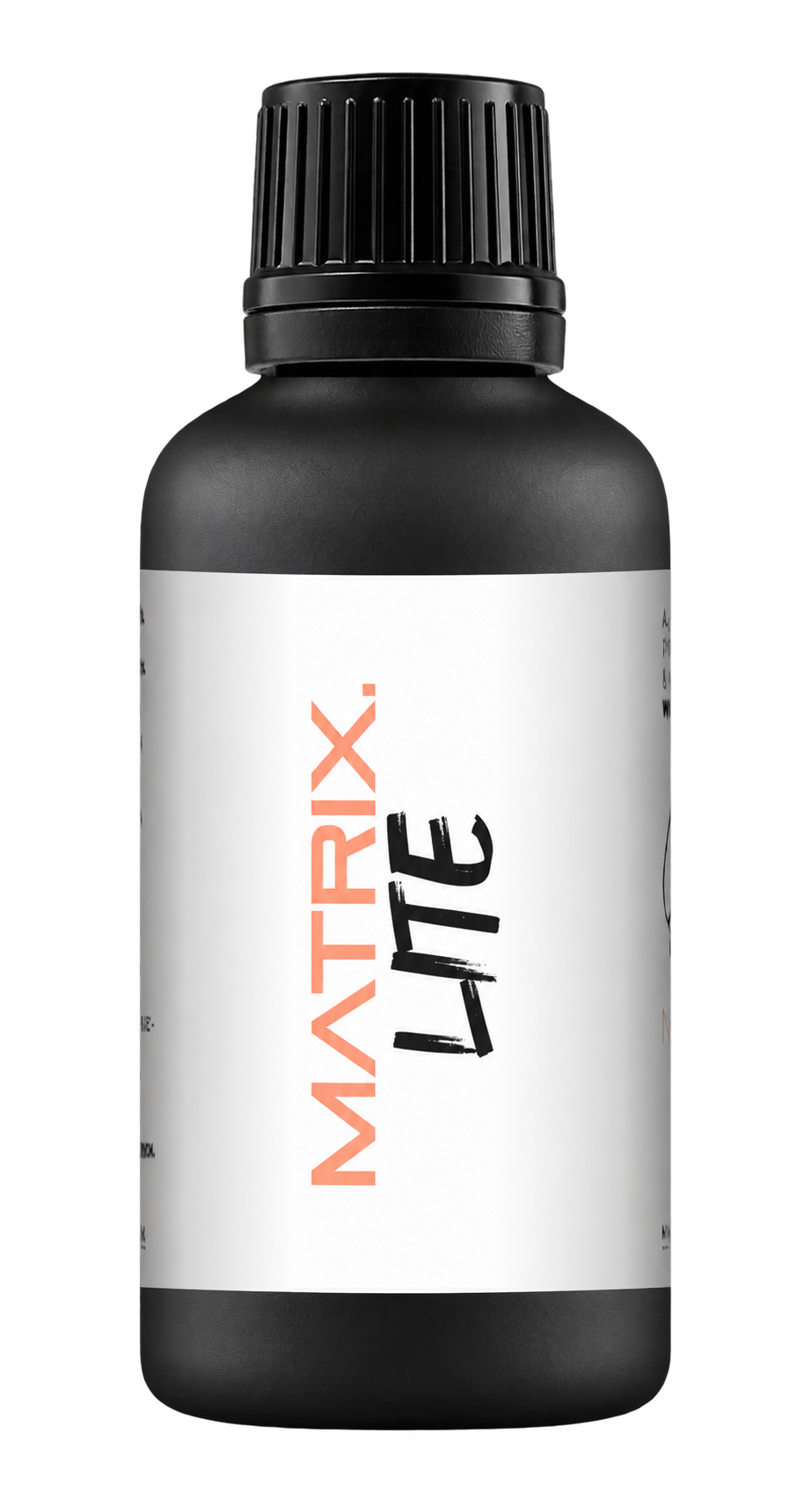
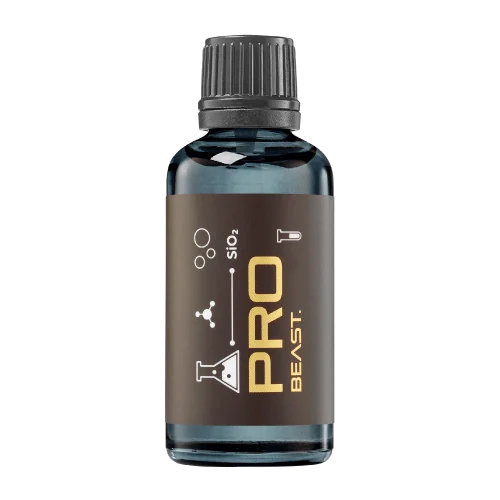

A full polishing range.
From cutting and one-step correction to final finishing.
Specialist chemistry. Expert application.
 QUARTZ99 / CERAMIC BASE COAT
The foundation of your coating system.
A layerable quartz base coat designed for mechanical protection. Pair it with a suitable top coat to create the final finish.
For application by NANOLAB certified installers only.
Four formulas. Extended working time. Find the coating for your finish.
Explore the BEAST family of ceramic coatings.
Find the coating for each exterior surface.
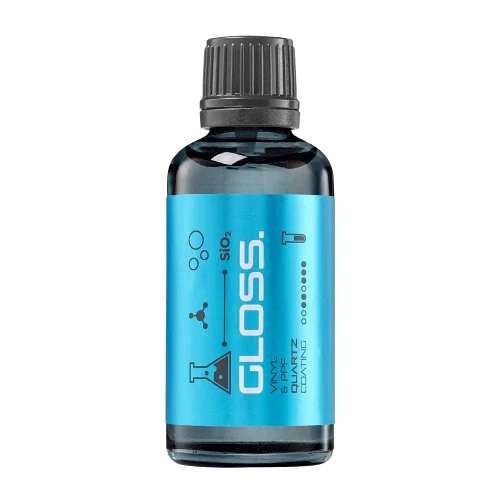 PPF & VINYLGLOSSProtection for glossy films and wraps.Discover
 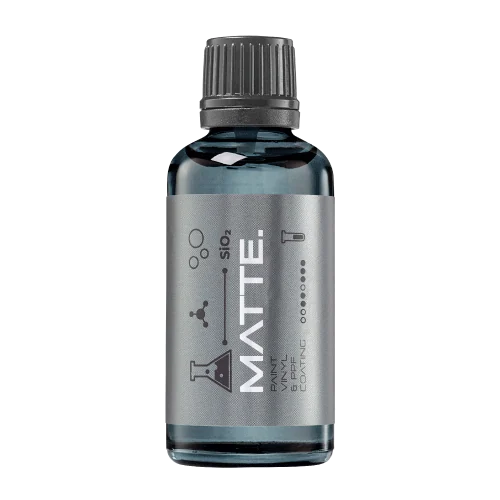 MATTE & SATINMATTEProtection that respects the finish.Discover
 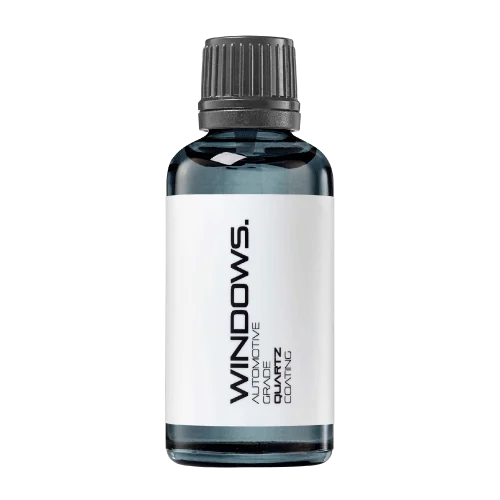 GLASSWINDOWSExplore dedicated glass protection.Discover
 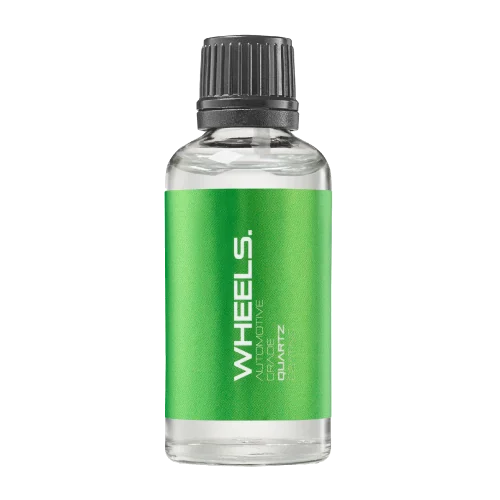 WHEEL PROTECTIONWHEELSA dedicated coating for your wheels.Discover
 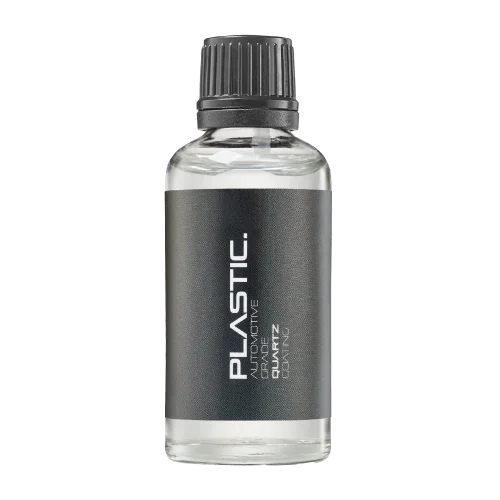 TRIM PROTECTIONPLASTICProtection for plastic surfaces.Discover
 Dedicated care for the surfaces inside.
 LEATHER SURFACESLEATHERDiscover NANOLAB leather protection.Discover PLASTIC SURFACESPLASTICProtection for interior plastic surfaces.Discover TEXTILE SURFACESFABRICExplore the latest fabric formulation.Discover
 Spray protection, maintenance and upcoming wash products.
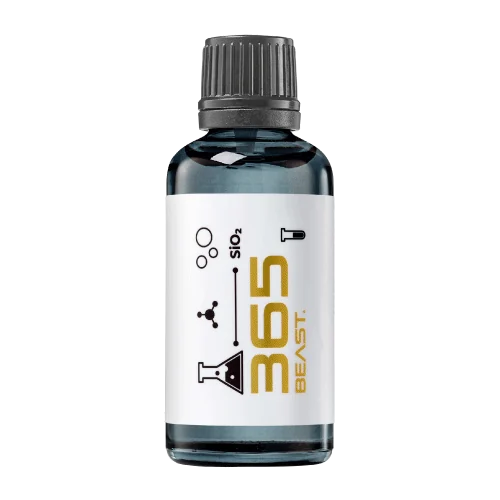 MAINTENANCEBEAST 365Explore the BEAST maintenance range.Discover
 Next in washing, cleaning & care.
Ceramic protection for boats and yachts.
An easy-to-apply ceramic coating with an established track record on boats and yachts around the world.
Results vary with surface preparation, exposure and maintenance.
Read 50 MARINE guides →Explore MARINEProtection for the surfaces you live with.
A look at what we’re developing.
From cutting and one-step correction to final finishing.
A wider range for professional vehicle care.
Taking shape alongside BEAST & MATRIX.
Practical guidance for your next coating project.
Explore all guides →
A comma or full stop can represent a decimal separator differently across data sources. Validate imported numeric fields before using coating measurements or quantities in calculations.
Updated · NANOLAB Knowledge
An import may turn a value into text, split it into columns or interpret it as a different number. Keep the original file and document the source convention so corrections remain traceable.
Illustrative example: a source value of 1,25 is intended as one and a quarter, but an import treats the comma as a separator. The resulting table no longer contains the intended measurement.
Do not infer the correct value from the expected product result. Verify the source format and preserve the original data before correcting the imported analysis file.
Ask NANOLAB about the exact product and intended use. Use the current product documentation for formulation-specific instructions.

Find the information that affects product selection, installation and maintenance, and identify missing details before the job begins.
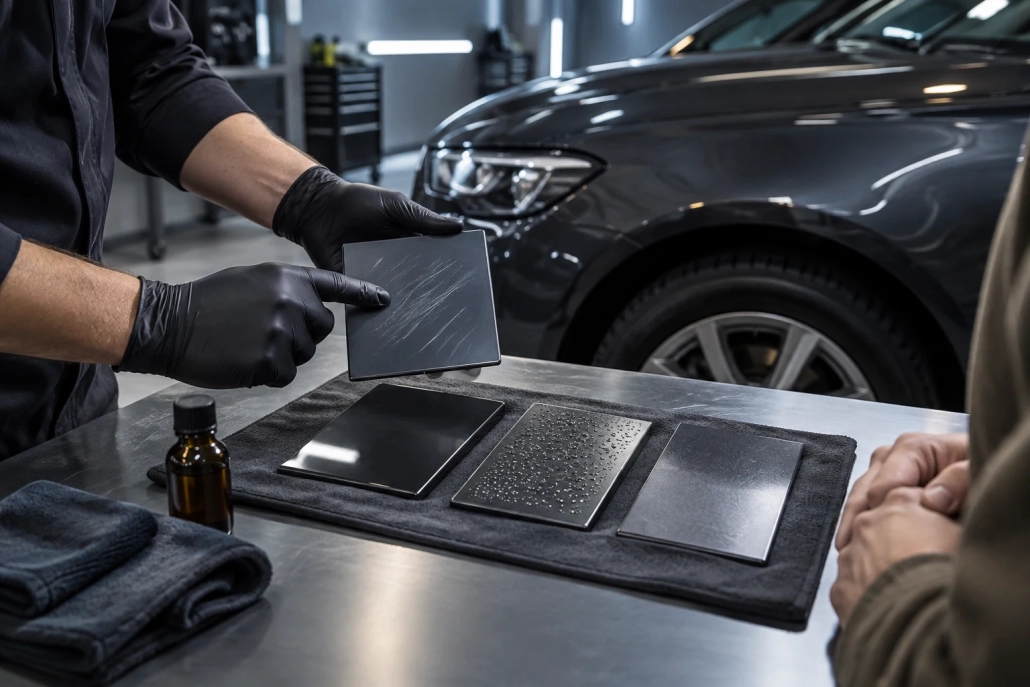
Check whether a laboratory report actually supports a nano coating claim by reviewing sample identity, method, scope, results and the connection to the sold product.

A repeated row may be an accidental duplicate or a legitimate repeat measurement. Use sample, time and measurement identifiers to distinguish the two before cleaning a coating-trial dataset.