
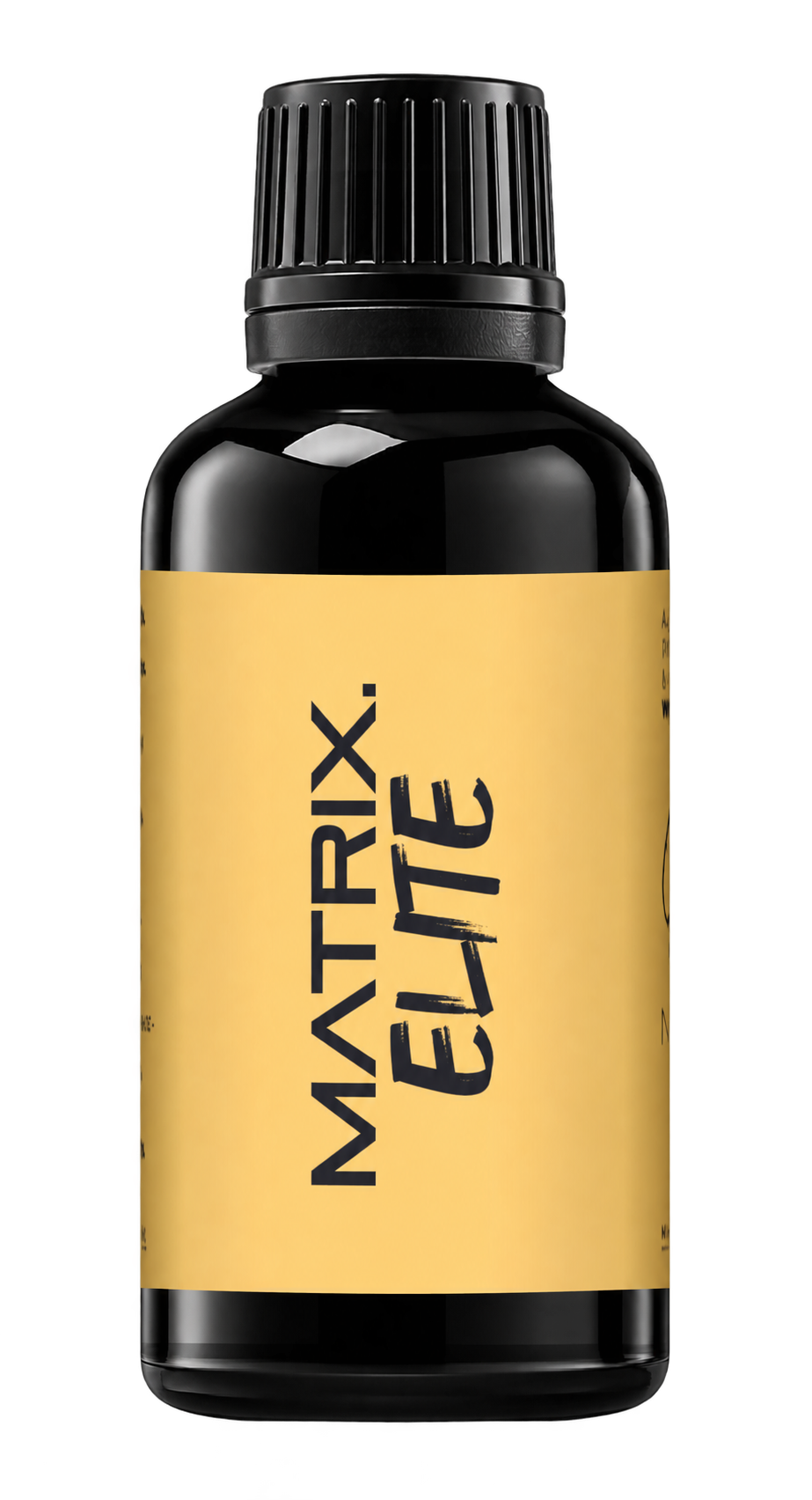
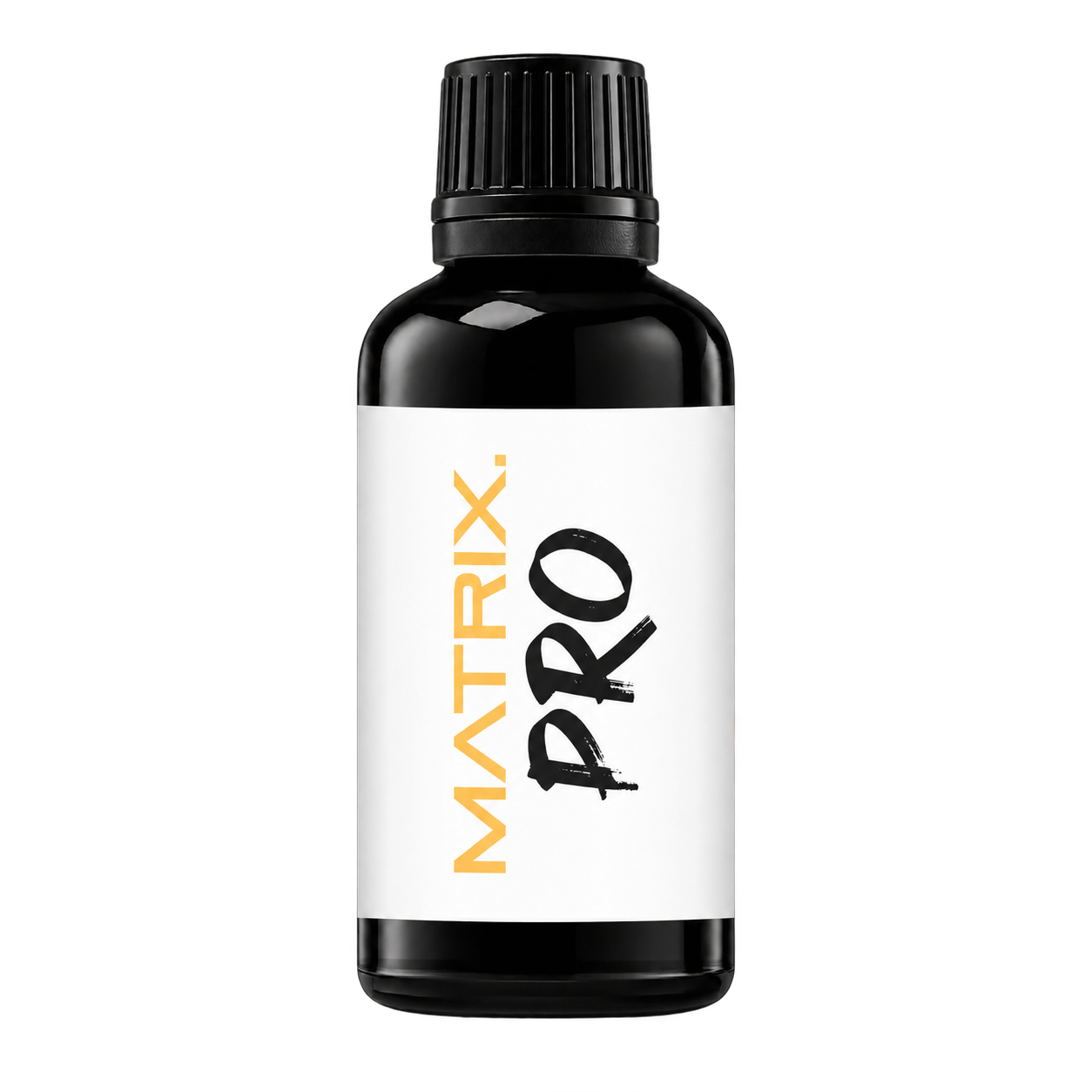
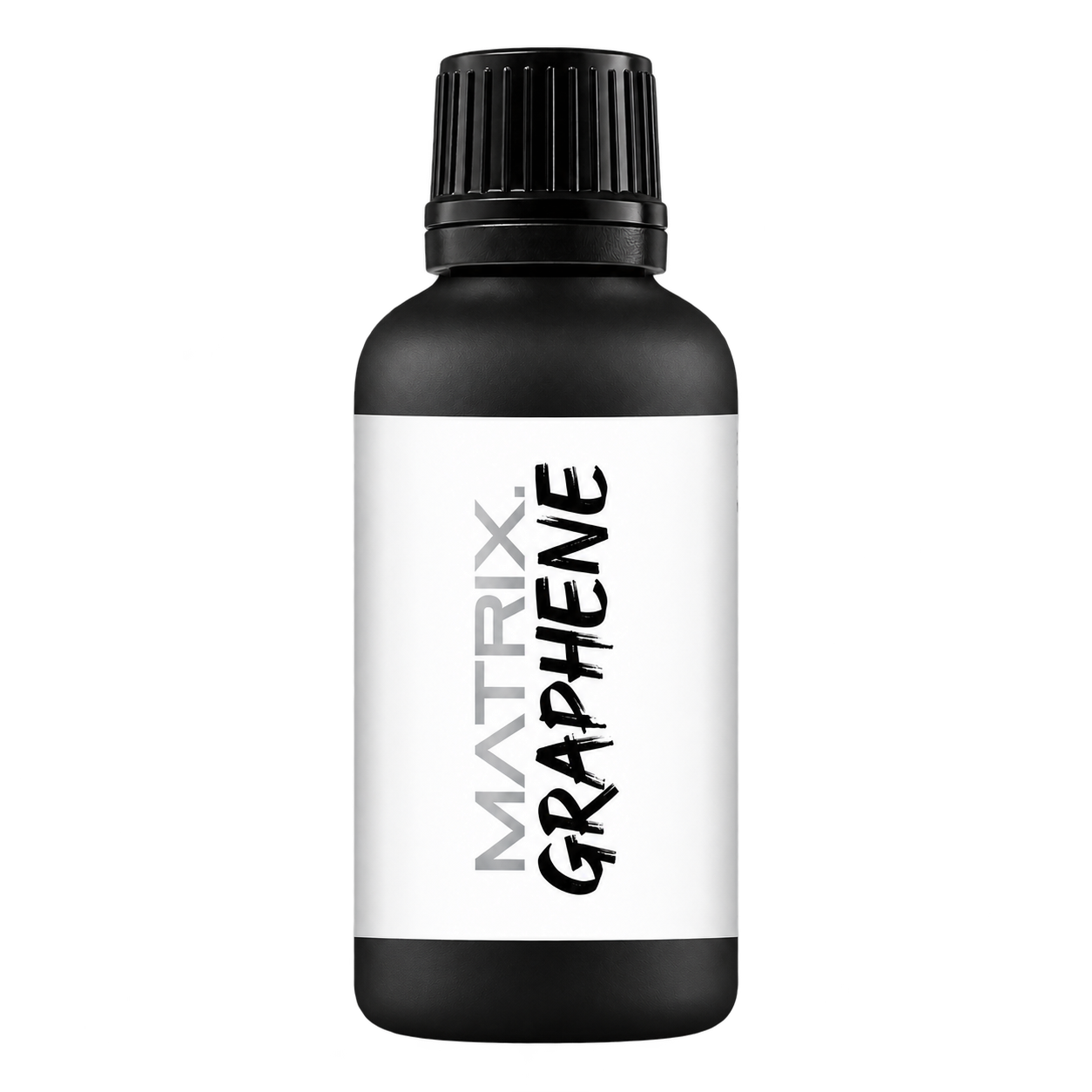
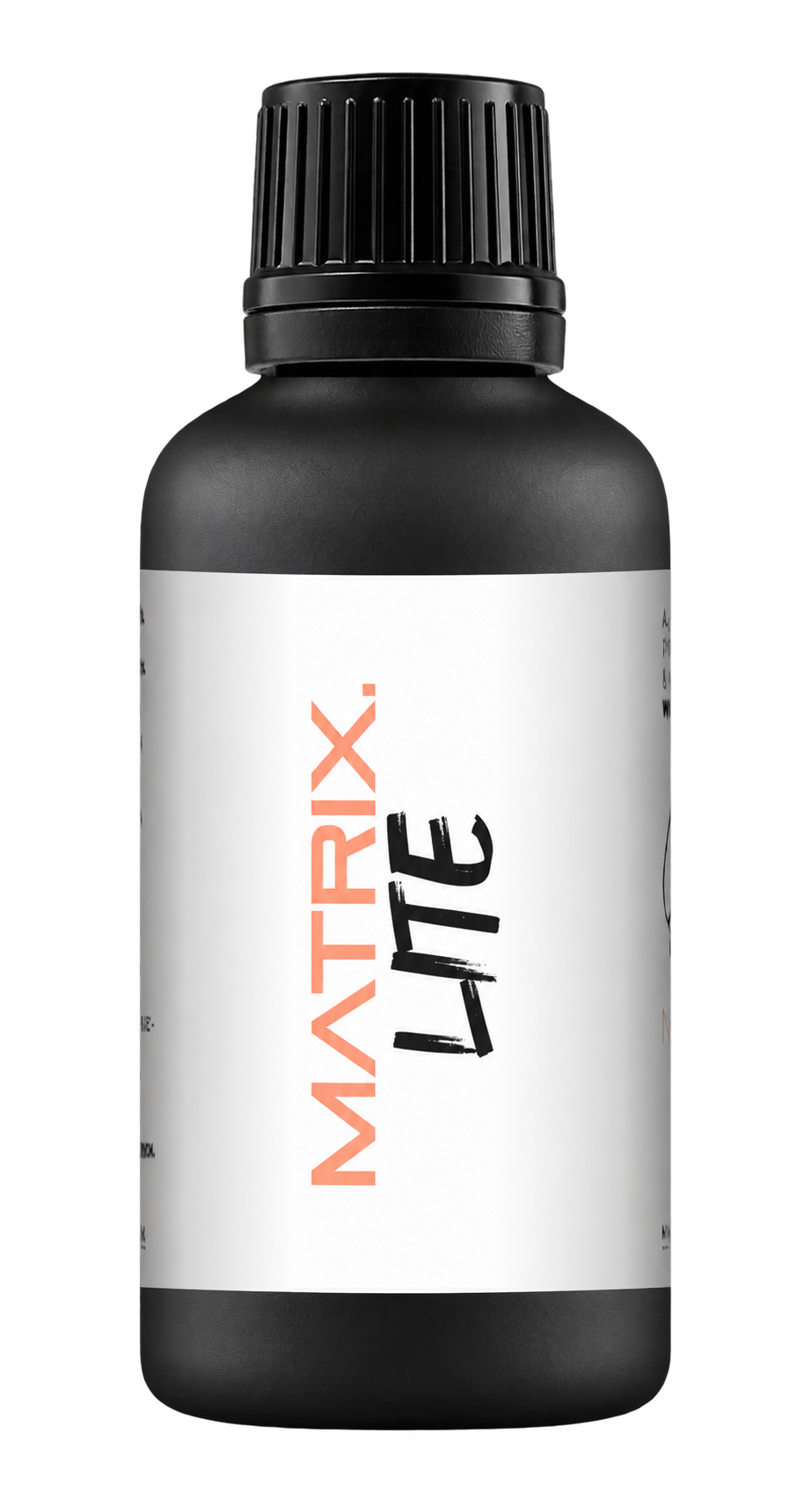
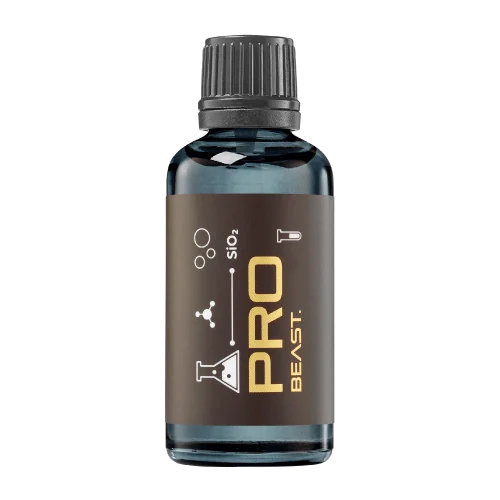
A full polishing range.
From cutting and one-step correction to final finishing.
Specialist chemistry. Expert application.
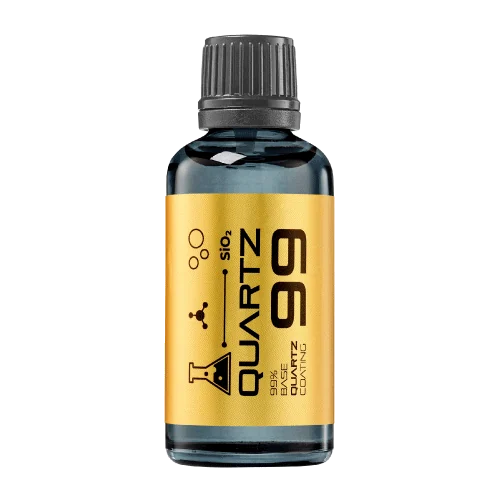 QUARTZ99 / CERAMIC BASE COAT
The foundation of your coating system.
A layerable quartz base coat designed for mechanical protection. Pair it with a suitable top coat to create the final finish.
For application by NANOLAB certified installers only.
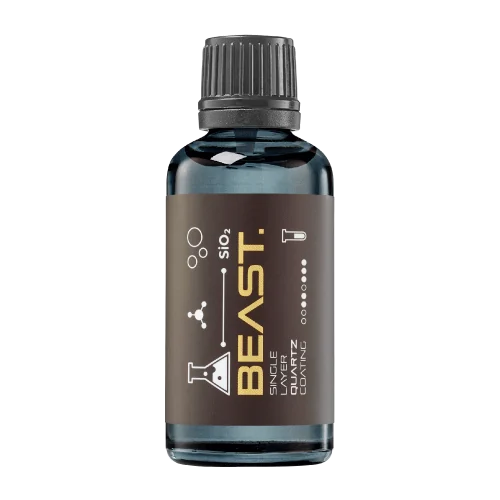
Four formulas. Extended working time. Find the coating for your finish.
Explore the BEAST family of ceramic coatings.
Find the coating for each exterior surface.
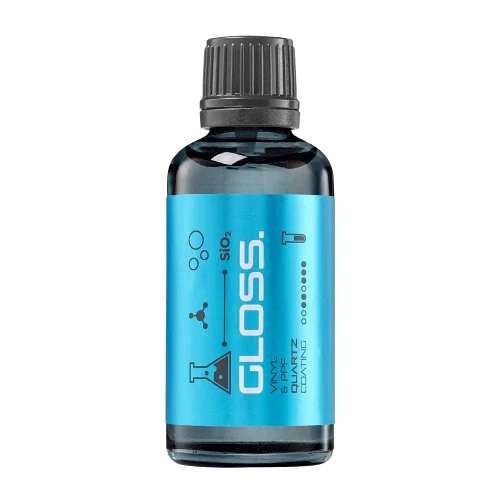 PPF & VINYLGLOSSProtection for glossy films and wraps.Discover
 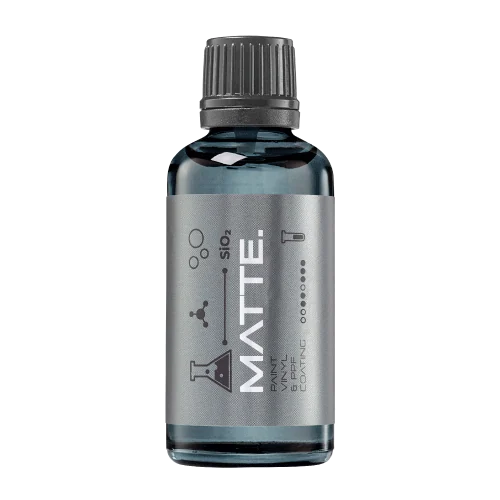 MATTE & SATINMATTEProtection that respects the finish.Discover
 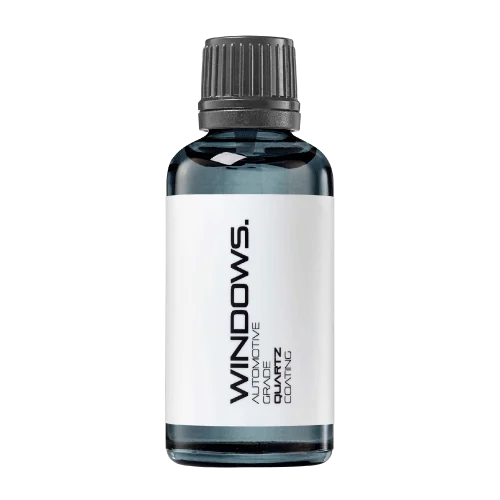 GLASSWINDOWSExplore dedicated glass protection.Discover
 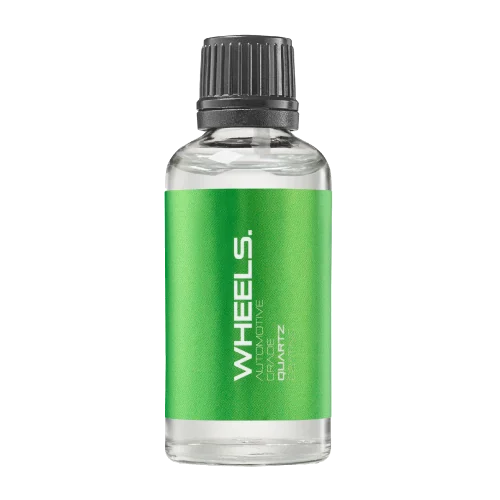 WHEEL PROTECTIONWHEELSA dedicated coating for your wheels.Discover
 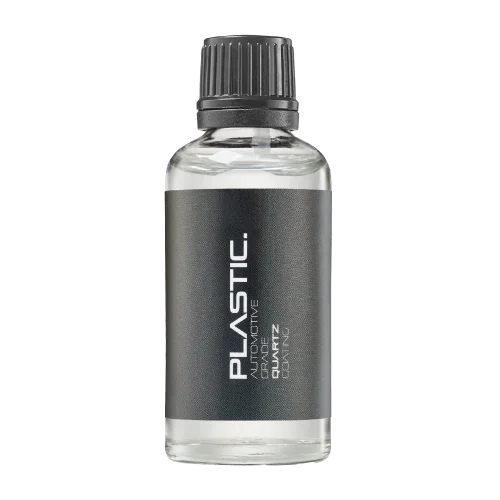 TRIM PROTECTIONPLASTICProtection for plastic surfaces.Discover
 Dedicated care for the surfaces inside.
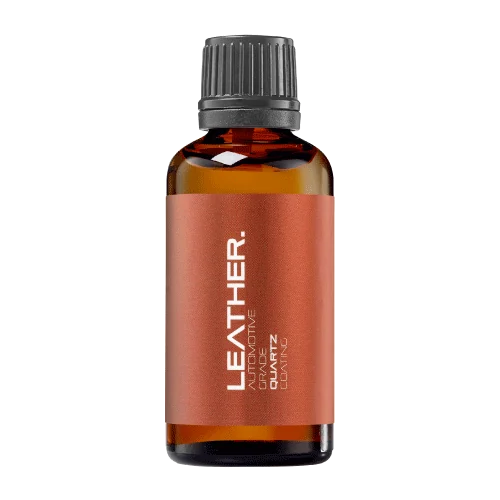 LEATHER SURFACESLEATHERDiscover NANOLAB leather protection.Discover PLASTIC SURFACESPLASTICProtection for interior plastic surfaces.Discover TEXTILE SURFACESFABRICExplore the latest fabric formulation.Discover
 Spray protection, maintenance and upcoming wash products.
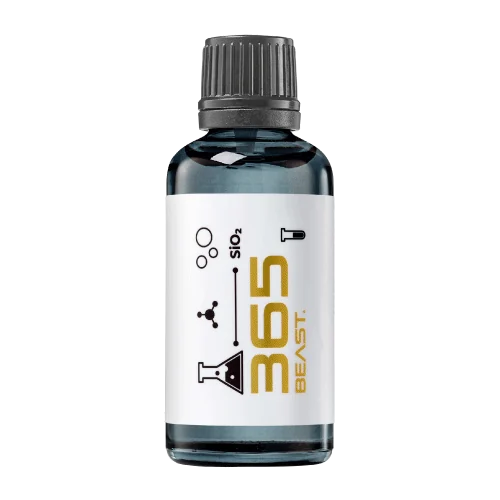 MAINTENANCEBEAST 365Explore the BEAST maintenance range.Discover
 Next in washing, cleaning & care.
Ceramic protection for boats and yachts.
An easy-to-apply ceramic coating with an established track record on boats and yachts around the world.
Results vary with surface preparation, exposure and maintenance.
Read 50 MARINE guides →Explore MARINEProtection for the surfaces you live with.
A look at what we’re developing.
From cutting and one-step correction to final finishing.
A wider range for professional vehicle care.
Taking shape alongside BEAST & MATRIX.
Practical guidance for your next coating project.
Explore all guides →
A digital rendering can explain a packaging concept without proving that every displayed detail can be manufactured or supplied. Label its status clearly so a concept image is not mistaken for an approved production sample.
Updated · NANOLAB Knowledge
Mockups may simplify colour, finish, dimensions or closure details. The project should identify which features are illustrative and which are already fixed. This supports useful design discussion while preventing sales teams or buyers from making commitments based on an attractive image that has not passed packaging review.
Illustrative example: a rendering shows a dispensing closure that has not yet been selected or tested. If the image is used without qualification, a buyer may expect that exact feature. The team should resolve the component or clearly describe the image as a concept during the development discussion.
Do not use a mockup to imply that inventory exists or that a packaging configuration has been validated. This guide does not prevent early design exploration. It keeps the distinction between a visual proposal and the concrete product that the supplier has agreed to manufacture.
Discuss bulk supply and private-label requirements with NANOLAB. Use the current product documentation for formulation-specific instructions.

Returning unused material can contaminate an otherwise traceable supply batch. Once coating enters a working container, its exposure and handling history differ from the original stock.
Answer buying questions briefly while pointing application details to controlled instructions.
Sequential discounts apply to changing bases. Two ten-percent discounts normally produce a nineteen-percent reduction from the original price when the second is applied to the already discounted amount.