
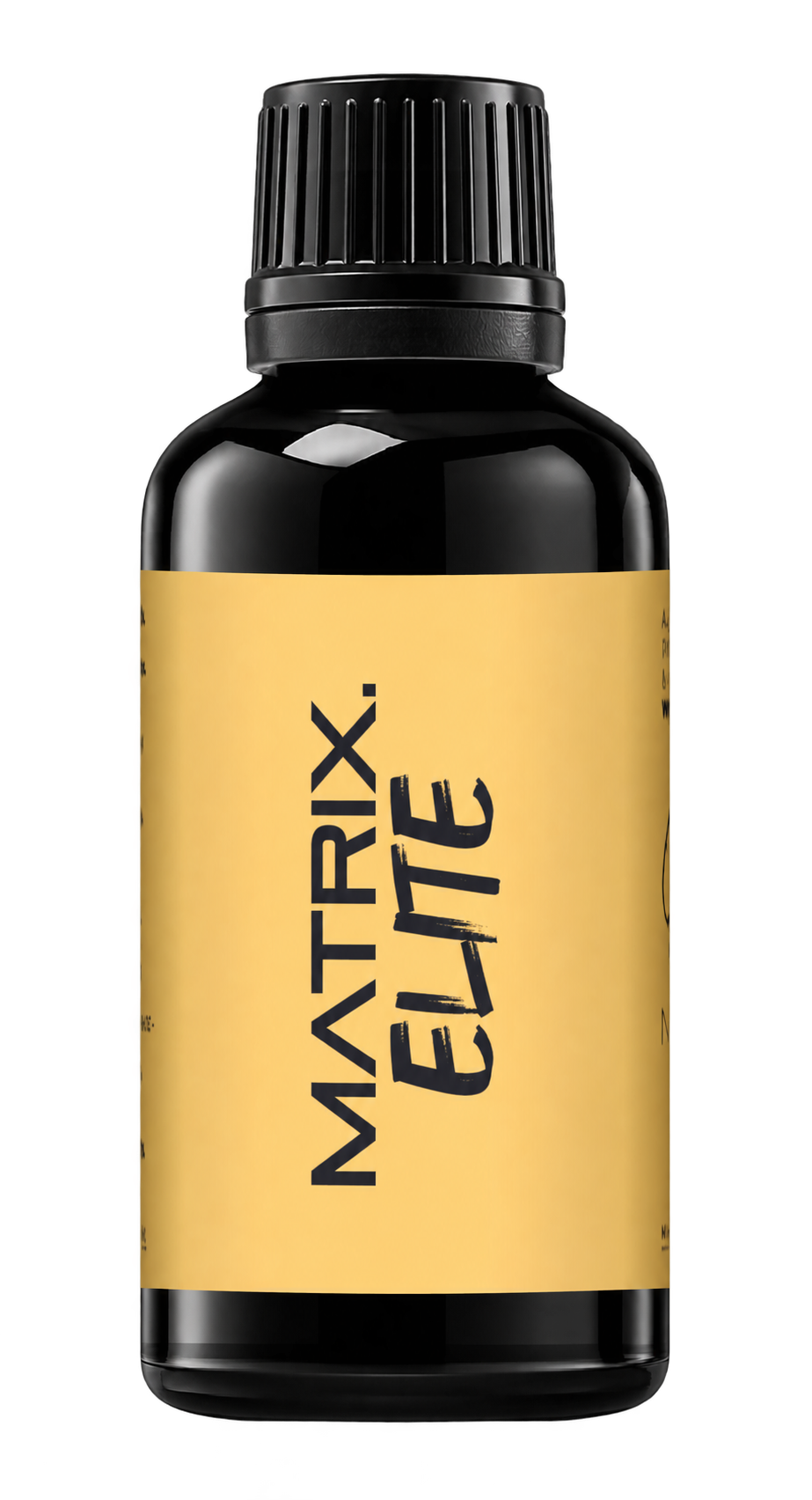
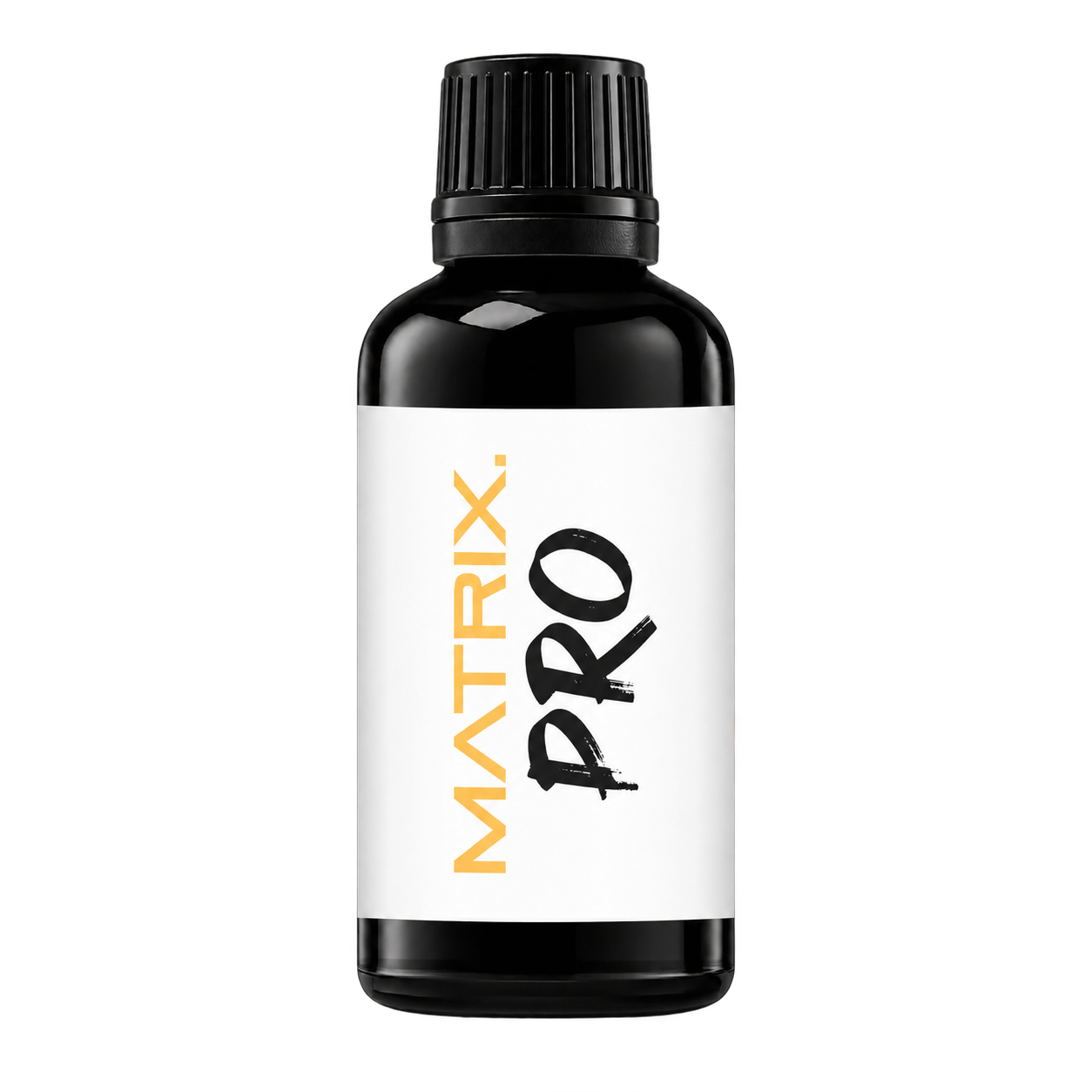
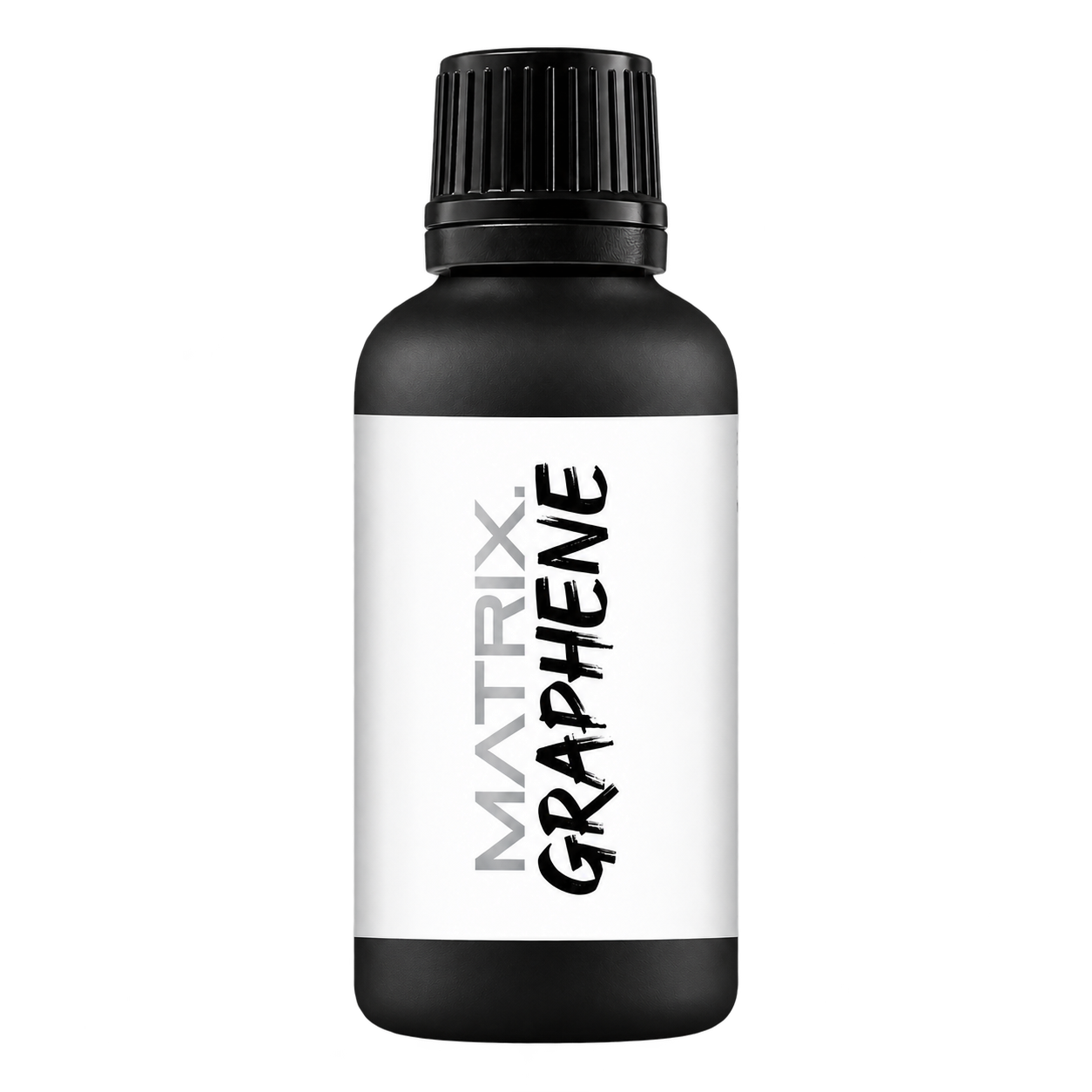
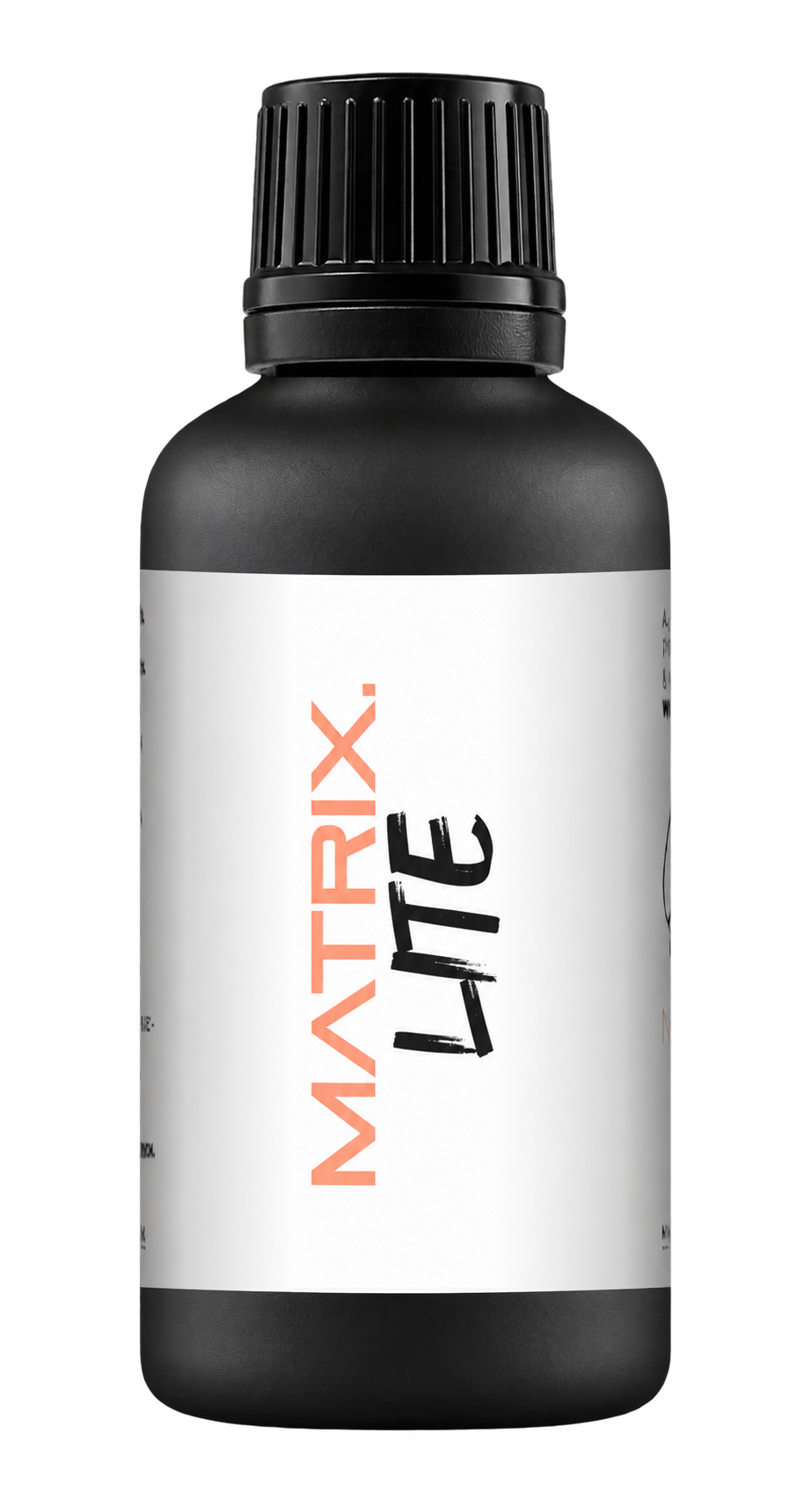
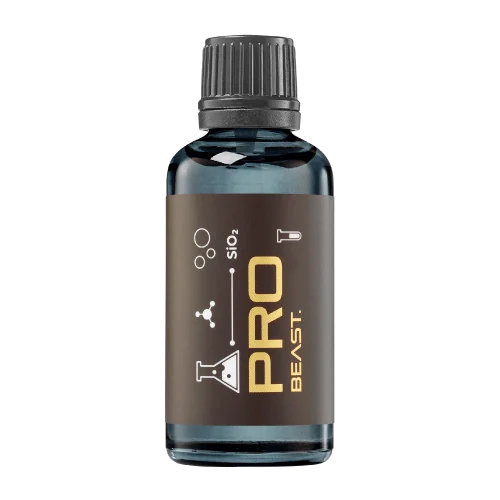
A full polishing range.
From cutting and one-step correction to final finishing.
Specialist chemistry. Expert application.
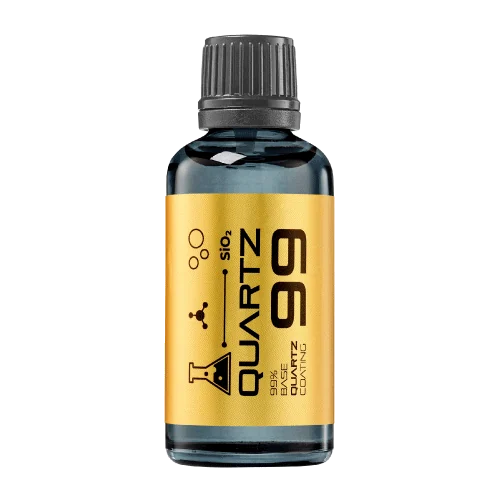 QUARTZ99 / CERAMIC BASE COAT
The foundation of your coating system.
A layerable quartz base coat designed for mechanical protection. Pair it with a suitable top coat to create the final finish.
For application by NANOLAB certified installers only.
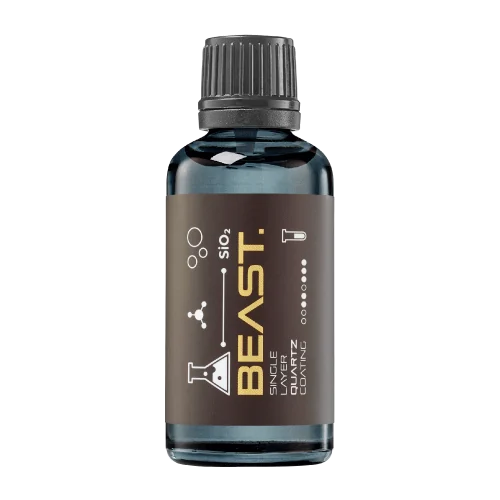
Four formulas. Extended working time. Find the coating for your finish.
Explore the BEAST family of ceramic coatings.
Find the coating for each exterior surface.
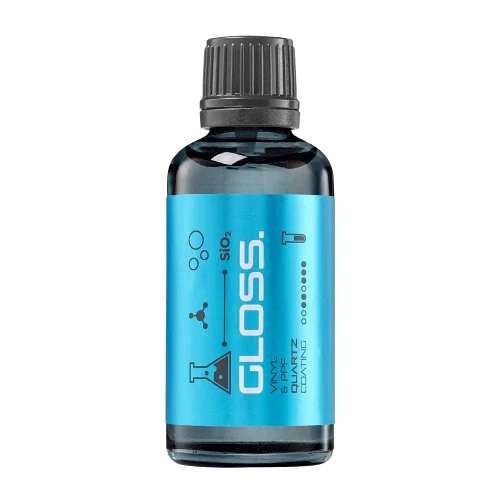 PPF & VINYLGLOSSProtection for glossy films and wraps.Discover
 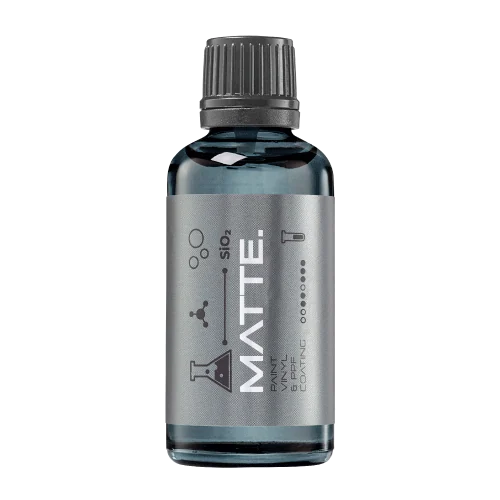 MATTE & SATINMATTEProtection that respects the finish.Discover
 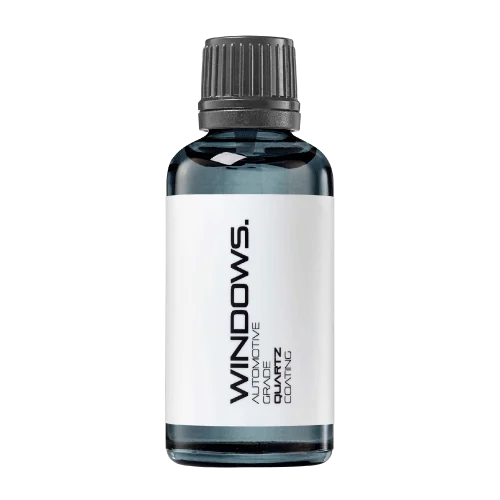 GLASSWINDOWSExplore dedicated glass protection.Discover
 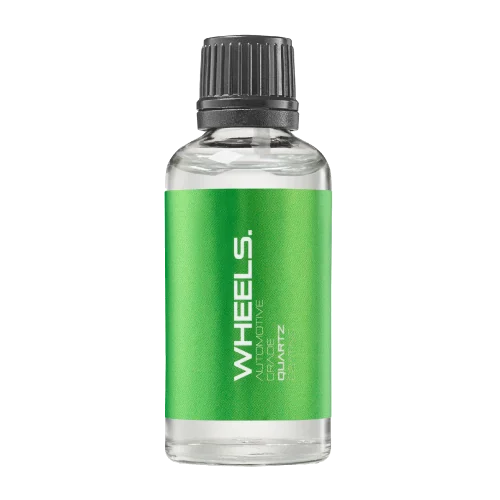 WHEEL PROTECTIONWHEELSA dedicated coating for your wheels.Discover
 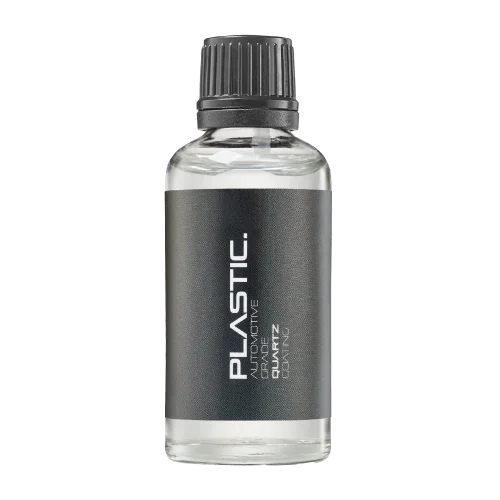 TRIM PROTECTIONPLASTICProtection for plastic surfaces.Discover
 Dedicated care for the surfaces inside.
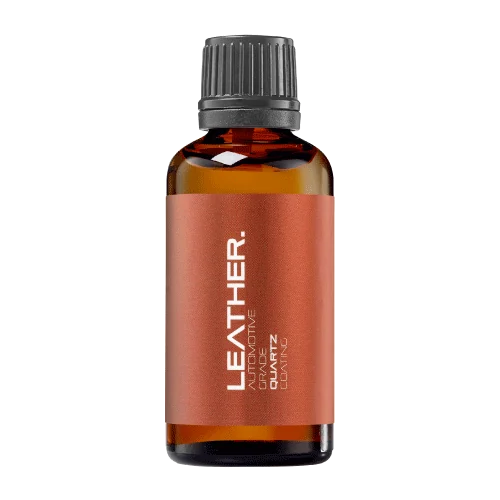 LEATHER SURFACESLEATHERDiscover NANOLAB leather protection.Discover PLASTIC SURFACESPLASTICProtection for interior plastic surfaces.Discover TEXTILE SURFACESFABRICExplore the latest fabric formulation.Discover
 Spray protection, maintenance and upcoming wash products.
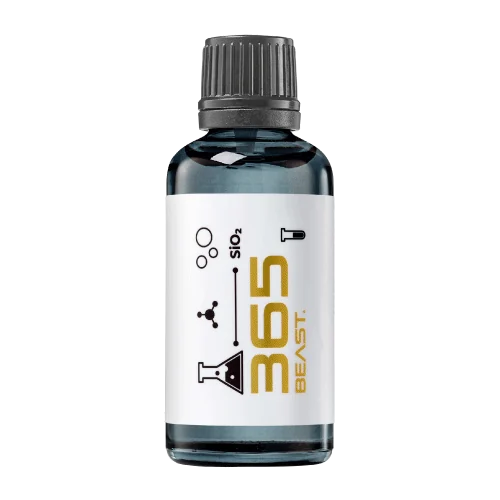 MAINTENANCEBEAST 365Explore the BEAST maintenance range.Discover
 Next in washing, cleaning & care.
Ceramic protection for boats and yachts.
An easy-to-apply ceramic coating with an established track record on boats and yachts around the world.
Results vary with surface preparation, exposure and maintenance.
Read 50 MARINE guides →Explore MARINEProtection for the surfaces you live with.
A look at what we’re developing.
From cutting and one-step correction to final finishing.
A wider range for professional vehicle care.
Taking shape alongside BEAST & MATRIX.
Practical guidance for your next coating project.
Explore all guides →
Phone photographs can help document correction, but camera settings and image processing affect the result. Preserve comparable original views alongside the inspection record.
Updated · NANOLAB Knowledge
Photograph the same prepared area from a consistent position with a recognisable light reflection. Record the inspection stage. Changing angle or illumination can make a mark appear different even before any polishing occurs.
Use a consistent camera mode and avoid deliberate smoothing or edits that conceal surface condition. Do not assume every phone handles reflections identically. Retain the original capture so the record can be reviewed independently of a presentation image.
A cropped image may help explain a specific mark, but keep a contextual view showing its location. If promotional images are edited, do not use them as the sole evidence of the accepted correction result.
Record what was observed on the actual surface after suitable residue removal. Photographs support that observation; they do not measure clear-coat thickness or establish that every scratch was removed. Keep retained defects visible in the handover.
No. Use it as supporting documentation and keep the actual inspection conditions and accepted result in the job record.