
A full polishing range.
From cutting and one-step correction to final finishing.
Specialist chemistry. Expert application.
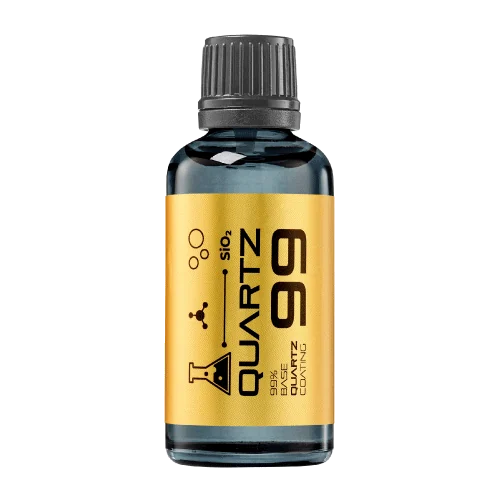 QUARTZ99 / CERAMIC BASE COAT
The foundation of your coating system.
A layerable quartz base coat designed for mechanical protection. Pair it with a suitable top coat to create the final finish.
For application by NANOLAB certified installers only.
Four formulas. Extended working time. Find the coating for your finish.
Explore the BEAST family of ceramic coatings.
Find the coating for each exterior surface.
 PPF & VINYLGLOSSProtection for glossy films and wraps.Discover
 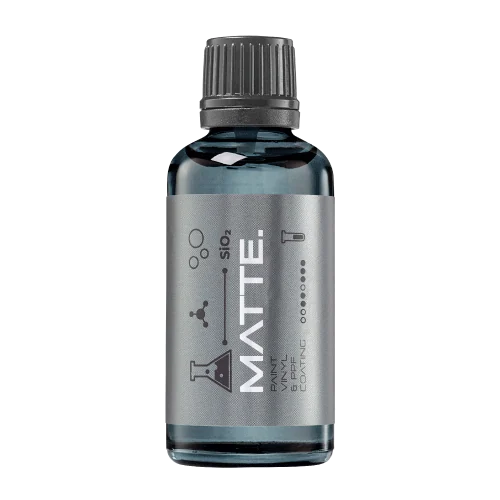 MATTE & SATINMATTEProtection that respects the finish.Discover
 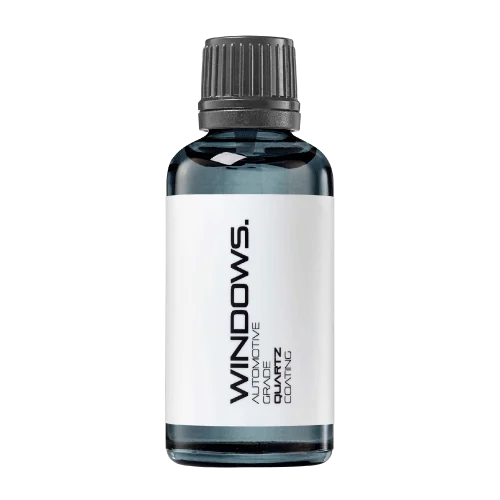 GLASSWINDOWSExplore dedicated glass protection.Discover
 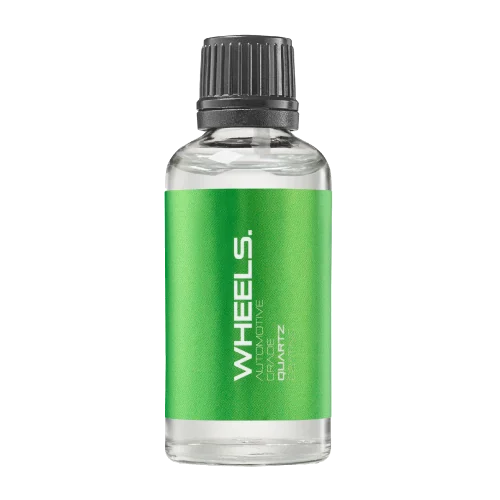 WHEEL PROTECTIONWHEELSA dedicated coating for your wheels.Discover
 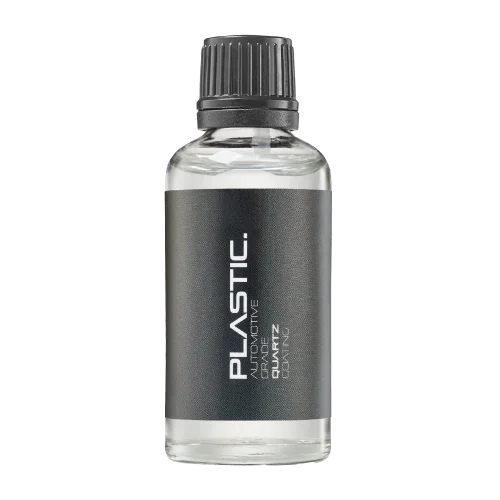 TRIM PROTECTIONPLASTICProtection for plastic surfaces.Discover
 Dedicated care for the surfaces inside.
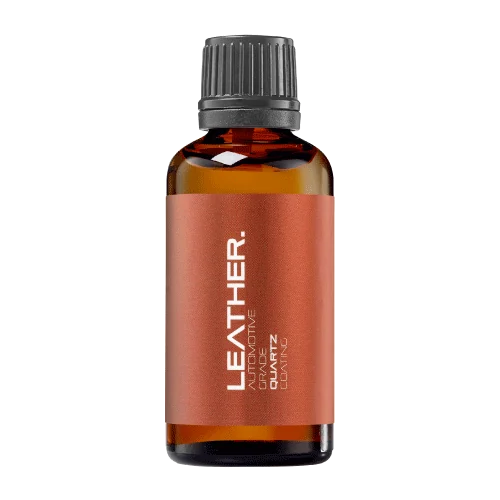 LEATHER SURFACESLEATHERDiscover NANOLAB leather protection.Discover PLASTIC SURFACESPLASTICProtection for interior plastic surfaces.Discover TEXTILE SURFACESFABRICExplore the latest fabric formulation.Discover
 Spray protection, maintenance and upcoming wash products.
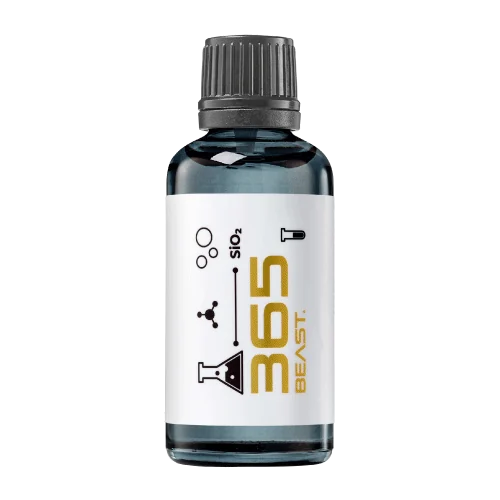 MAINTENANCEBEAST 365Explore the BEAST maintenance range.Discover
 Next in washing, cleaning & care.
Ceramic protection for boats and yachts.
An easy-to-apply ceramic coating with an established track record on boats and yachts around the world.
Results vary with surface preparation, exposure and maintenance.
Read 50 MARINE guides →Explore MARINEProtection for the surfaces you live with.
A look at what we’re developing.
From cutting and one-step correction to final finishing.
A wider range for professional vehicle care.
Taking shape alongside BEAST & MATRIX.
Practical guidance for your next coating project.
Explore all guides →
Painted surrounds beside driver-assistance sensors need a clear boundary. Correcting neighbouring paint does not authorise polishing optical windows, radar covers or sensor faces.
Updated · NANOLAB Knowledge
Painted surrounds beside driver-assistance sensors need a clear boundary. Correcting neighbouring paint does not authorise polishing optical windows, radar covers or sensor faces.
Identify each component using the vehicle’s care and repair information. Some covers look like ordinary glossy trim but form part of the sensing system. Record pre-existing clouding, damage or warning messages before cosmetic work.
Assuming every glossy black piece is polishable piano-black trim can create an expensive problem. A detailer should not promise that abrasive correction will improve sensor performance or resolve an existing fault.
Acceptance means improved cosmetic paint with the original functional scope preserved. If any sensor surface is scratched or contaminated, record the event and obtain appropriate service advice. Ceramic coating compatibility also needs its own approval for that exact component.