
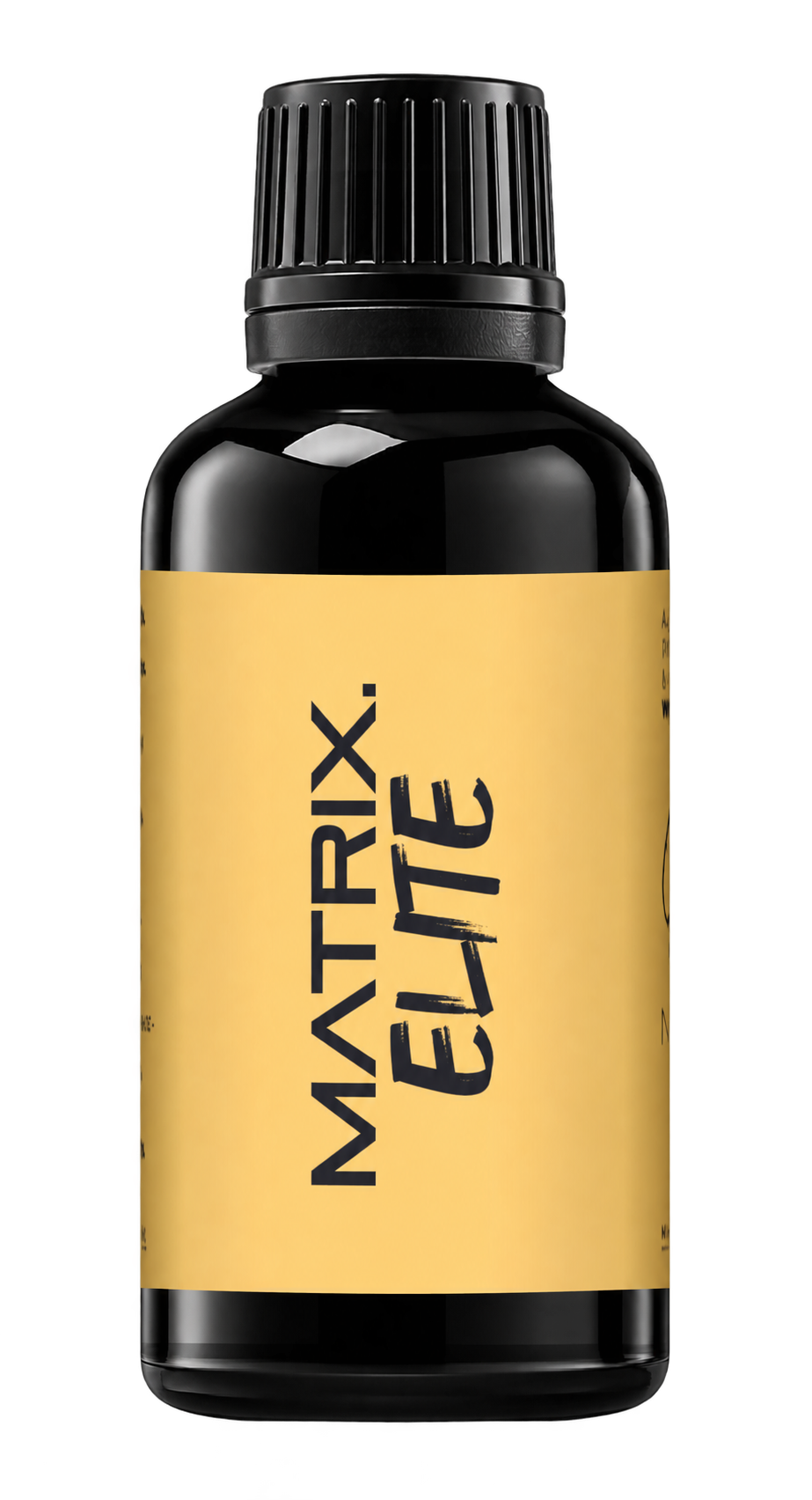
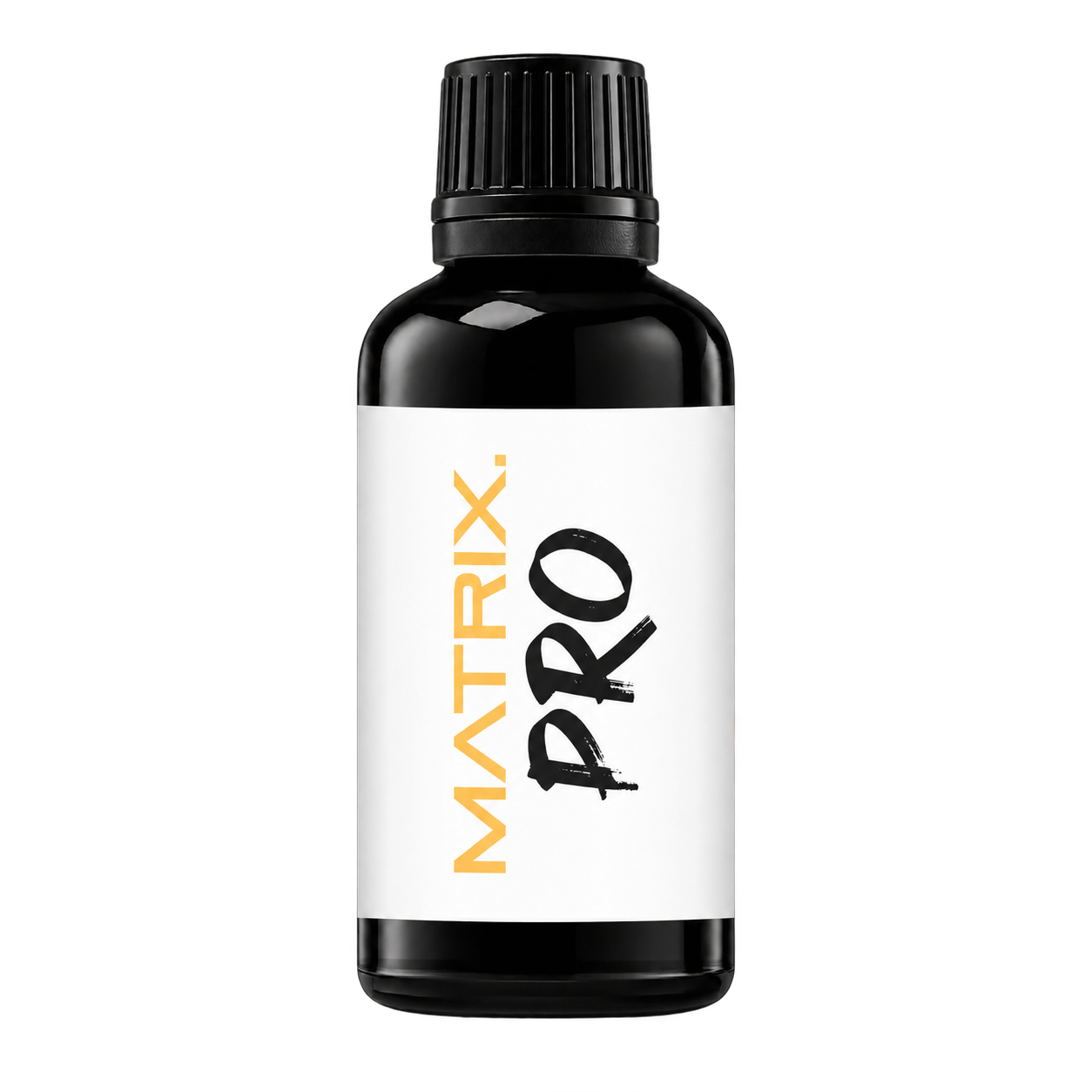
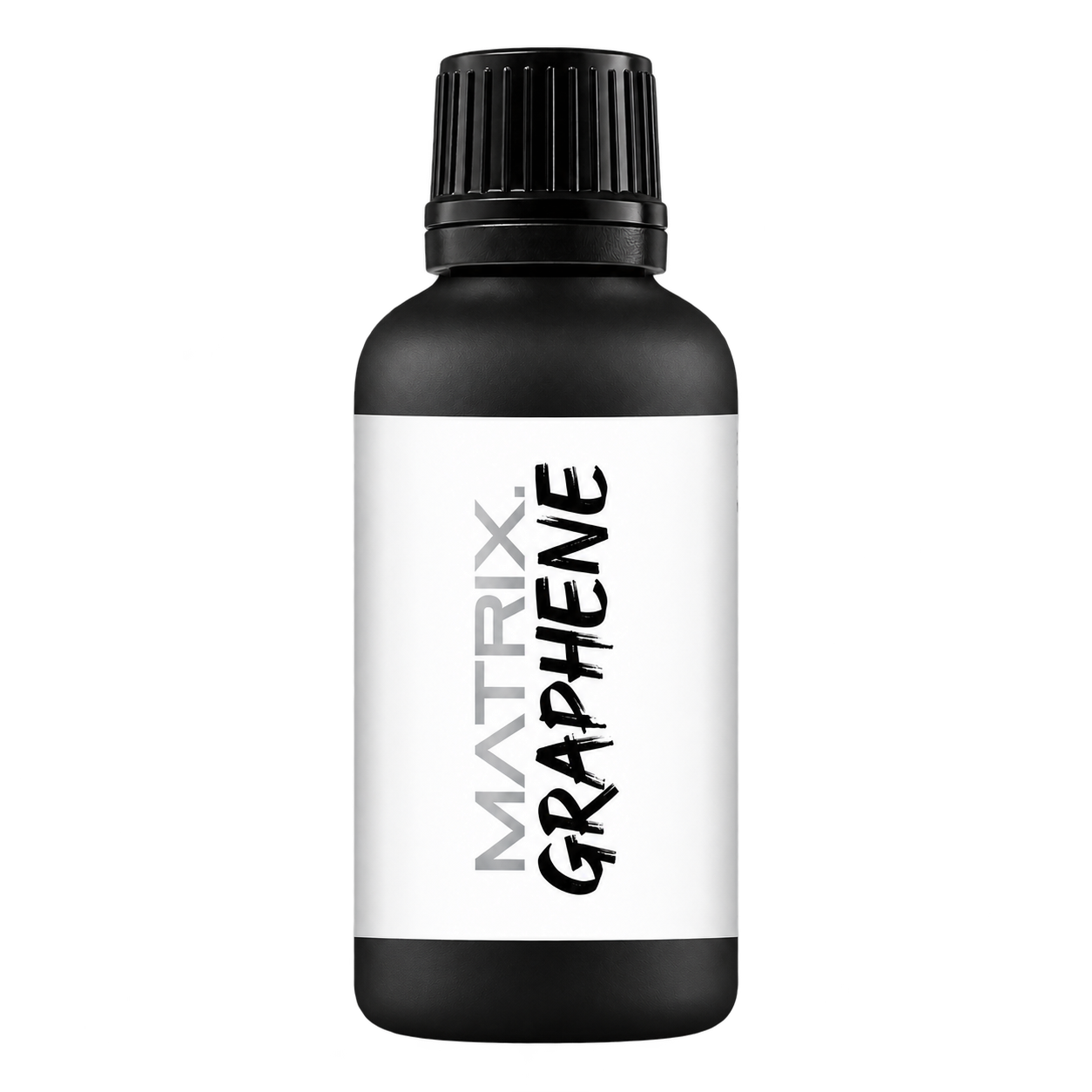
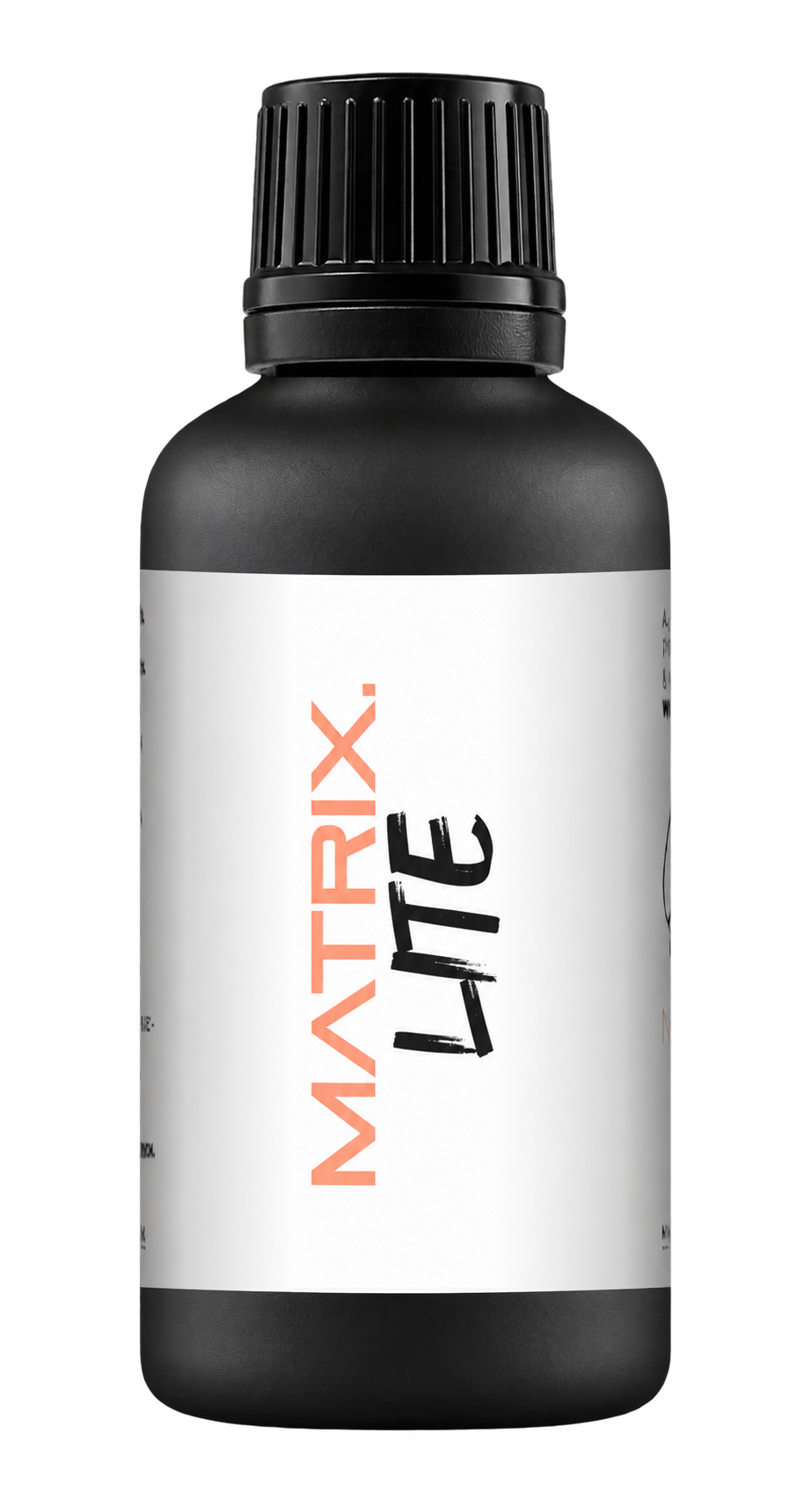
A full polishing range.
From cutting and one-step correction to final finishing.
Specialist chemistry. Expert application.
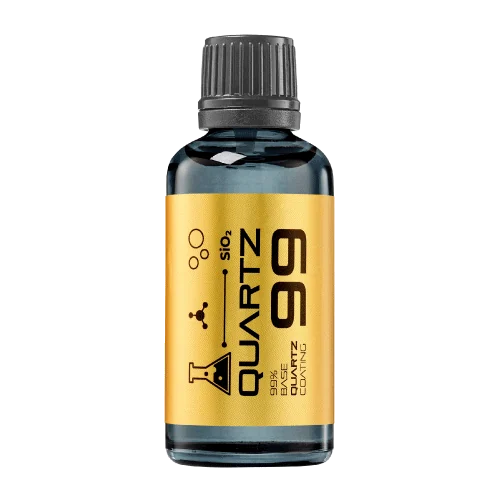 QUARTZ99 / CERAMIC BASE COAT
The foundation of your coating system.
A layerable quartz base coat designed for mechanical protection. Pair it with a suitable top coat to create the final finish.
For application by NANOLAB certified installers only.
Four formulas. Extended working time. Find the coating for your finish.
Explore the BEAST family of ceramic coatings.
Find the coating for each exterior surface.
 PPF & VINYLGLOSSProtection for glossy films and wraps.Discover
 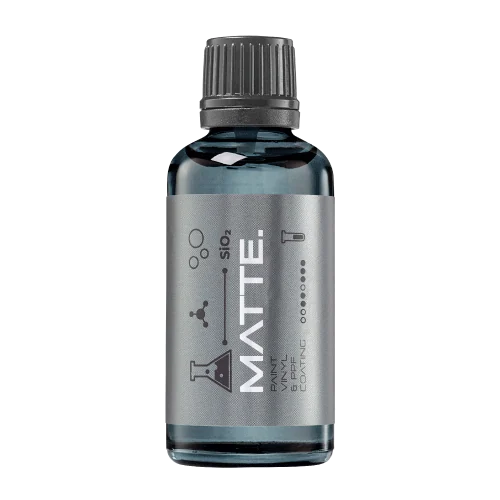 MATTE & SATINMATTEProtection that respects the finish.Discover
 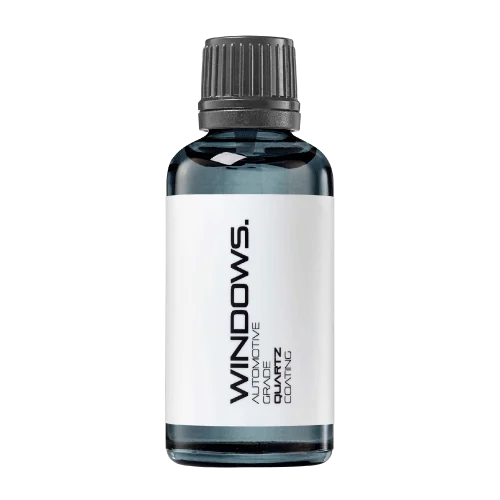 GLASSWINDOWSExplore dedicated glass protection.Discover
 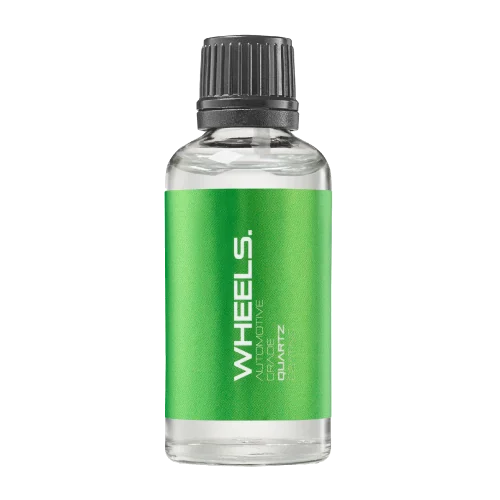 WHEEL PROTECTIONWHEELSA dedicated coating for your wheels.Discover
 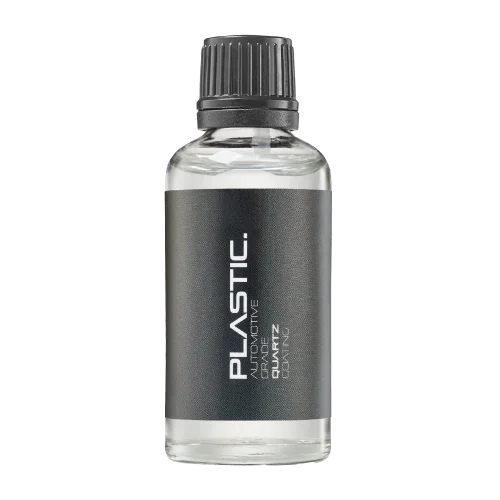 TRIM PROTECTIONPLASTICProtection for plastic surfaces.Discover
 Dedicated care for the surfaces inside.
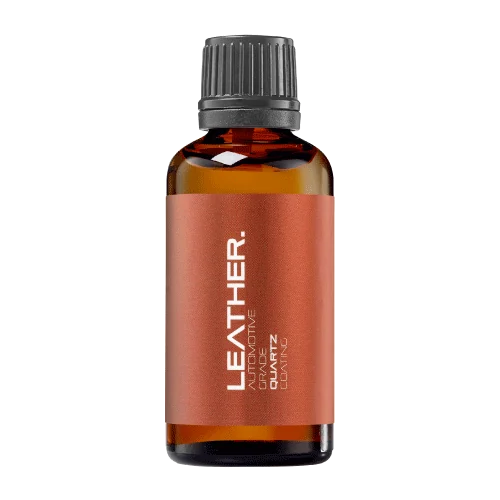 LEATHER SURFACESLEATHERDiscover NANOLAB leather protection.Discover PLASTIC SURFACESPLASTICProtection for interior plastic surfaces.Discover TEXTILE SURFACESFABRICExplore the latest fabric formulation.Discover
 Spray protection, maintenance and upcoming wash products.
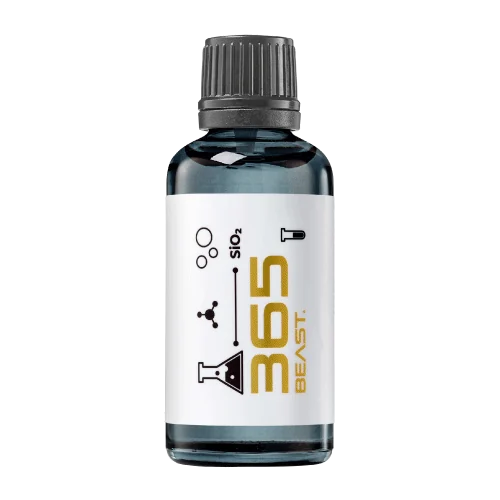 MAINTENANCEBEAST 365Explore the BEAST maintenance range.Discover
 Next in washing, cleaning & care.
Ceramic protection for boats and yachts.
An easy-to-apply ceramic coating with an established track record on boats and yachts around the world.
Results vary with surface preparation, exposure and maintenance.
Read 50 MARINE guides →Explore MARINEProtection for the surfaces you live with.
A look at what we’re developing.
From cutting and one-step correction to final finishing.
A wider range for professional vehicle care.
Taking shape alongside BEAST & MATRIX.
Practical guidance for your next coating project.
Explore all guides →
Artwork should distinguish the finished cut edge, printing bleed and the safe area for essential content. Use the selected printer's approved dieline rather than applying generic dimensions to every coating label.
Updated · NANOLAB Knowledge
Small production variation can matter on a compact bottle. Text placed close to a cut edge or wrap seam may become difficult to read even when the PDF looks balanced. The design review should therefore assess the actual manufacturing layout as well as the visual composition.
Illustrative example: a designer centres a product code near the label edge, but the applied label's seam obscures part of it. The information exists in the artwork yet is not reliably usable on the pack. An applied proof would reveal the problem before production approval.
Do not shrink required information merely to preserve a decorative layout. This guide does not set legal text sizes or printer tolerances. The relevant market requirements and the printer's production specification should be resolved by the responsible parties before the final label is released.
Discuss bulk supply and private-label requirements with NANOLAB. Use the current product documentation for formulation-specific instructions.

Bundling products creates an implied workflow. Each component must have a clear role and compatible place in that sequence.
Retail buyers need to identify intended surface, skill level and essential use information before purchase. Packaging should make that decision understandable.
A coating brief should describe the surface condition customers are likely to start with. A product demonstrated on a carefully prepared panel may create unrealistic expectations if the intended buyers usually work on neglected or previously treated surfaces.