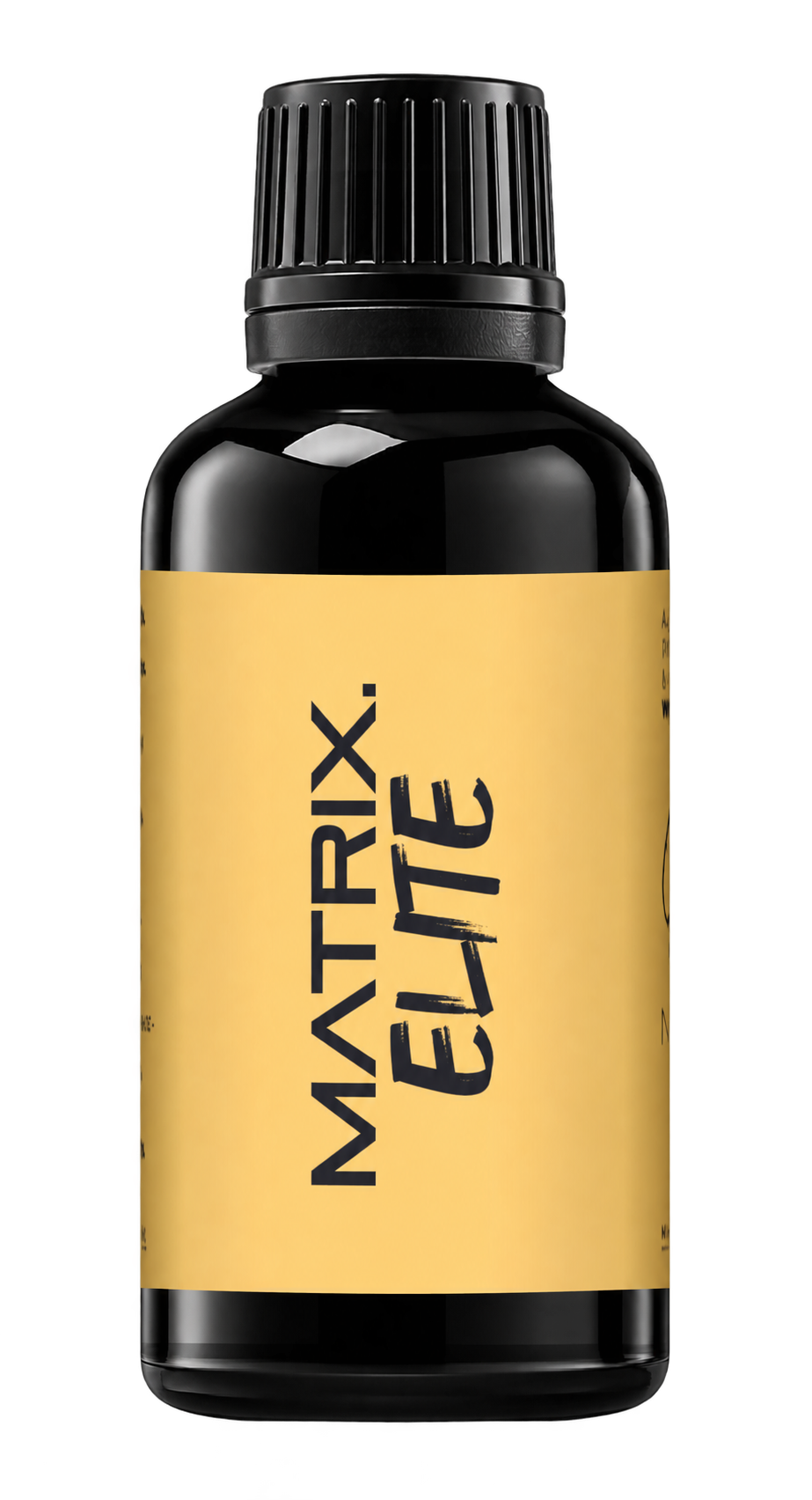
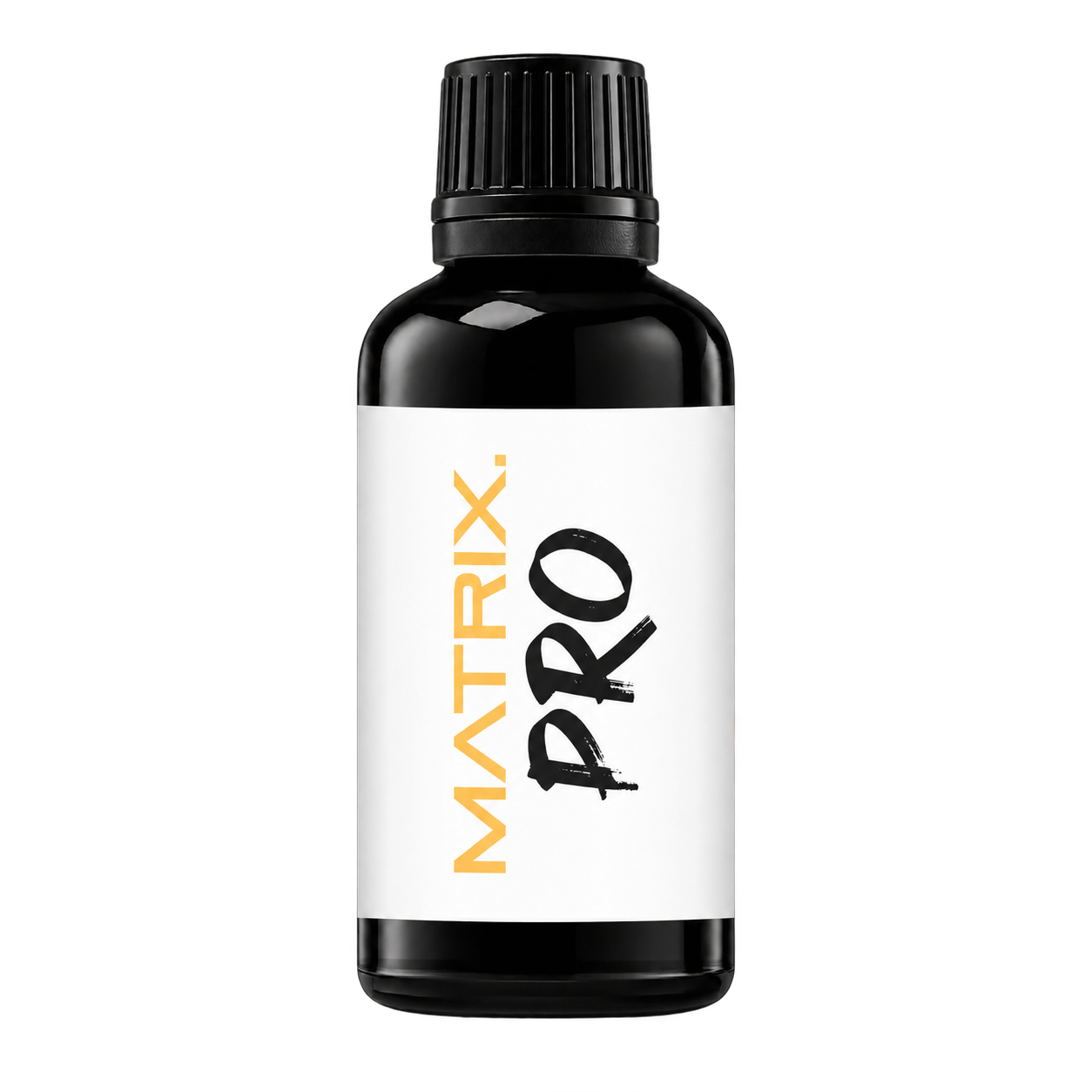
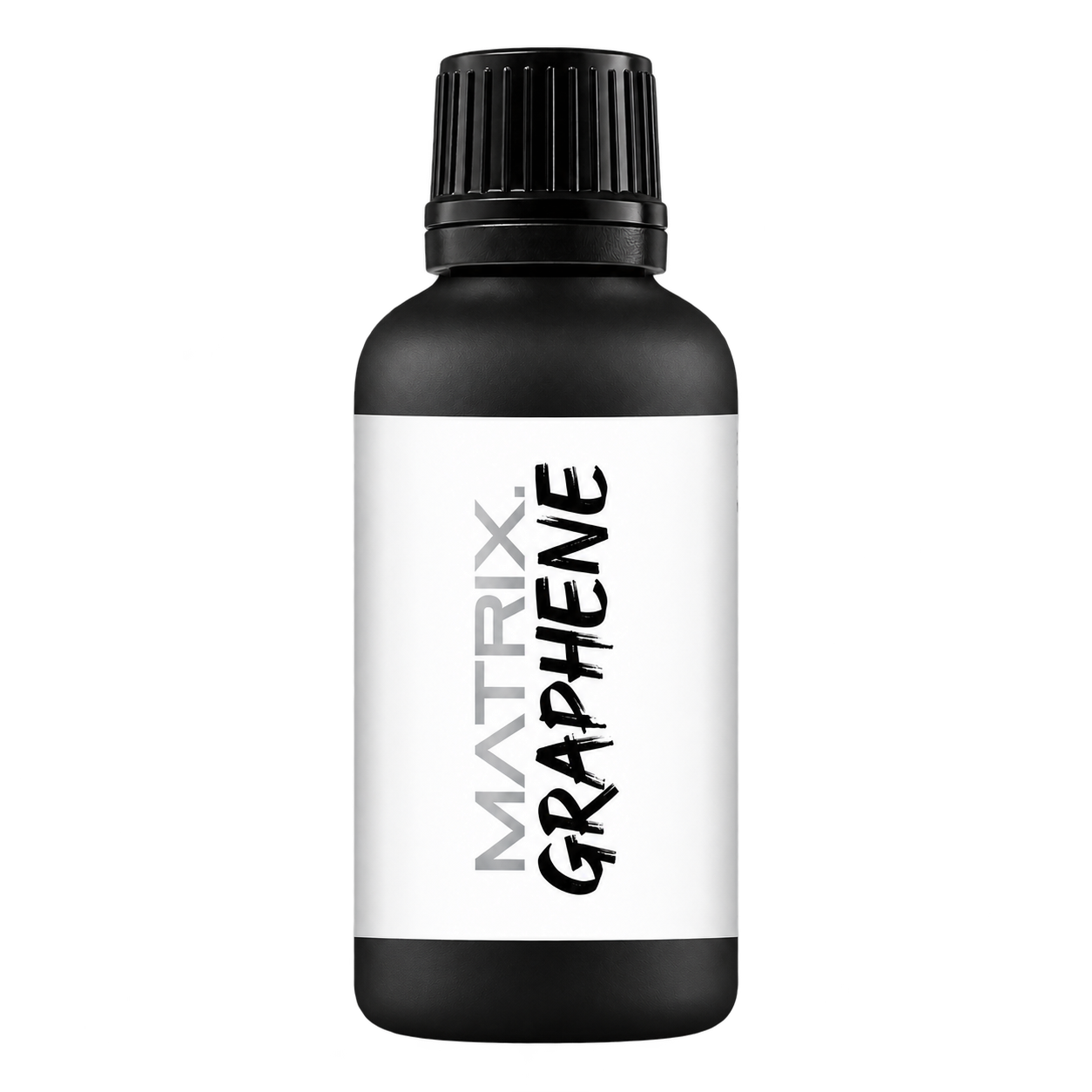
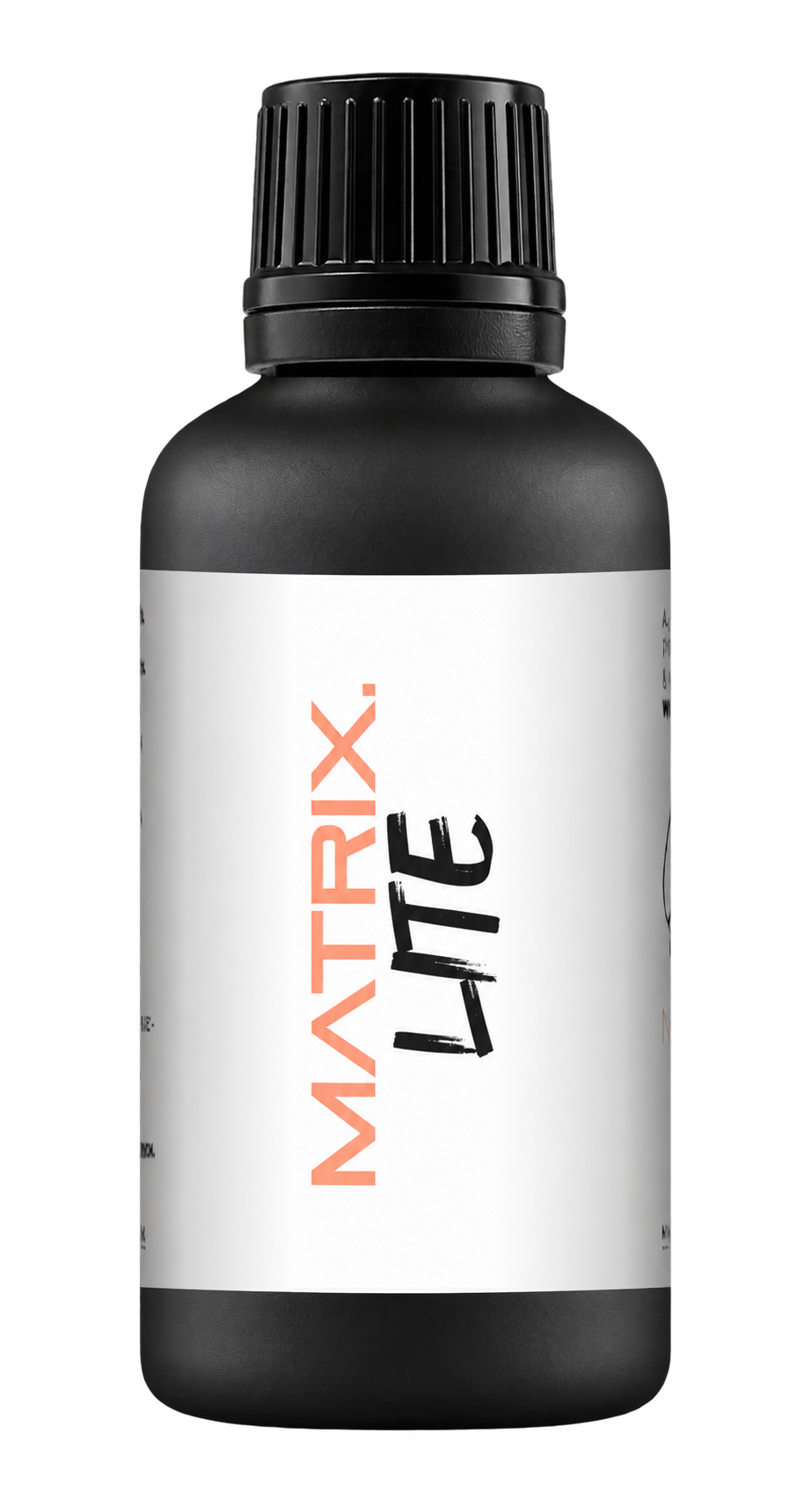
A full polishing range.
From cutting and one-step correction to final finishing.
Specialist chemistry. Expert application.
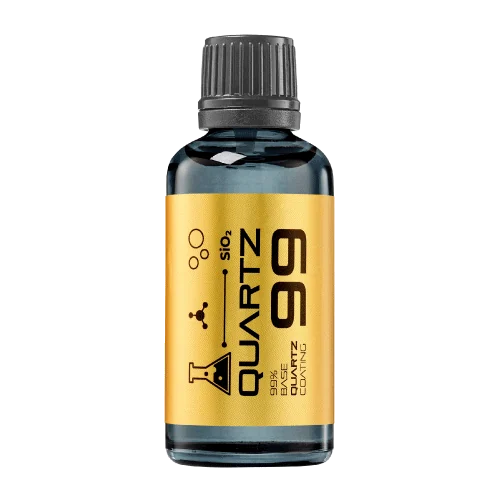 QUARTZ99 / CERAMIC BASE COAT
The foundation of your coating system.
A layerable quartz base coat designed for mechanical protection. Pair it with a suitable top coat to create the final finish.
For application by NANOLAB certified installers only.
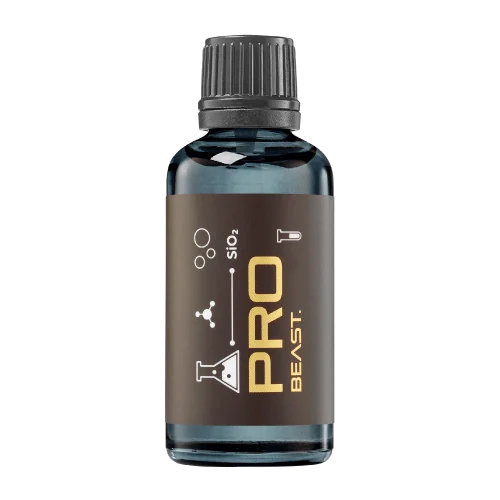
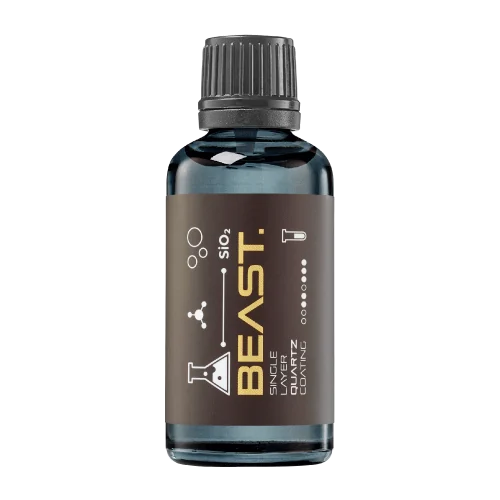
Four formulas. Extended working time. Find the coating for your finish.
Explore the BEAST family of ceramic coatings.
Find the coating for each exterior surface.
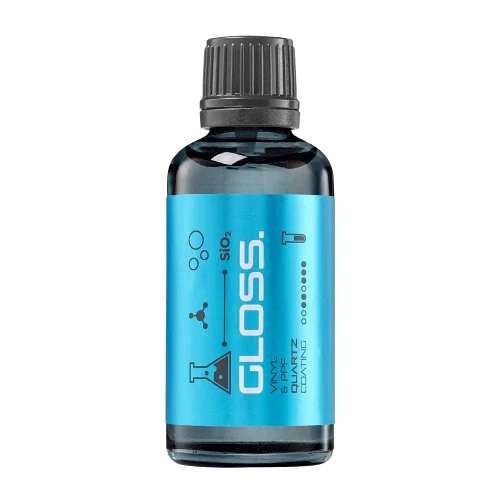 PPF & VINYLGLOSSProtection for glossy films and wraps.Discover
 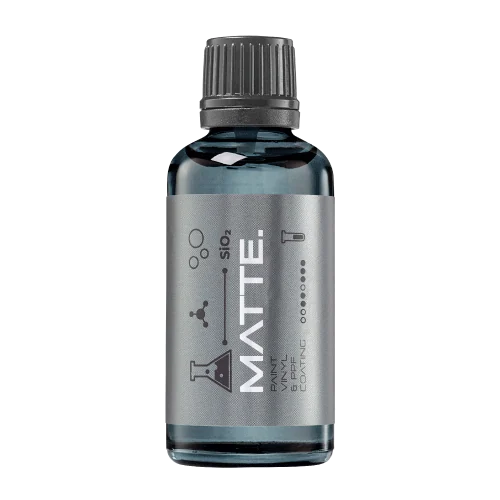 MATTE & SATINMATTEProtection that respects the finish.Discover
 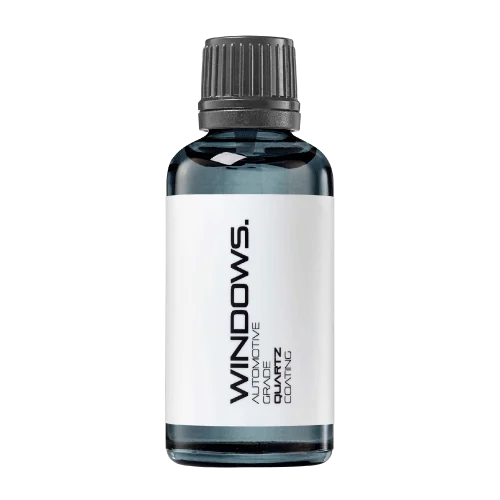 GLASSWINDOWSExplore dedicated glass protection.Discover
 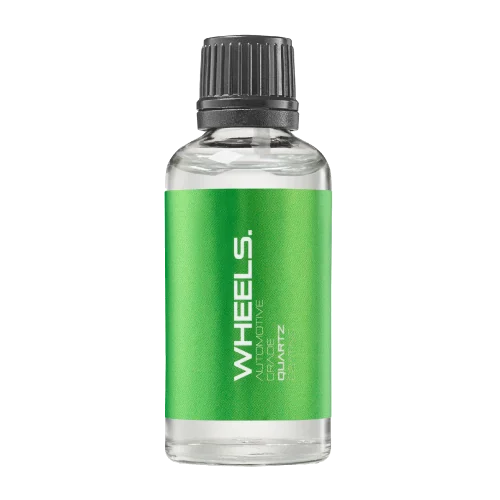 WHEEL PROTECTIONWHEELSA dedicated coating for your wheels.Discover
 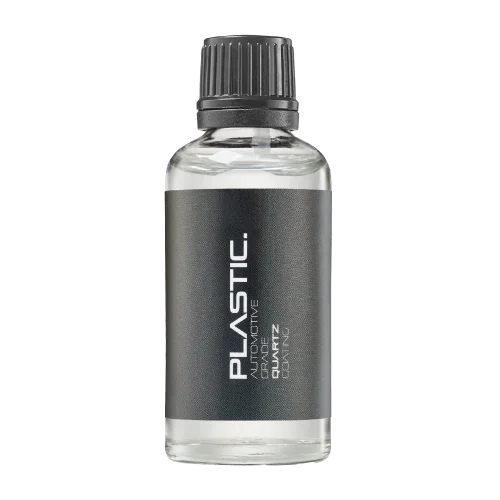 TRIM PROTECTIONPLASTICProtection for plastic surfaces.Discover
 Dedicated care for the surfaces inside.
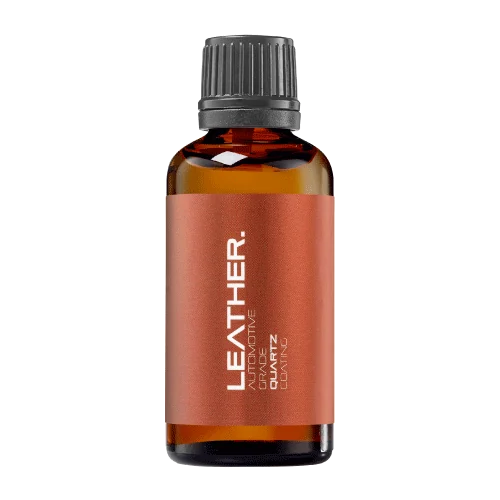 LEATHER SURFACESLEATHERDiscover NANOLAB leather protection.Discover PLASTIC SURFACESPLASTICProtection for interior plastic surfaces.Discover TEXTILE SURFACESFABRICExplore the latest fabric formulation.Discover
 Spray protection, maintenance and upcoming wash products.
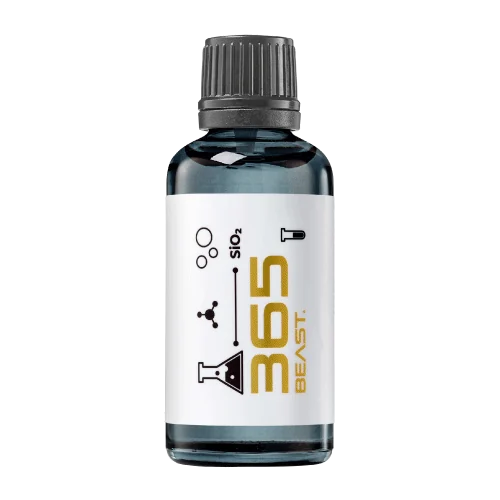 MAINTENANCEBEAST 365Explore the BEAST maintenance range.Discover
 Next in washing, cleaning & care.
Ceramic protection for boats and yachts.
An easy-to-apply ceramic coating with an established track record on boats and yachts around the world.
Results vary with surface preparation, exposure and maintenance.
Read 50 MARINE guides →Explore MARINEProtection for the surfaces you live with.
A look at what we’re developing.
From cutting and one-step correction to final finishing.
A wider range for professional vehicle care.
Taking shape alongside BEAST & MATRIX.
Practical guidance for your next coating project.
Explore all guides →
A barcode needs the clear surrounding space required for its symbol and application. Decorative borders, text or a label edge should not be allowed to consume that space during a late artwork revision.
Updated · NANOLAB Knowledge
GS1 treats quiet zones as part of barcode quality. For a private-label coating project, reserve the barcode area early and include it in the print proof. A compact bottle label is not a reason to shrink or crowd the symbol without checking the applicable requirements and printing method.
Illustrative example: a warning panel grows during artwork review and pushes a graphic border toward the barcode. The product text may be correct while the symbol's usable space is compromised. A layout check should catch the conflict before printing rather than relying on a later warehouse scan.
Do not copy a quiet-zone dimension from a different barcode type or application. The current requirements and print process govern the design. This guide does not approve a specific NANOLAB label; it identifies a packaging check that should remain visible in the artwork workflow.
Technical references: GS1: barcode quality checks. These sources describe their stated methods or products; they do not certify NANOLAB products or establish compatibility with an unlisted surface.
Discuss bulk supply and private-label requirements with NANOLAB. Use the current product documentation for formulation-specific instructions.

Prepare a clear artwork handoff for private label coatings with product identity, version control, readable instructions and packaging checks.

Identify what must remain traceable when a promising sample becomes a commercial order.
A barcode on a transparent label is seen against the actual bottle and contents, not only the white background of a design screen. Review the final optical arrangement before approving the packaging.