

A full polishing range.
From cutting and one-step correction to final finishing.
Specialist chemistry. Expert application.
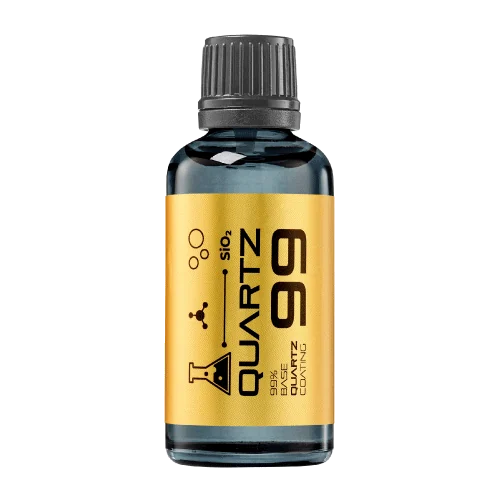 QUARTZ99 / CERAMIC BASE COAT
The foundation of your coating system.
A layerable quartz base coat designed for mechanical protection. Pair it with a suitable top coat to create the final finish.
For application by NANOLAB certified installers only.
Four formulas. Extended working time. Find the coating for your finish.
Explore the BEAST family of ceramic coatings.
Find the coating for each exterior surface.
 PPF & VINYLGLOSSProtection for glossy films and wraps.Discover
  MATTE & SATINMATTEProtection that respects the finish.Discover
 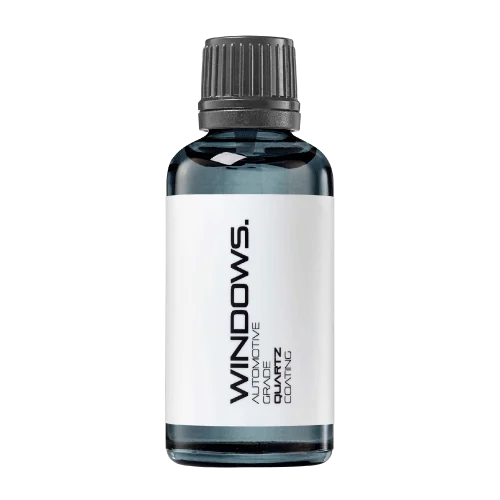 GLASSWINDOWSExplore dedicated glass protection.Discover
 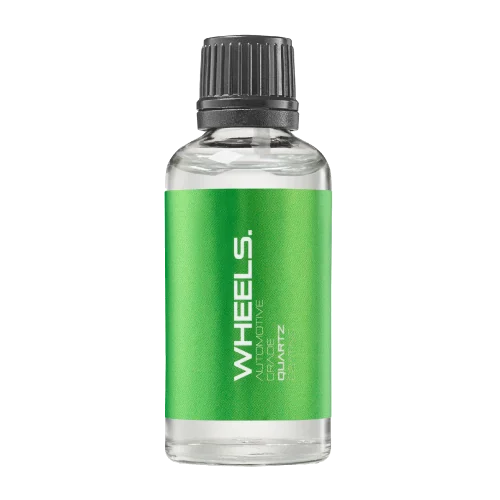 WHEEL PROTECTIONWHEELSA dedicated coating for your wheels.Discover
 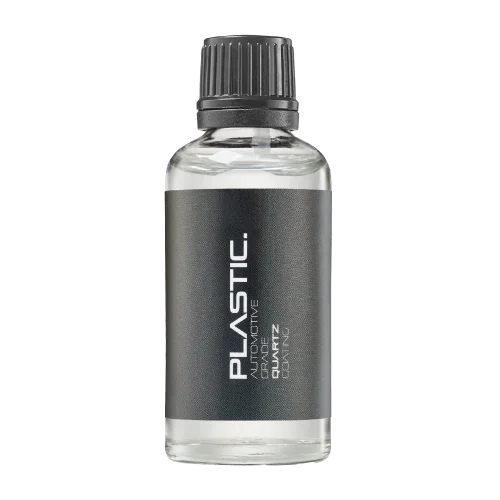 TRIM PROTECTIONPLASTICProtection for plastic surfaces.Discover
 Dedicated care for the surfaces inside.
 LEATHER SURFACESLEATHERDiscover NANOLAB leather protection.Discover PLASTIC SURFACESPLASTICProtection for interior plastic surfaces.Discover TEXTILE SURFACESFABRICExplore the latest fabric formulation.Discover
 Spray protection, maintenance and upcoming wash products.
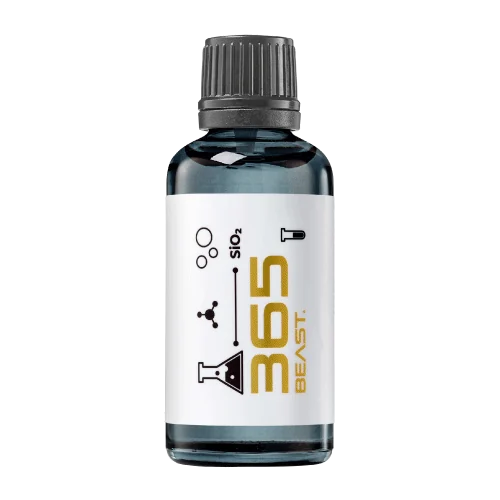 MAINTENANCEBEAST 365Explore the BEAST maintenance range.Discover
 Next in washing, cleaning & care.
Ceramic protection for boats and yachts.
An easy-to-apply ceramic coating with an established track record on boats and yachts around the world.
Results vary with surface preparation, exposure and maintenance.
Read 50 MARINE guides →Explore MARINEProtection for the surfaces you live with.
A look at what we’re developing.
From cutting and one-step correction to final finishing.
A wider range for professional vehicle care.
Taking shape alongside BEAST & MATRIX.
Practical guidance for your next coating project.
Explore all guides →
Collect product identities, treated areas, instruction revisions and unresolved issues for the client.
Updated · NANOLAB Knowledge
A coating project closeout folder should help the client identify what was installed and how to maintain it. It is not simply a collection of every file produced during the job. Select records that support future decisions and make them easy to navigate.
Include a treated-area map, product names, relevant dates and agreed exclusions. Link the final scope to any approved changes. For example, a feature omitted after compatibility review should remain visibly excluded rather than disappearing from the record entirely.
Provide the instructions and document references relevant to the installed products. Record revisions and explain where current information can be obtained. Keep warranties and commercial documents distinguishable from routine care guidance so the client does not confuse maintenance instructions with programme eligibility.
List unresolved observations, responsible contacts and agreed next steps. Do not label the folder complete while essential questions remain hidden in email threads. Use straightforward filenames and a short contents page. A future facilities employee or installer should be able to understand the treatment without having attended the original handover. That practical usability is the measure of a good closeout package: it preserves product identity, scope and responsibilities while giving the client a reliable starting point for maintenance or further enquiries.
Include the agreed scope, approved changes, zone map, product identities, instruction revisions, application records, inspection outcome and care handover. Put a one-page index at the front so the owner can find the relevant record without opening every file.
Separate completed work from unresolved items and identify who owns each remaining action. If a panel was excluded or replaced, make that visible on the final map. Avoid collecting unrelated paperwork merely to make the folder appear comprehensive. The folder's purpose is to help someone understand what was treated, how the result was accepted and what information governs future care, even when the original installer is no longer available.
Send your project surface and scope to NANOLAB. For supporting information, review the current product documentation and the related coating guides.
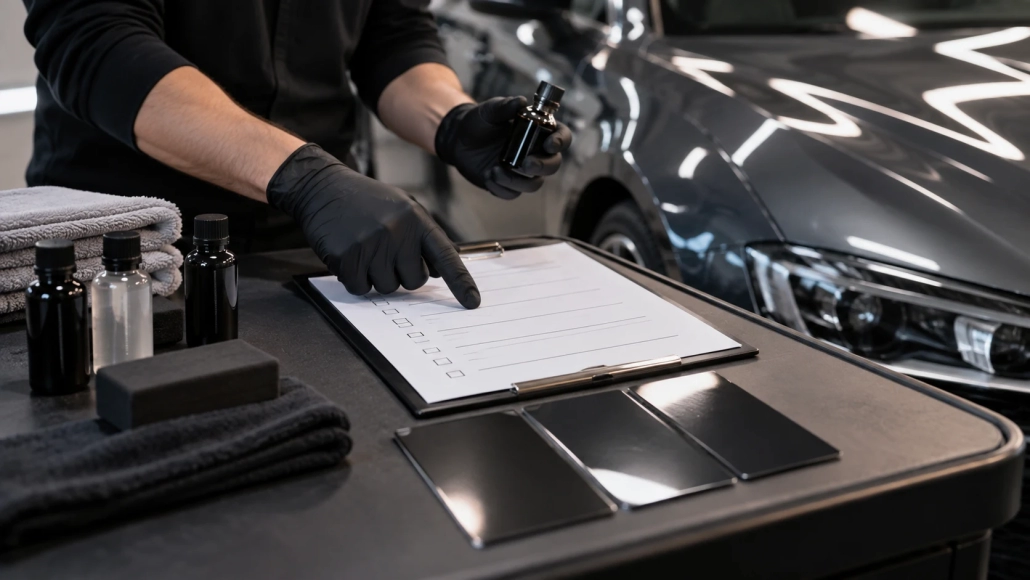
Use this checklist to compare preparation, product choice, treated surfaces and aftercare across ceramic coating proposals.

Estimate labour, materials and workshop occupancy from the actual scope, then compare planned and completed work to improve future quotes.

Reassess preparation and compatibility after the real condition differs from photographs.