
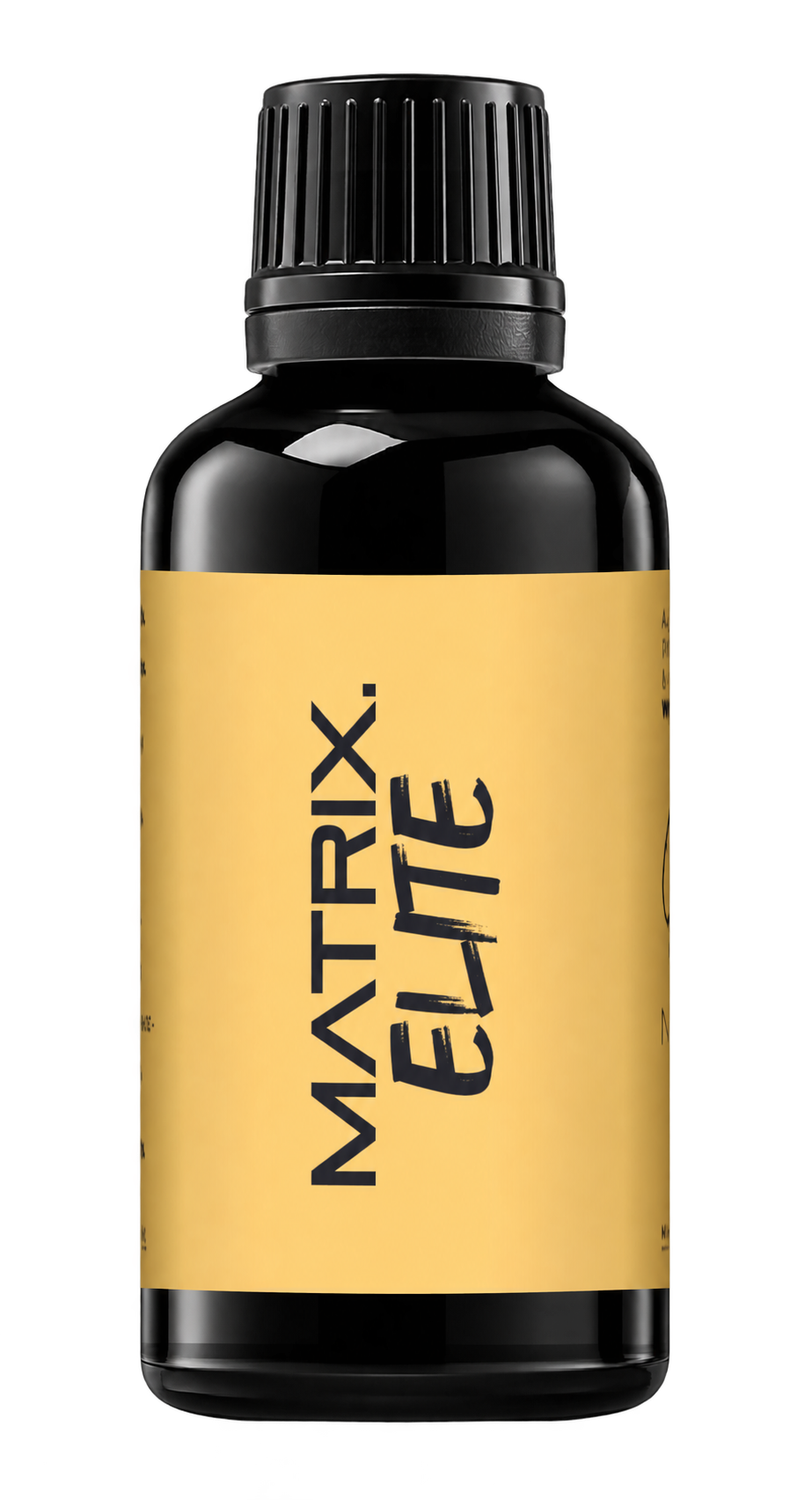
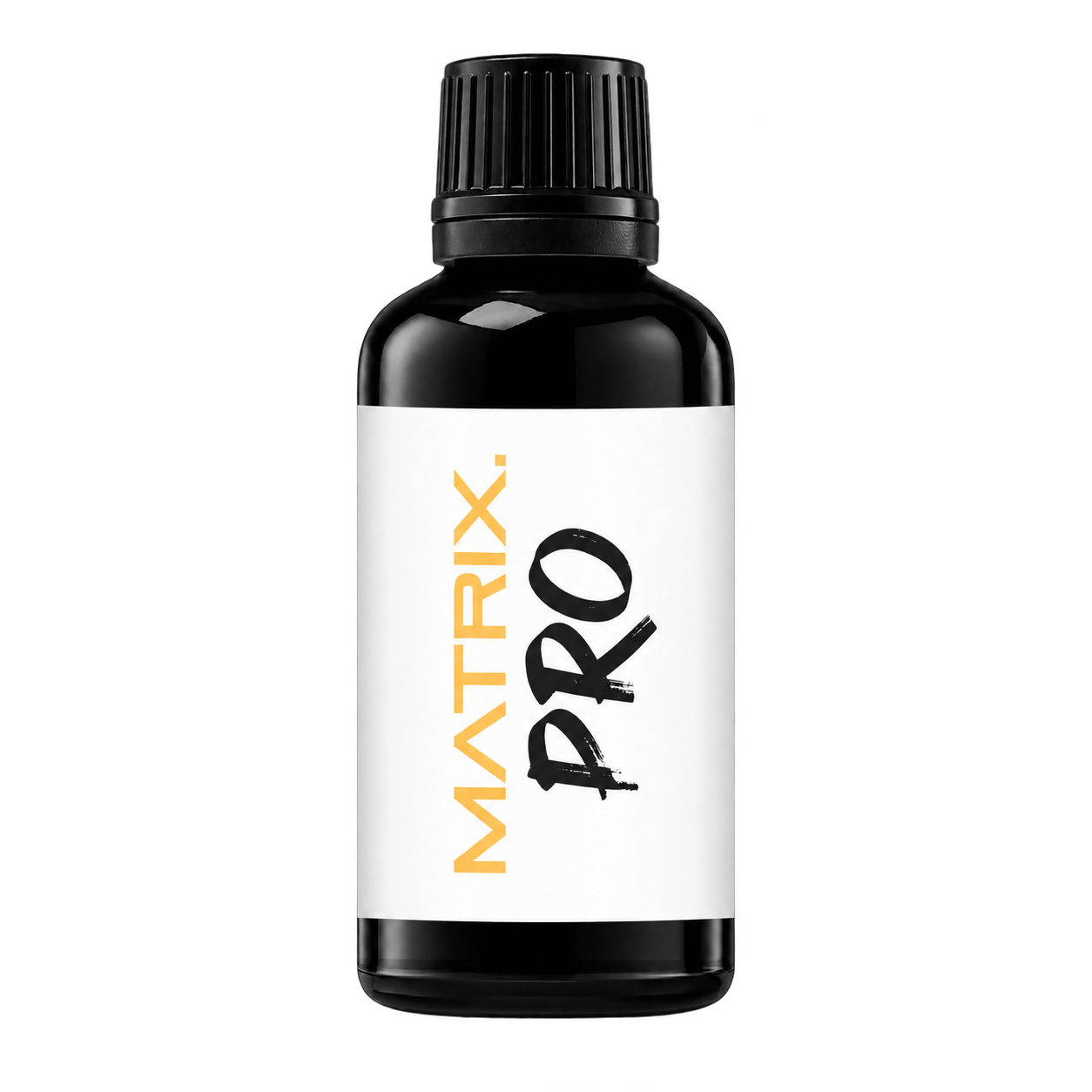
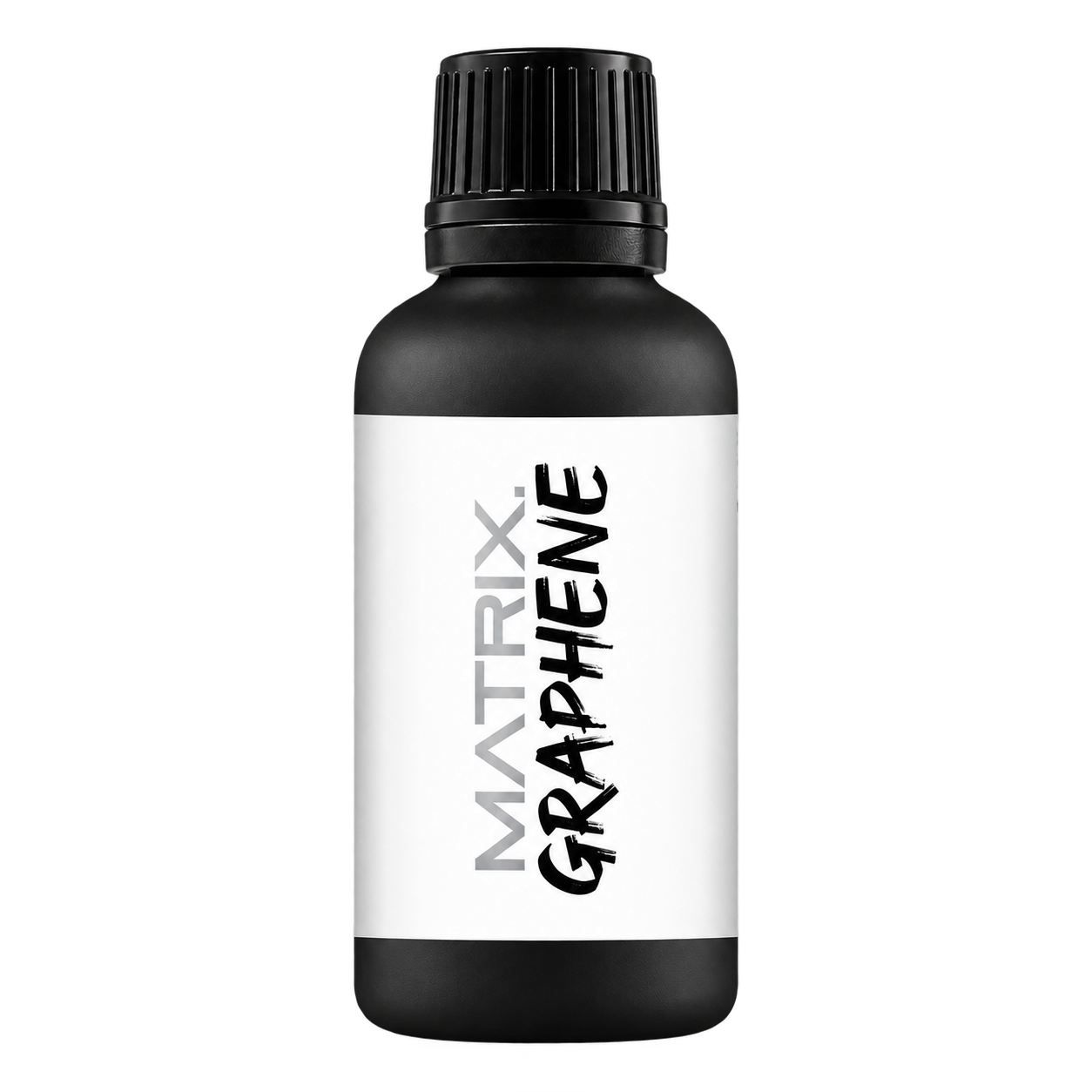
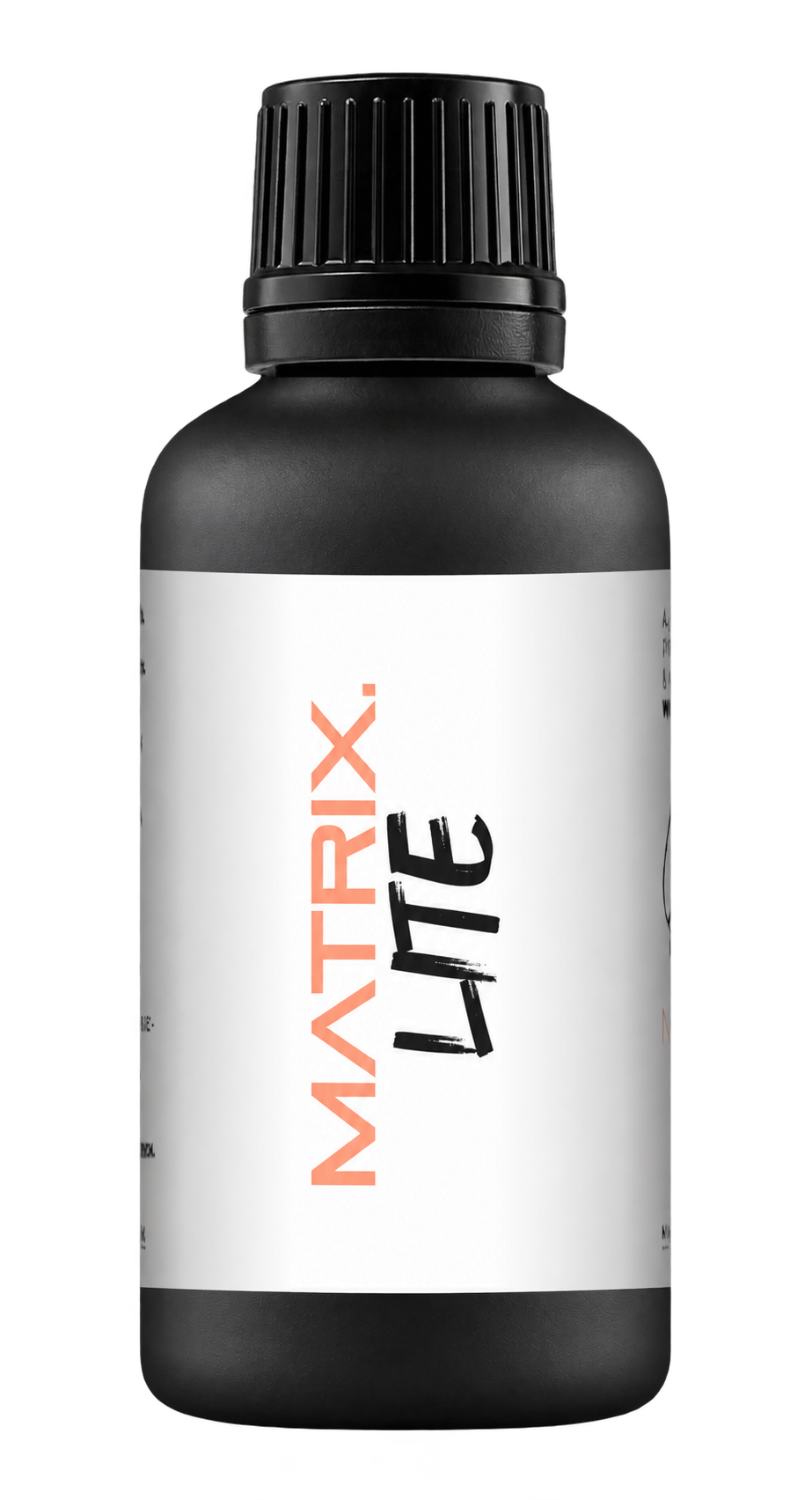
A full polishing range.
From cutting and one-step correction to final finishing.
Specialist chemistry. Expert application.
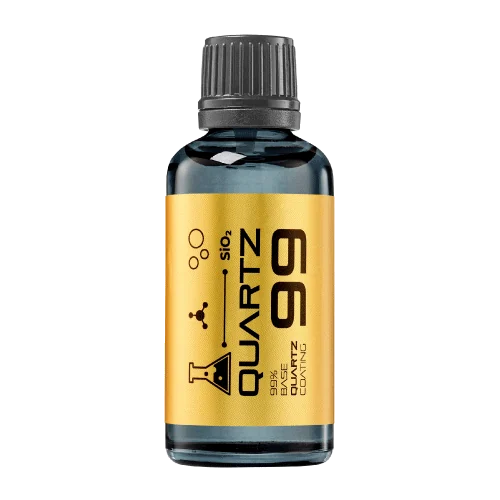 QUARTZ99 / CERAMIC BASE COAT
The foundation of your coating system.
A layerable quartz base coat designed for mechanical protection. Pair it with a suitable top coat to create the final finish.
For application by NANOLAB certified installers only.
Four formulas. Extended working time. Find the coating for your finish.
Explore the BEAST family of ceramic coatings.
Find the coating for each exterior surface.
 PPF & VINYLGLOSSProtection for glossy films and wraps.Discover
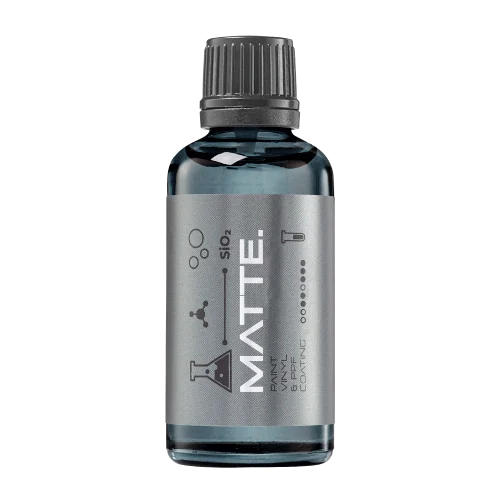 MATTE & SATINMATTEProtection that respects the finish.Discover
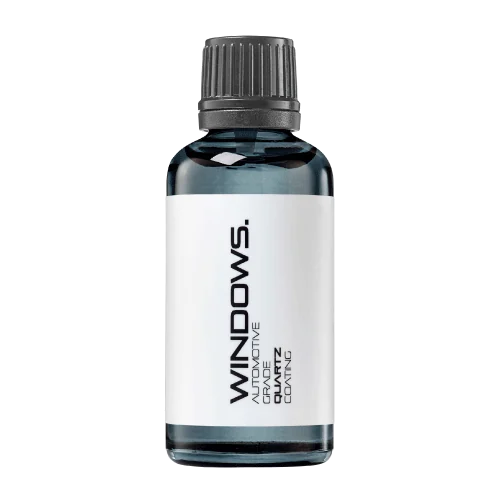 GLASSWINDOWSExplore dedicated glass protection.Discover
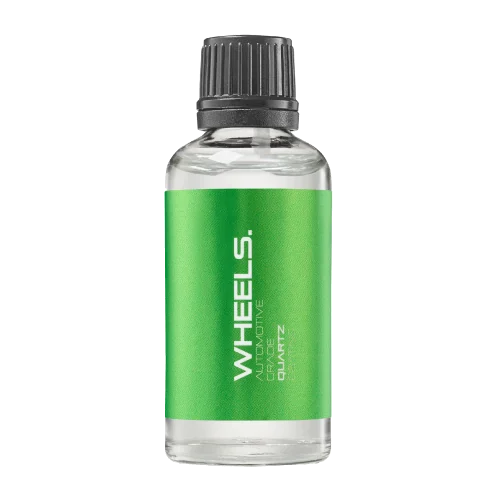 WHEEL PROTECTIONWHEELSA dedicated coating for your wheels.Discover
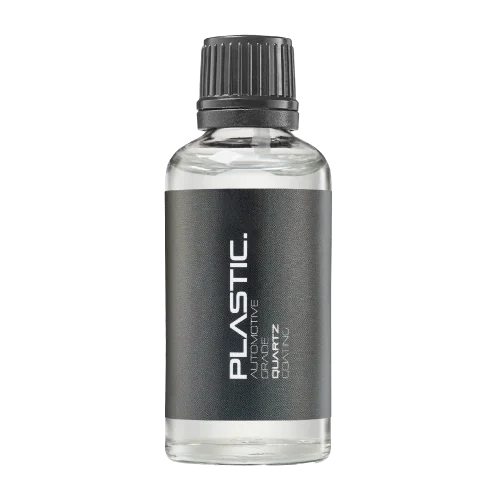 TRIM PROTECTIONPLASTICProtection for plastic surfaces.Discover
Dedicated care for the surfaces inside.
 LEATHER SURFACESLEATHERDiscover NANOLAB leather protection.Discover PLASTIC SURFACESPLASTICProtection for interior plastic surfaces.Discover TEXTILE SURFACESFABRICExplore the latest fabric formulation.Discover
Spray protection, maintenance and upcoming wash products.
 MAINTENANCEBEAST 365Explore the BEAST maintenance range.Discover
Next in washing, cleaning & care.
Ceramic protection for boats and yachts.
An easy-to-apply ceramic coating with an established track record on boats and yachts around the world.
Results vary with surface preparation, exposure and maintenance.
Read 50 MARINE guides →Explore MARINEProtection for the surfaces you live with.
A look at what we’re developing.
From cutting and one-step correction to final finishing.
A wider range for professional vehicle care.
Taking shape alongside BEAST & MATRIX.
Practical guidance for your next coating project.
Explore all guides →
Use a fixed white-balance reference when documenting coating work to distinguish colour changes from the camera’s automatic corrections.
Updated · NANOLAB Knowledge
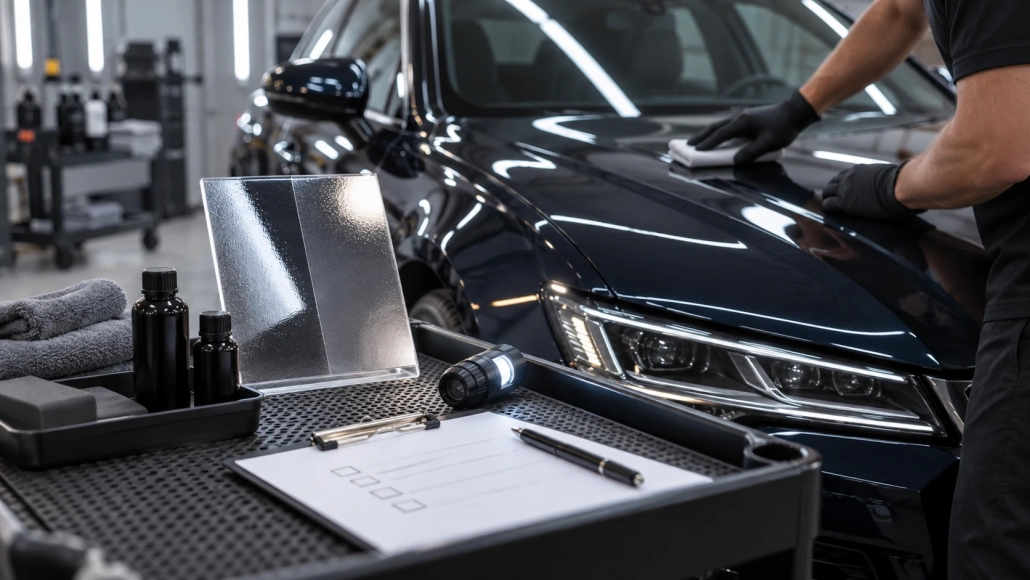
Automatic white balance can make two photographs of the same painted panel look warmer or cooler. That becomes a problem when a coating comparison claims greater depth, a cleaner white or a change in colour. Stabilise the camera’s interpretation before interpreting the surface.
Place a suitable neutral reference in the same illumination as the inspected panel without touching fresh coating. Set a fixed white balance or retain raw files with a documented reference-based conversion. Keep the light source, camera and processing settings consistent.
A reference card illuminated by a different lamp from the paint is not a reliable correction for that paint. Mixed daylight and workshop lighting can also change during the job. Either control the mixture or document separate sessions.
Imagine a white vehicle photographed before coating under cool ceiling lights and afterwards beside an open door at sunset. The warmer after image cannot establish that the coating changed the paint colour. Repeat under comparable illumination before drawing that conclusion.
A fixed white balance does not solve every issue. Exposure, reflections, viewing angle and the surrounding colours still influence the image. It also does not turn a camera into a calibrated colour-measurement instrument.
Apply the same conversion settings to comparable photographs. Keep any creative colour grading separate from the technical comparison. For a disputed colour change, arrange direct inspection and appropriate colour measurement rather than relying on separately edited phone pictures.
Ask NANOLAB about your surface and intended use. For application and care, use the current instructions for the exact product.
Use clear checkpoints before application, after levelling and at handover to make coating work consistent and traceable.

A sharp photograph is useful only when a later reviewer can identify its panel, position and stage of work. A simple naming routine prevents ambiguous paint-condition records.
Understand how a polarising filter changes reflections in coating photographs and keep filter settings consistent in comparison images.
 Polarising Filters in Coating Demonstrations: What the Camera Removes