
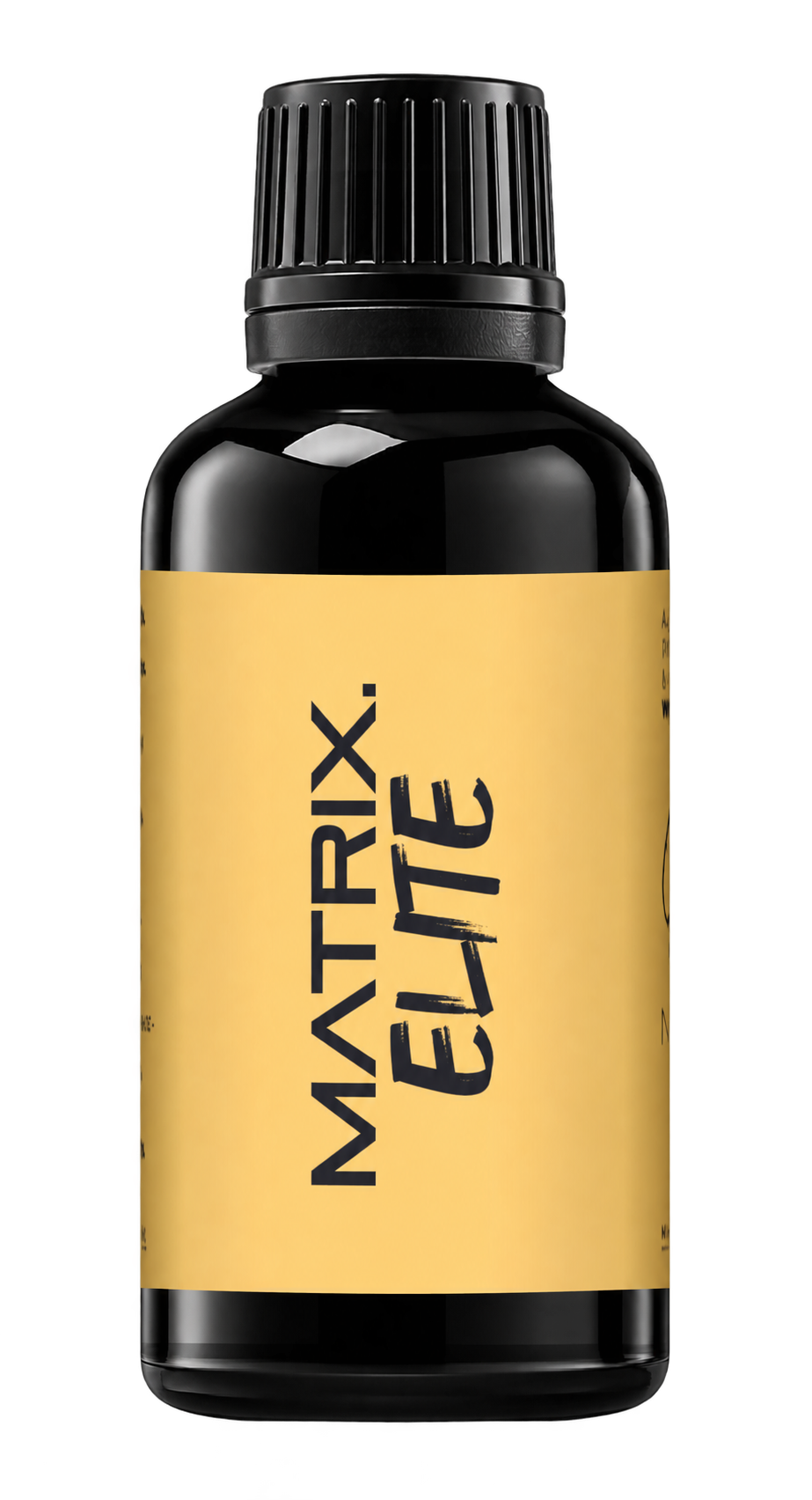
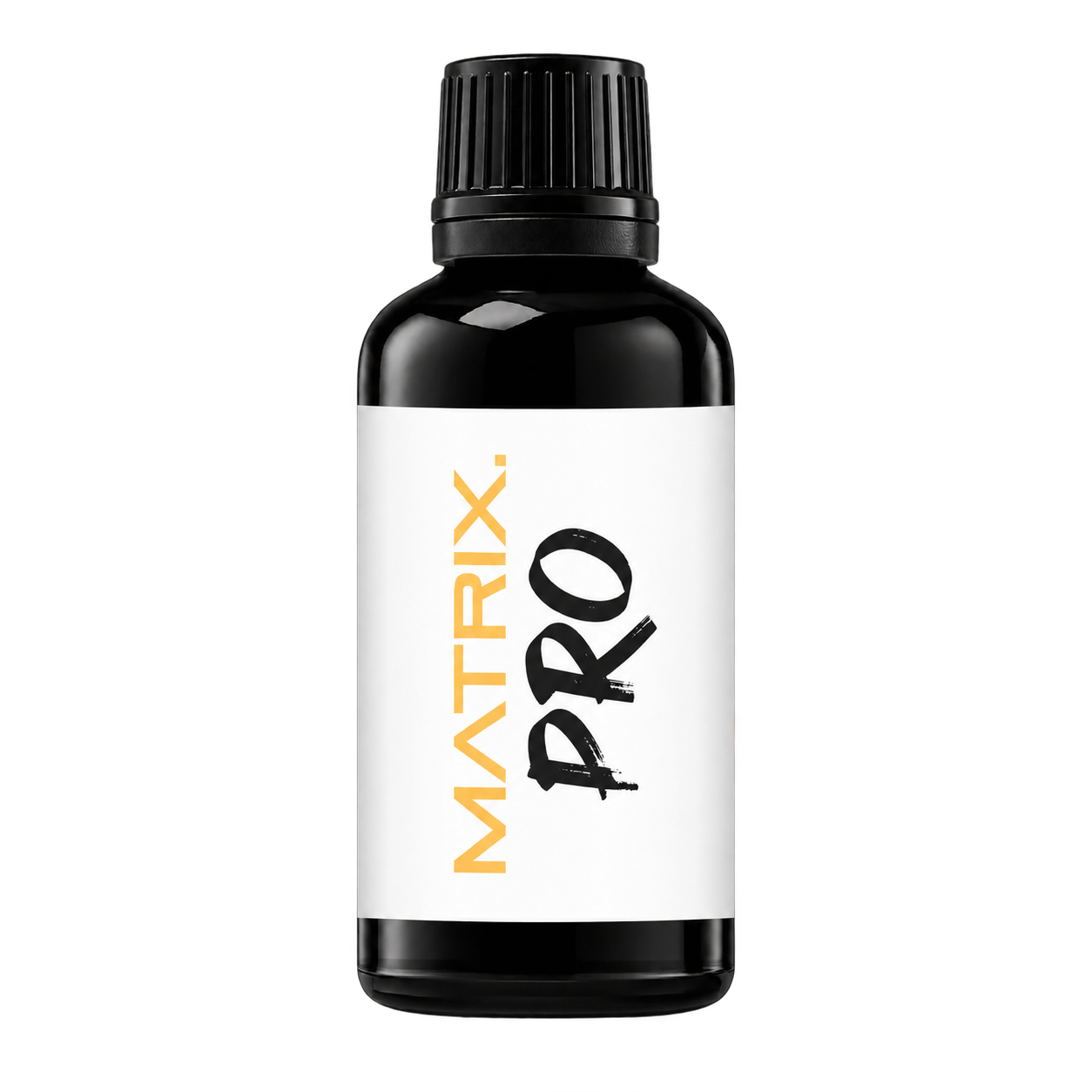
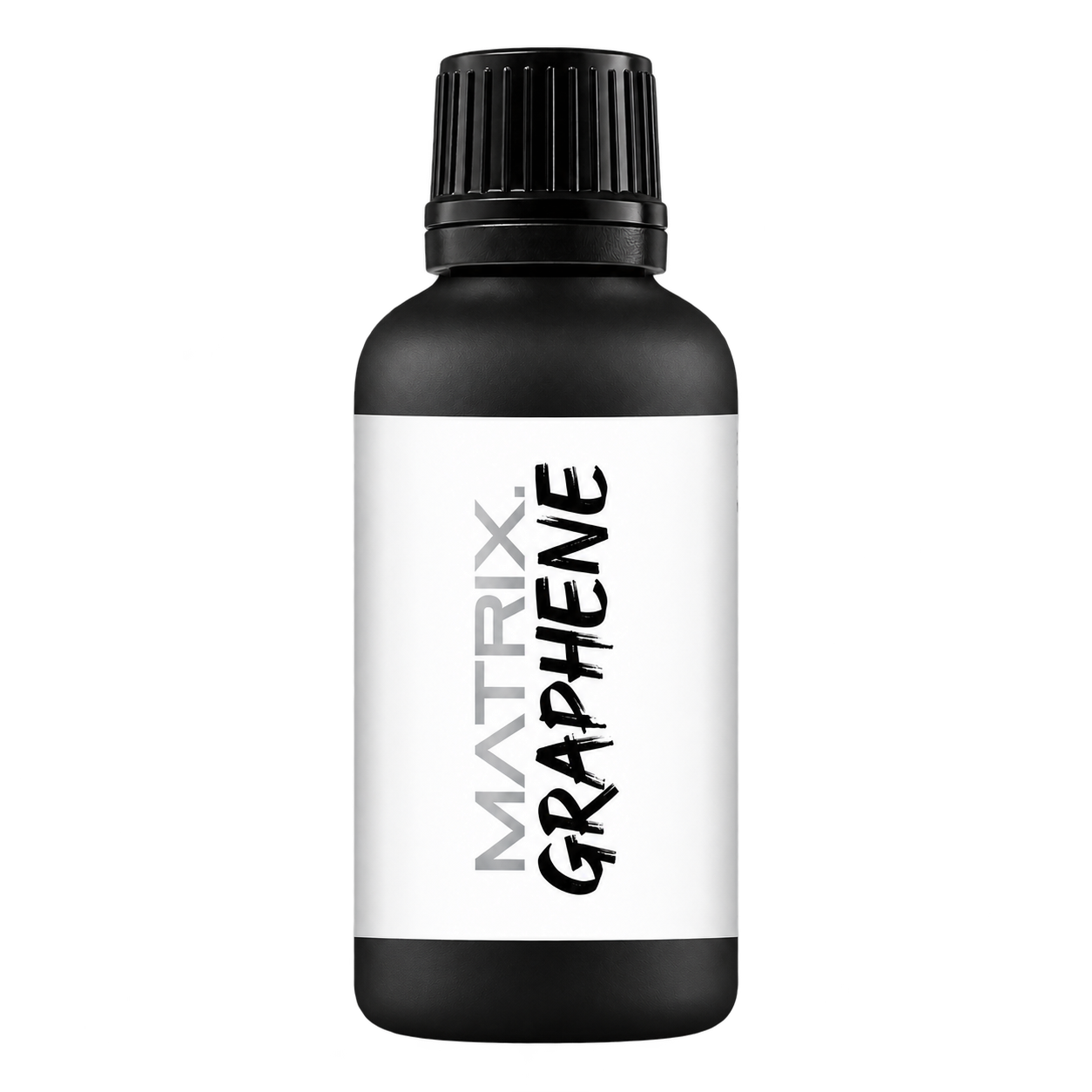
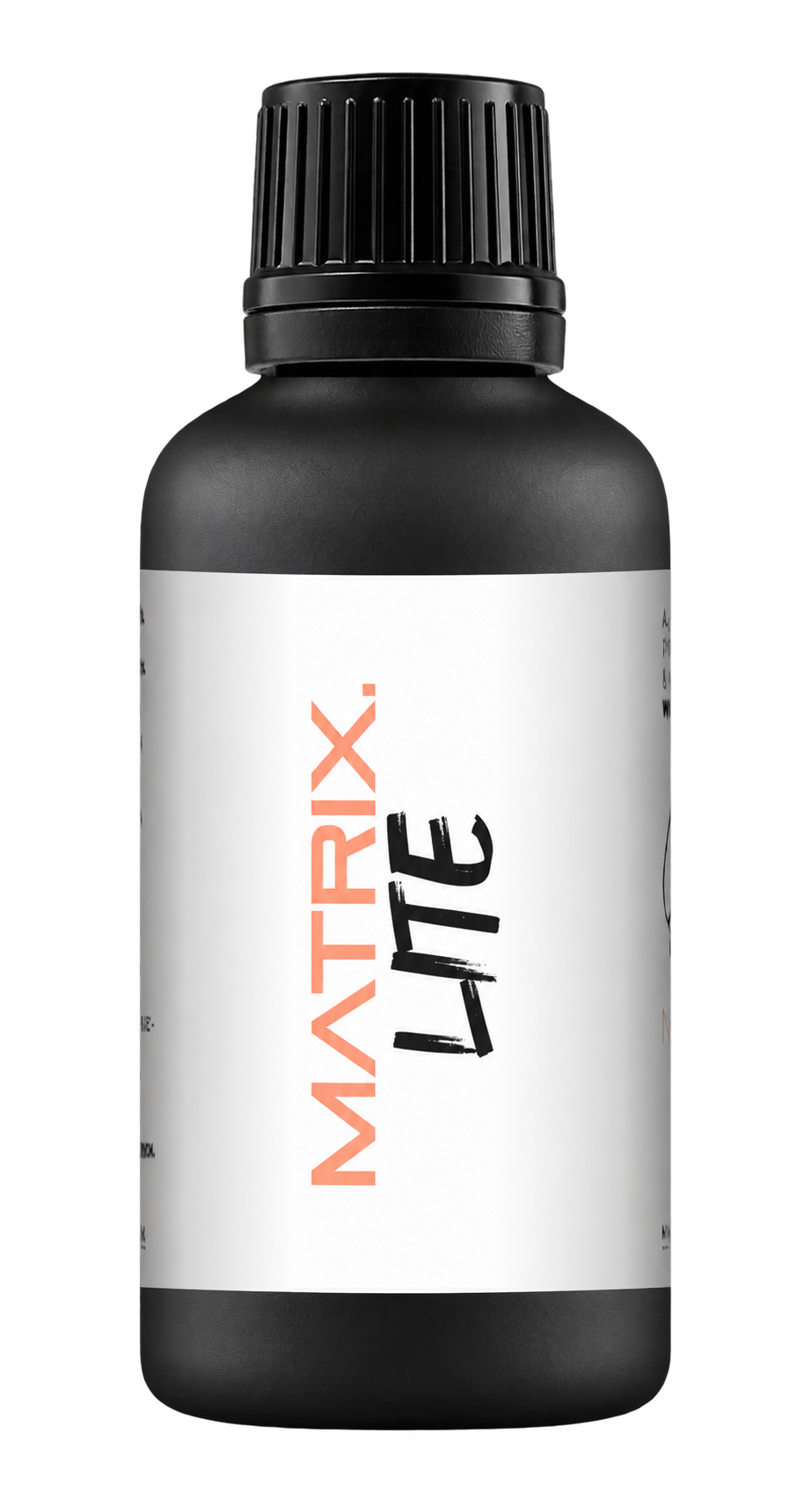
A full polishing range.
From cutting and one-step correction to final finishing.
Specialist chemistry. Expert application.
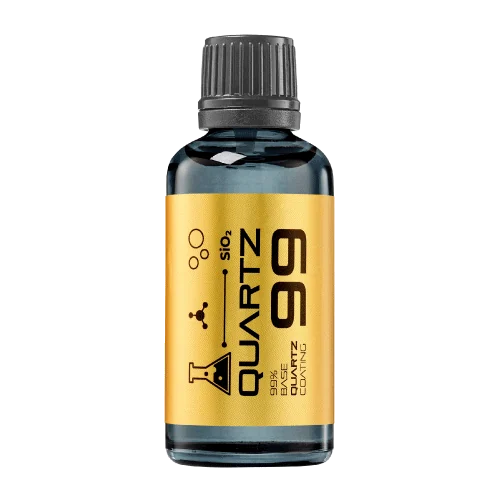 QUARTZ99 / CERAMIC BASE COAT
The foundation of your coating system.
A layerable quartz base coat designed for mechanical protection. Pair it with a suitable top coat to create the final finish.
For application by NANOLAB certified installers only.
Four formulas. Extended working time. Find the coating for your finish.
Explore the BEAST family of ceramic coatings.
Find the coating for each exterior surface.
 PPF & VINYLGLOSSProtection for glossy films and wraps.Discover
 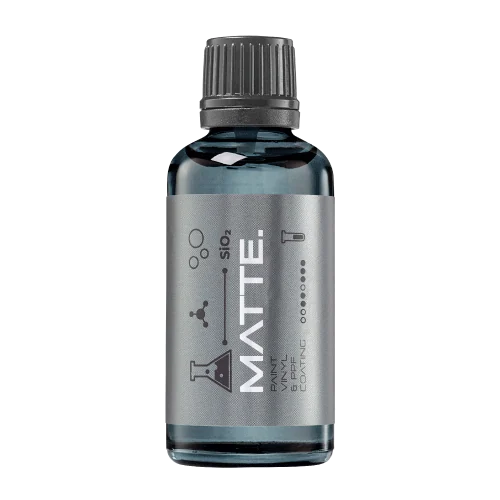 MATTE & SATINMATTEProtection that respects the finish.Discover
 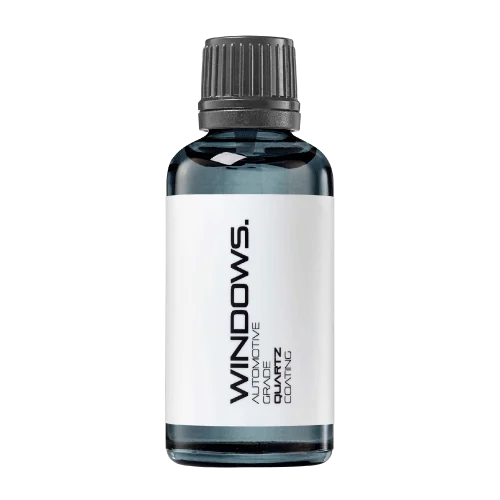 GLASSWINDOWSExplore dedicated glass protection.Discover
 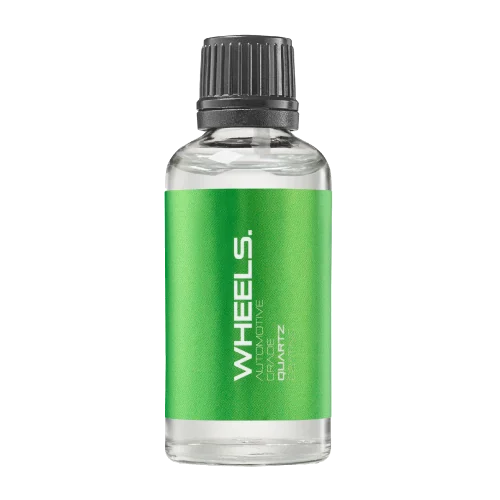 WHEEL PROTECTIONWHEELSA dedicated coating for your wheels.Discover
 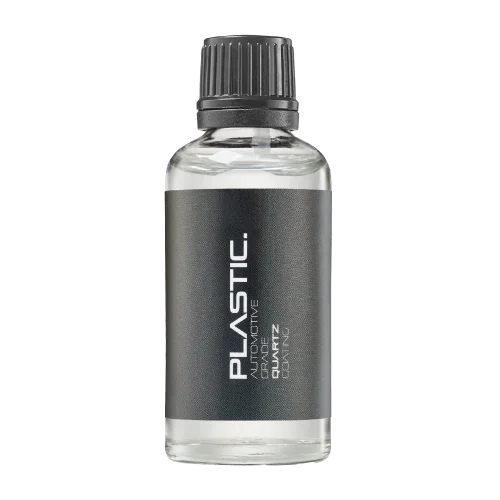 TRIM PROTECTIONPLASTICProtection for plastic surfaces.Discover
 Dedicated care for the surfaces inside.
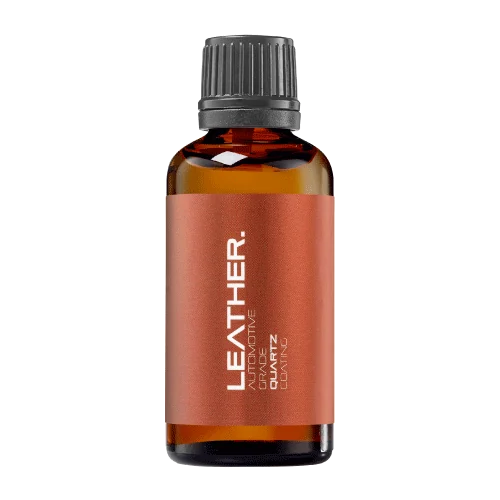 LEATHER SURFACESLEATHERDiscover NANOLAB leather protection.Discover PLASTIC SURFACESPLASTICProtection for interior plastic surfaces.Discover TEXTILE SURFACESFABRICExplore the latest fabric formulation.Discover
 Spray protection, maintenance and upcoming wash products.
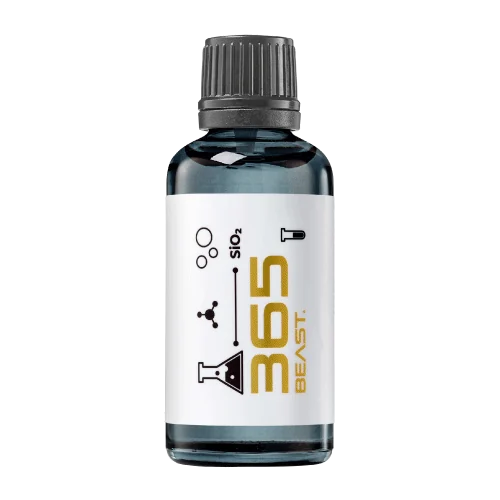 MAINTENANCEBEAST 365Explore the BEAST maintenance range.Discover
 Next in washing, cleaning & care.
Ceramic protection for boats and yachts.
An easy-to-apply ceramic coating with an established track record on boats and yachts around the world.
Results vary with surface preparation, exposure and maintenance.
Read 50 MARINE guides →Explore MARINEProtection for the surfaces you live with.
A look at what we’re developing.
From cutting and one-step correction to final finishing.
A wider range for professional vehicle care.
Taking shape alongside BEAST & MATRIX.
Practical guidance for your next coating project.
Explore all guides →
Check preparation, towel condition and application control when a BEAST coating does not level as expected, and stop before multiplying the problem.
Updated · NANOLAB Knowledge
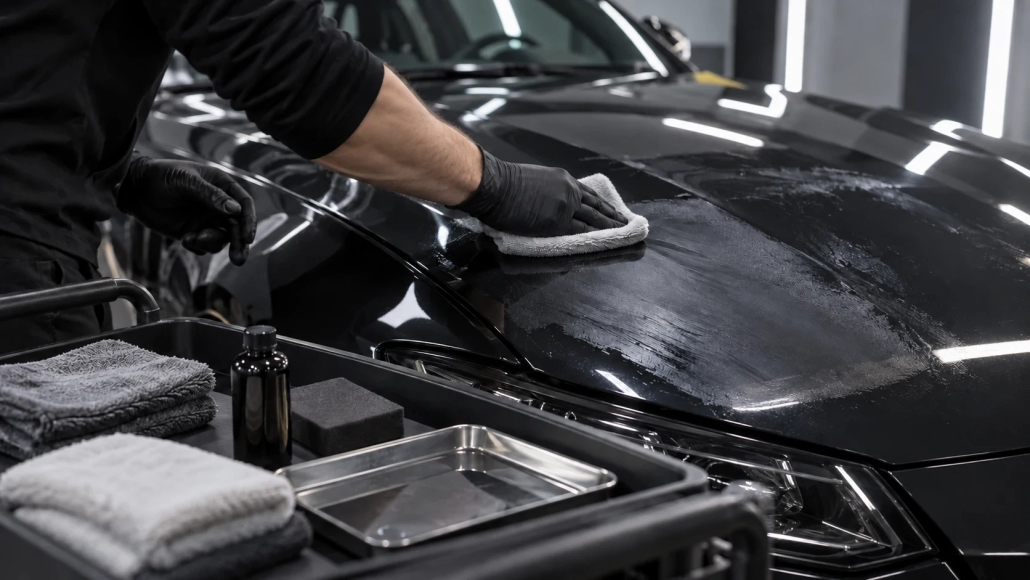
Record whether the material is BEAST, BEAST PRO or BEAST 365, how long it has been on the surface and the current conditions. Different formulas and curing stages can require different recovery methods. Do not apply a universal solvent or polish recommendation based only on the family name.
Look for whether the issue is smearing during removal, a darker patch after levelling or haze already present from preparation.
Inspect the applicator and towels for contamination or heavy loading. Confirm the surface was properly cleaned and dried. Review application amount, section size and the product’s stated levelling cues. For BEAST PRO, verify the required controlled environment and certified-installer process.
Test a correction only where it is permitted by the current instructions. More pressure or another layer can enlarge a problem without explaining it.
If the approved levelling process no longer works, pause and contact NANOLAB with the product, timing, conditions and photographs. Cured residue may require a different intervention from fresh excess. Record any local correction and inspect it again before handover. Review the appropriate BEAST or BEAST PRO instructions before continuing rather than transferring a technique from another series.
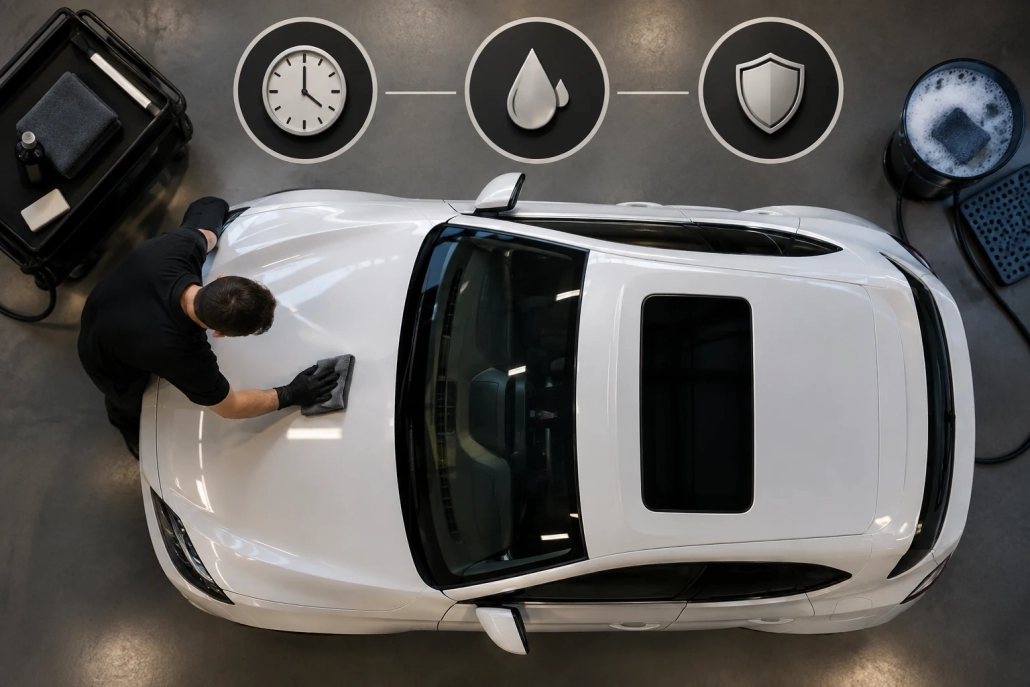
Separate the main curing milestones and use the exact NANOLAB product schedule instead of applying one universal waiting period.
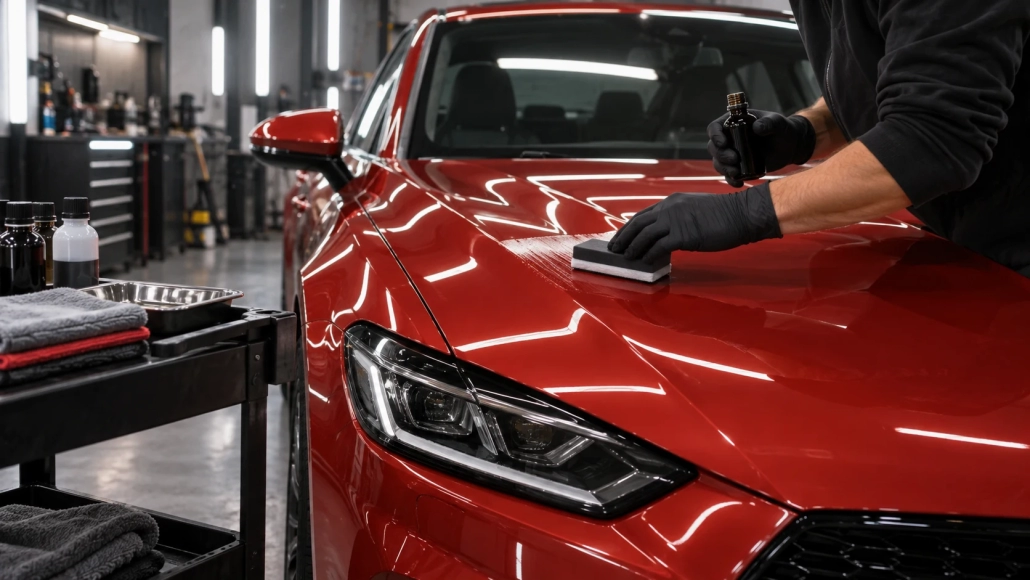
Learn how to remove excess coating, recognise streaks and high spots, and use clean towels without confusing hard wiping with effective levelling.
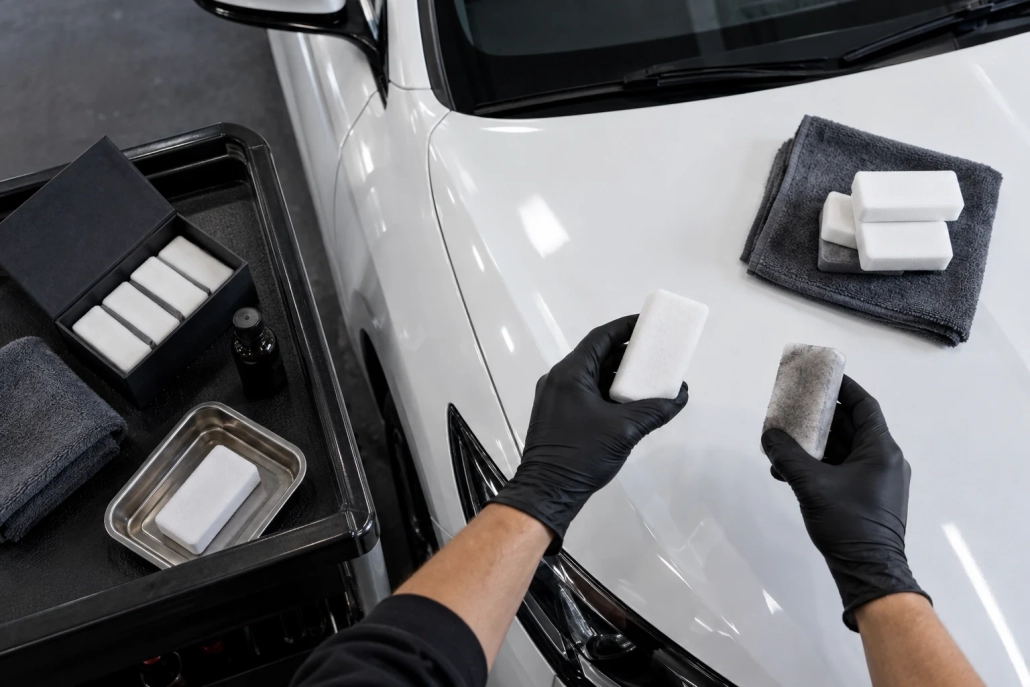
Match the applicator to the formula and surface, prime it as instructed and replace it when contamination or poor spreading affects control.

 MATRIX ELITE, PRO, GRAPHENE and LITE: Compare the Range